

My SSL certificate does not issue
AutoSSL fails or the domain stays "Not secured". Check where the domain and its aliases point, then try again.
What it means
AutoSSL asks Let's Encrypt for a free certificate. Before it issues one, Let's Encrypt checks from the internet that the domain, and every alias on the certificate, leads to your hosting server. If any of them leads somewhere else, or cannot be reached, the request fails and the domain stays Not secured.
When a request fails, the strip at the top of the page says so and gives the reason.
Check this first
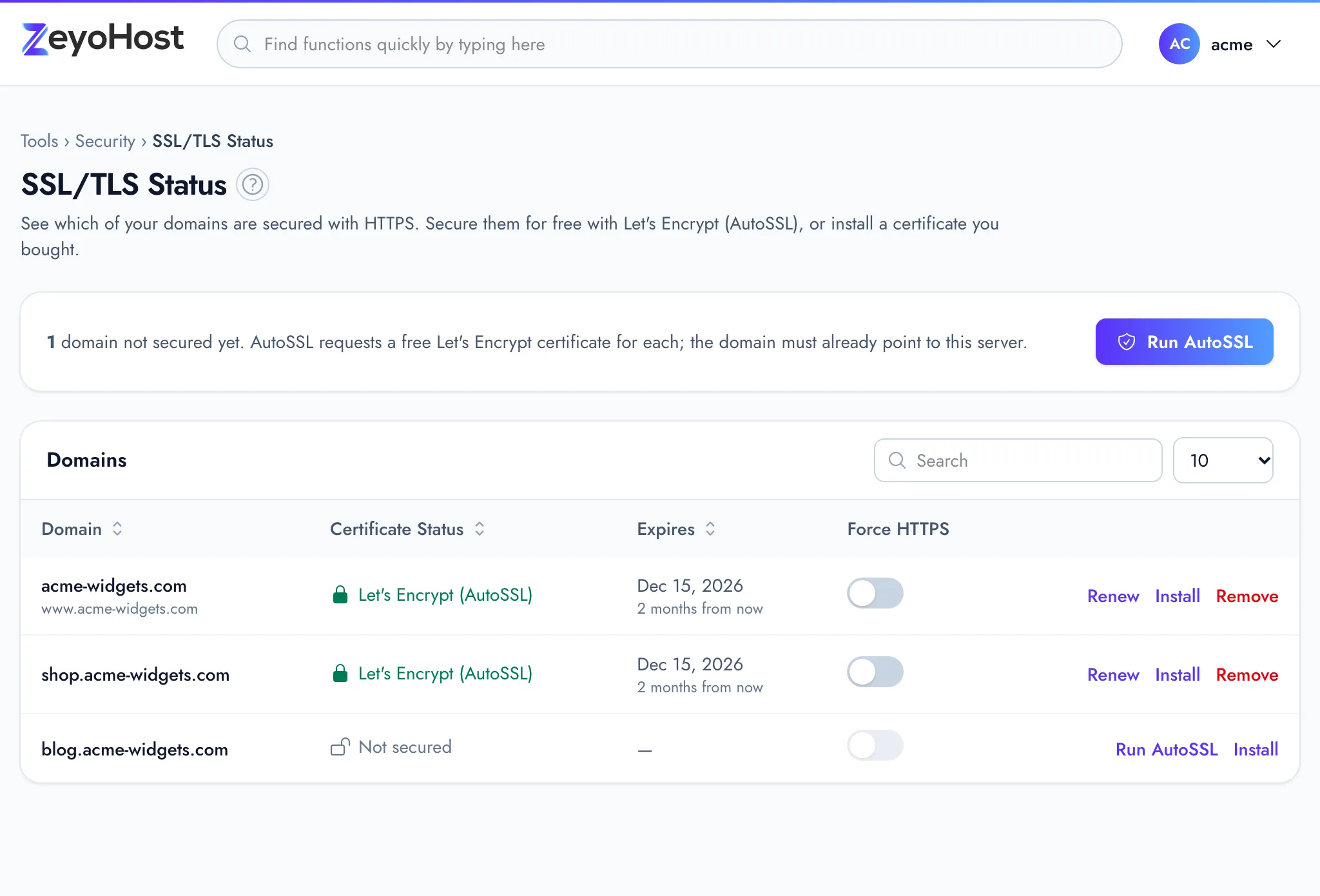
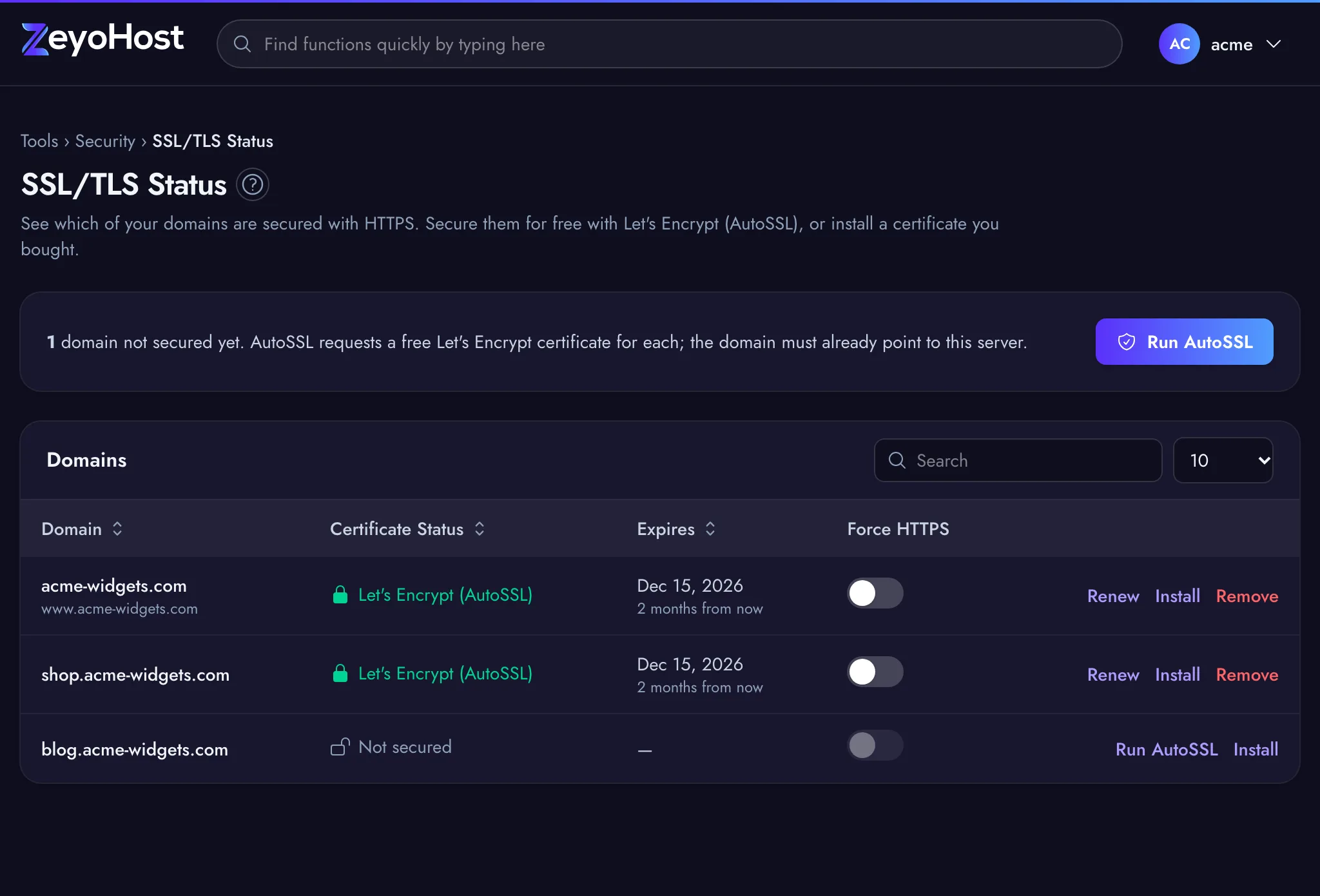
- Open Security → SSL/TLS Status and look at the domain's row. Its aliases (such as
www.example.com) are listed under the domain name: they are all on the certificate. - Note the Shared IP Address on the panel's home page.
- Open Advanced → Track DNS. Look up the
Arecord of the domain and of each alias. - Every answer must be your Shared IP Address.
Fix it
The domain or an alias points elsewhere
Point it here, as described in Point your domain to Zeyo Host, and wait
until Track DNS shows the new address. A missing or wrong www record is the most common cause: the domain itself
is right, but www still points to the old host or has no record at all.
If you do not need an alias, remove it in Domains → Aliases instead, then try again. See Aliases.
A CAA record blocks Let's Encrypt
A CAA record lists which certificate authorities may issue for your domain. If your domain has CAA records and none
of them allows Let's Encrypt, the request is refused. Check with Track DNS (choose CAA). If your DNS is here, add
0 issue "letsencrypt.org" as a CAA record in the Zone Editor, or remove the CAA records you
do not need.
The domain was only just added or moved
DNS changes take time to spread. If Track DNS already shows the right address, wait a little and try again.
Try again
- If the strip at the top of the page offers Try again, click it. Otherwise click Run AutoSSL on the domain's row.
- Wait for the panel to say the domain "is now secured".
The certificate shows as Expired
For a Let's Encrypt certificate, click Renew on the domain's row. If renewing fails, the same checks apply: the domain and its aliases must still point here. For a certificate you bought, get a new one from your certificate authority and use Install.
Still not issuing
If every name points here and it still fails, write to [email protected] with the domain and the reason the strip showed.
Related
- SSL/TLS StatusSee which of your domains use HTTPS, secure them with a free Let's Encrypt certificate, or install a certificate you bought.
- Secure your site with HTTPSGet a free Let's Encrypt certificate with AutoSSL, then send every visitor to the https:// address.
- Track DNSLook up a name's DNS records, see which name servers are in charge of a domain, and trace the network route to a server.
- Zone EditorAdd, change and remove the DNS records that tell the internet where your website and email live.
- AliasesShow the same website under another name, such as a second domain or the www. version of your domain.
Was this page helpful?
Sent without cookies; we do not store your IP address.
Still stuck? Contact the team; tell us the page and what you see.