

Subdomains
Create a subdomain such as blog.example.com with a website of its own, or remove one you no longer need.
A subdomain is a name in front of one of your domains, such as blog.example.com or shop.example.com, with a
website of its own. Use one to run a blog, a shop or a test copy of your site next to the main one, each in its own
folder.
Create a subdomain
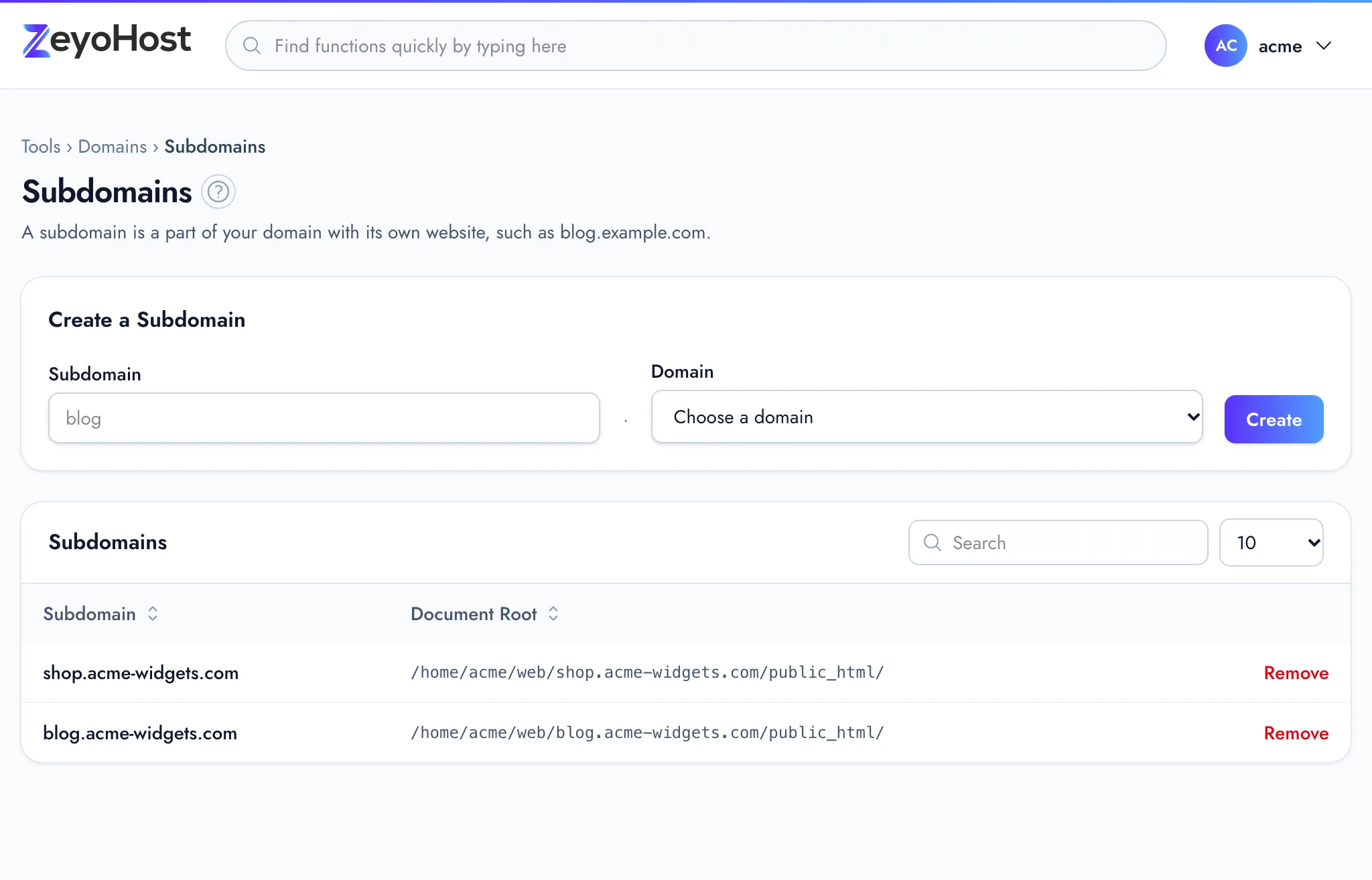
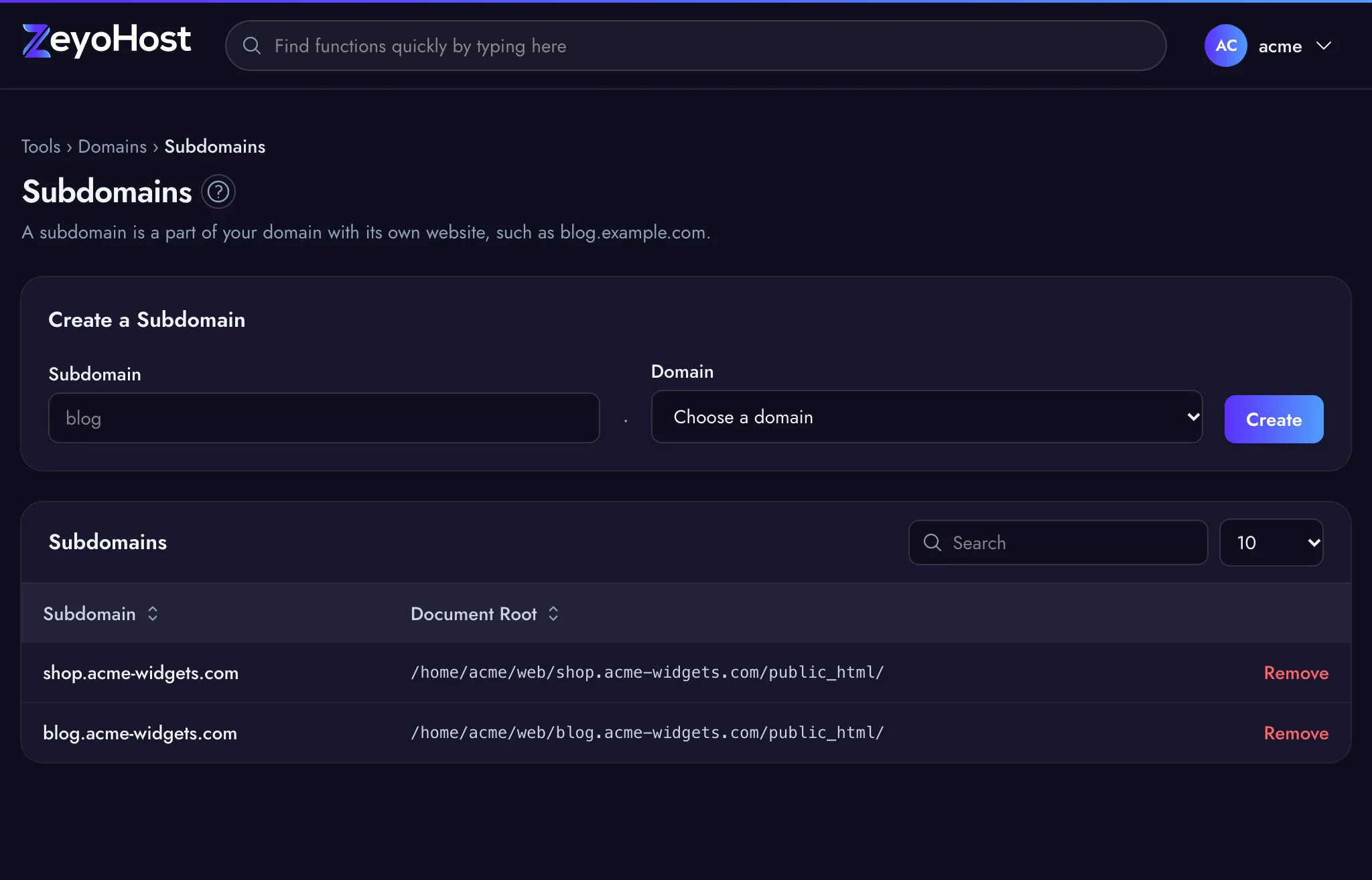
- In the panel, open Domains → Subdomains.
- Under Create a Subdomain, type the first part in Subdomain,
for example
blog. Use letters, numbers and hyphens only. - In Domain, choose the domain it belongs to.
- Click Create.
The new subdomain appears in the table with its Document Root, the folder its files go in. Upload its site there with File Manager.
The subdomain also needs a DNS record before visitors can reach it. The panel's message says what happened:
| Message | What it means |
|---|---|
| blog.example.com was created, and a DNS record now points it at this server. | The domain's DNS zone is on your account, so the panel added an A record (and an AAAA record if the domain has one) for blog, with the same address as the domain. |
| blog.example.com was created. Its DNS record was already there. | The zone already has a record named blog, or a wildcard record (*), so nothing was added. |
| blog.example.com was created. The DNS for example.com is managed elsewhere: add an A record for blog there, with the same address as example.com. | The domain's DNS is not on your account. Add the A record where its DNS is managed, such as your registrar. |
| blog.example.com was created, but its DNS record could not be added. Add an A record for blog in the DNS Zone Editor, with the same address as example.com. | The zone is on your account, but the record could not be added, for example because the domain itself has no A record in it. Add it yourself in the Zone Editor. |
Each subdomain is a separate website, so it counts towards your plan's limit on domains, and it needs its own certificate for HTTPS. See SSL/TLS Status.
Subdomains you added as a domain on the Domains page, such as shop.example.com,
are listed here too.
Remove a subdomain
- Click Remove on the subdomain.
- Read the message, then click Remove again to confirm.
Common errors
| Message | Why | What to do |
|---|---|---|
| The subdomain field format is invalid. | The name has a dot, a space or another character a subdomain cannot have, or starts or ends with a hyphen. | Enter only the first part, such as blog, and choose the domain from the menu. |
| The subdomain field is required. | The Subdomain field is empty. | Type the first part of the name. |
| The domain field is required. | No domain is chosen. | Choose a domain from the Domain menu. |
| That item already exists. | The subdomain is already a website on this server. | Check the table, or choose another name. |
| You have reached the limit of your plan. Remove something first, or move to a bigger plan in Billing. | Your plan's limit on domains is reached. | Remove a domain or subdomain you no longer use, or change your plan. |
Related
- DomainsAdd a domain as a new website with its own folder, DNS zone and email, change which folder it serves, or remove it.
- Zone EditorAdd, change and remove the DNS records that tell the internet where your website and email live.
- SSL/TLS StatusSee which of your domains use HTTPS, secure them with a free Let's Encrypt certificate, or install a certificate you bought.
- File ManagerBrowse the files of your hosting account, create and edit text files, and copy, move, compress or delete files and folders.
Was this page helpful?
Sent without cookies; we do not store your IP address.
Still stuck? Contact the team; tell us the page and what you see.