

Apache Handlers
Choose how the web server treats files with a given extension, by sending them as they are or using them as type maps.
Apache Handlers tells the web server what to do with files that have a certain extension. You can choose between two handlers, and the setting applies to the whole website.
| In the Handler list | In the table | What it does |
|---|---|---|
| Send the file as it is (never run it) | default-handler |
Sends the file to the visitor unchanged; it is never run as a program. |
| Type map: pick a page version by language | type-map |
Uses the file as a type map, which lists versions of a page so the server can send the one in the visitor's language. |
PHP files (.php, .phtml, .phar, .phps, and .php followed by a number) always run through PHP, so they
cannot be given a handler here. Images, styles, scripts and the other files the server's front end sends itself are
not affected either.
Add a handler
- In the panel, open Advanced → Apache Handlers.
- If you have more than one website, choose it under Website.
- Under Add an Apache Handler, choose the Handler, for example Send the file as it is (never run it).
- Extensions: enter one to ten extensions, separated by spaces or commas, for example
.tpl .inc. The dot is optional, and capitals are turned into lower case. - Click Add.
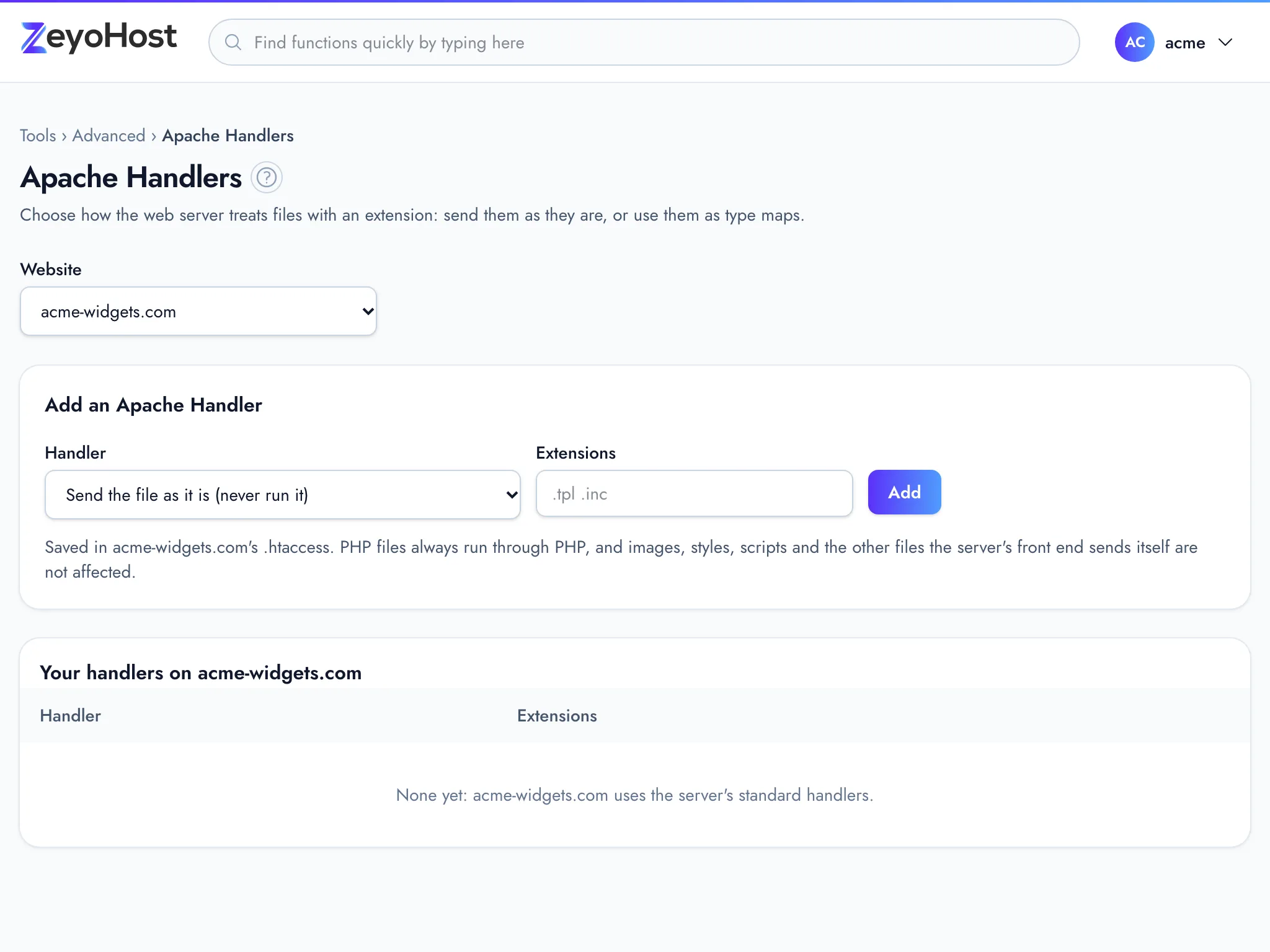
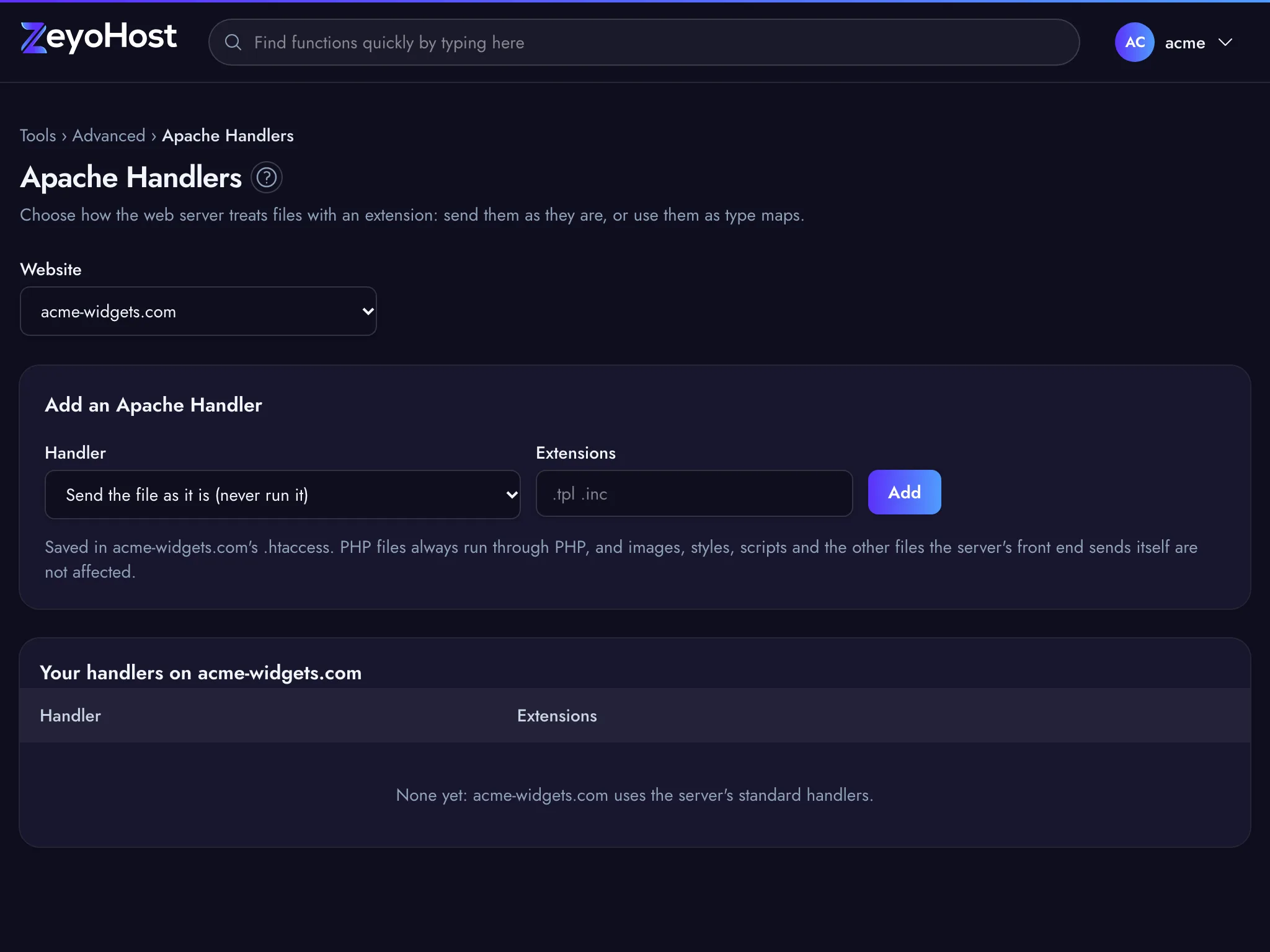
The handler appears under Your handlers on example.com, with its extensions. To add more extensions to a handler, add them the same way: they join the ones already there. Each extension has one handler, so adding an extension to one handler takes it away from the other.
The panel saves the handlers in the .htaccess file in your website's top folder, between the lines
# BEGIN ZeyoHost apache-handlers and # END ZeyoHost apache-handlers. The rest of the file is kept as it is.
Remove a handler
- In the panel, open Advanced → Apache Handlers.
- Click Remove on the handler's row.
- The panel asks, for example, Remove default-handler? and names the extensions that go back to the server's standard handling. Click Remove to confirm.
Common errors
| Message | Why | What to do |
|---|---|---|
| Give one to ten extensions, like .var or .tpl. | The Extensions field is empty or holds more than ten. | Enter between one and ten extensions; add the rest in a second go. |
| Extensions can use letters, digits, dashes and underscores. | An extension has other characters, or is longer than 16 characters. | Enter only the extension, such as tpl, without paths or file names. |
| .php files always run through PHP. | PHP's own extensions cannot be given a handler. | Leave PHP's extensions out. To change the PHP version a site uses, see Select PHP Version. |
| This site's nginx serves .css files itself, so a handler here would do nothing. | The server's front end sends files with that extension directly, so the handler would never be used. | Leave that extension out. |
| You have no websites yet. Add one in Domains. | Handlers belong to a website, and your hosting account has none. | Add a website in Domains first. |
| That folder's .htaccess is not a plain file. Fix or remove that file in the File Manager, then come back. | The .htaccess in your website's top folder is a link or a folder, so the panel cannot read or change it. |
Open the website's public_html folder in the File Manager, remove the .htaccess link or folder or replace it with a plain file, then open this page again. |
Related
- MIME TypesChoose the content type your website sends for a file extension, so browsers and apps know what the file is.
- IndexesChoose whether visitors see a list of files when they open a folder of your website that has no index page.
- File ManagerBrowse the files of your hosting account, create and edit text files, and copy, move, compress or delete files and folders.
- Select PHP VersionChoose which PHP version each of your websites runs, and which version the php command uses in SSH and cron jobs.
Was this page helpful?
Sent without cookies; we do not store your IP address.
Still stuck? Contact the team; tell us the page and what you see.