

FTP Accounts
Create FTP logins that can upload files to one folder of a website, and change their password or folder.
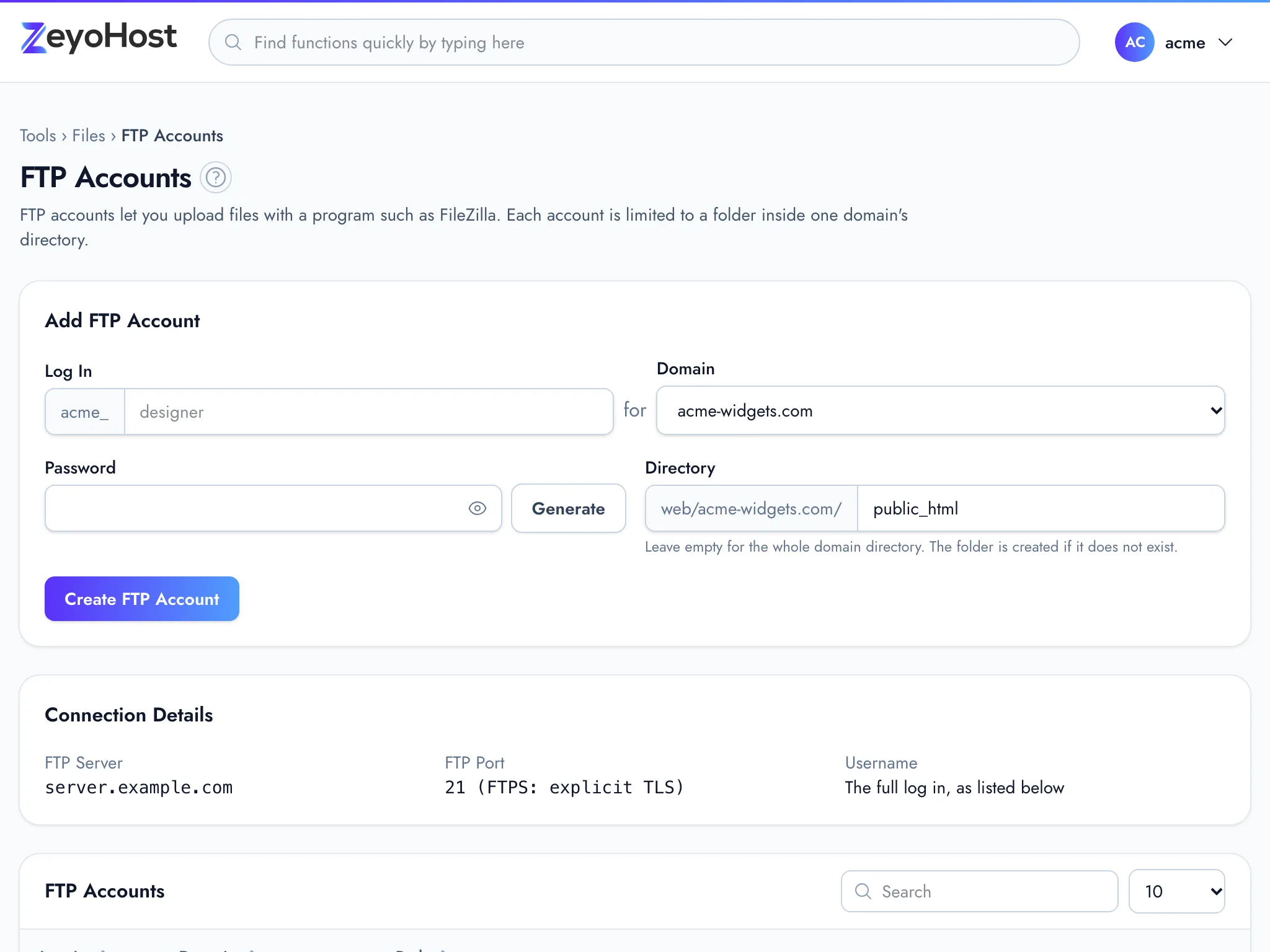
An FTP account is a login for an FTP program such as FileZilla. Each one belongs to one domain and is limited to a folder inside that domain's directory, so you can give a designer or developer access to one site without sharing your hosting account's password. Use FTP for files the File Manager cannot take: images, archives and anything over 1 MB.
Create an FTP account
- In the panel, open Files → FTP Accounts.
- Log In: enter a name, such as
designer. Use lower-case letters, digits, dots, dashes and underscores. The panel puts your hosting account's username and an underscore in front of it, sodesignerbecomesacme_designerfor the hosting accountacme. - Domain: choose the website the account is for.
- Password: enter a password of at least 10 characters with upper- and lower-case letters and a number, or click Generate for a strong one. Keep it somewhere safe: the list does not show passwords.
- Directory: the folder the account opens in, inside the domain's directory.
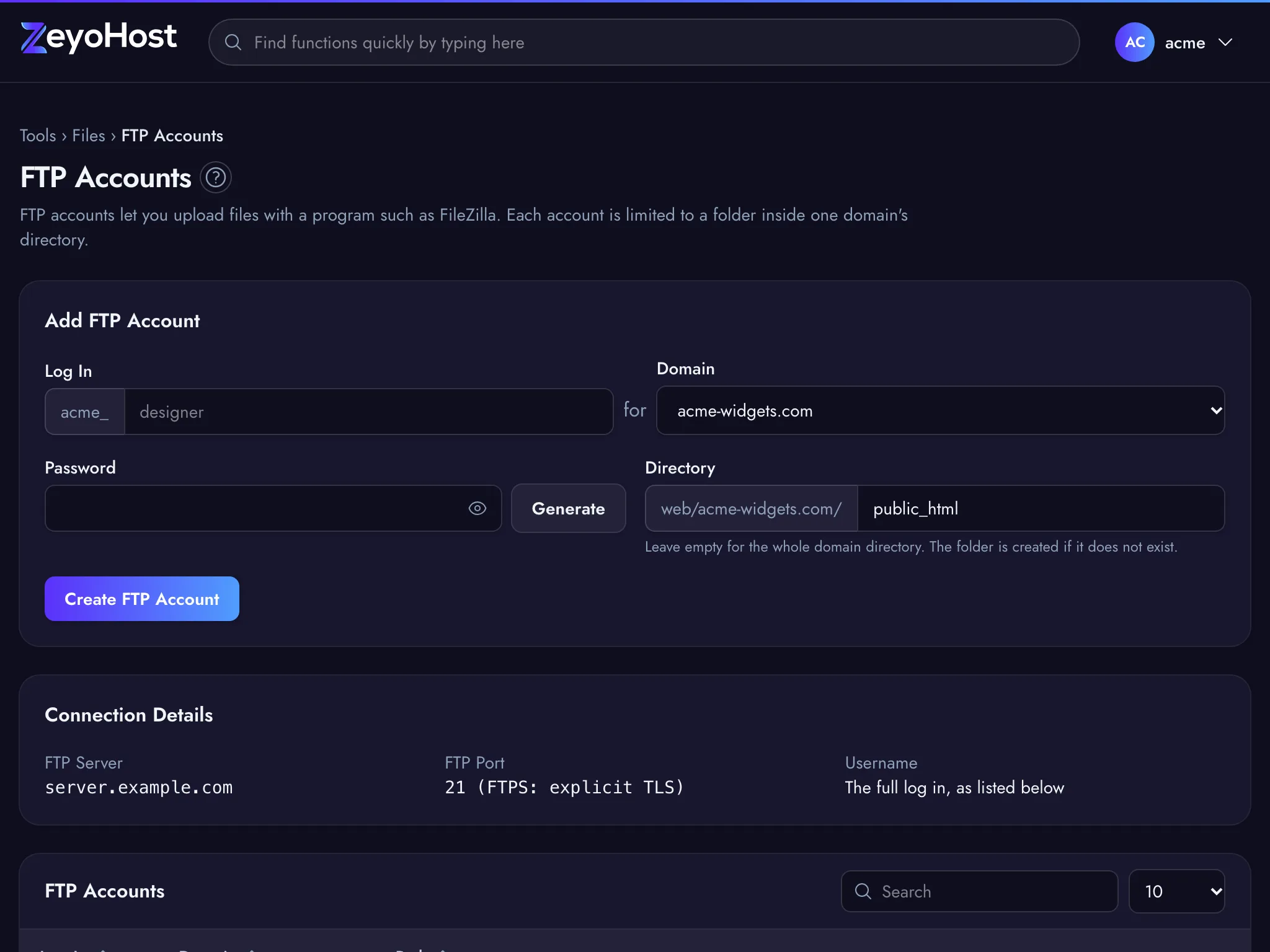
public_htmlis the website itself. Leave it empty to give access to the whole domain directory. The folder is created if it does not exist. - Click Create FTP Account.
Connect with an FTP program
The Connection Details panel on the page has everything your FTP program needs:
| Setting | Use |
|---|---|
| FTP Server | The server name shown on the page. |
| FTP Port | 21, with FTPS (explicit TLS). Choose FTP over explicit TLS in your program. |
| Username | The full log in as listed in the table, for example acme_designer. |
| Password | The password you set for that FTP account. |
Change the password or folder
- Find the account in the list.
- Click Change Password, enter the New Password and click Save.
- Or click Change Directory, enter the folder inside the domain's directory and click Save. Leave it empty for the whole domain directory.
Delete an FTP account
- Click Delete next to the account.
- Confirm.
Common errors
| Message | Why | What to do |
|---|---|---|
| The log in field format is invalid. | The name has spaces or other characters, or starts with a dot, dash or underscore. | Use lower-case letters, digits, dots, dashes and underscores, starting with a letter or digit. |
| The log in field must not be greater than … characters. | With your hosting account's username in front, the login would be longer than 32 characters. | Choose a shorter name. |
| The password field must be at least 10 characters. | The password is too short. | Use 10 characters or more, or click Generate. |
| The password field must contain at least one uppercase and one lowercase letter. | The password is all one case. | Mix upper- and lower-case letters. |
| The password field must contain at least one number. | The password has no digit. | Add a number. |
| The folder must be inside the domain's directory. | The directory contains ... |
Enter a folder inside the domain's directory, such as public_html/uploads. |
| The directory field format is invalid. | The directory has characters other than letters, digits, dots, dashes, underscores and slashes. | Remove spaces and other characters. |
| That item already exists. | An FTP account with that login already exists. | Choose another name, or change the existing account. |
| That item does not exist. | The account was deleted in the meantime. | Reload the page. |
Related
- File ManagerBrowse the files of your hosting account, create and edit text files, and copy, move, compress or delete files and folders.
- Web DiskOpen your website files like a drive on your computer over SFTP, and drag files in and out.
- DomainsAdd a domain as a new website with its own folder, DNS zone and email, change which folder it serves, or remove it.
- Password & SecurityChange your hosting account's password, the one for FTP, SFTP and SSH, which is separate from your panel sign-in.
Was this page helpful?
Sent without cookies; we do not store your IP address.
Still stuck? Contact the team; tell us the page and what you see.