

Panel tour
63 tools.
Zero relearning.
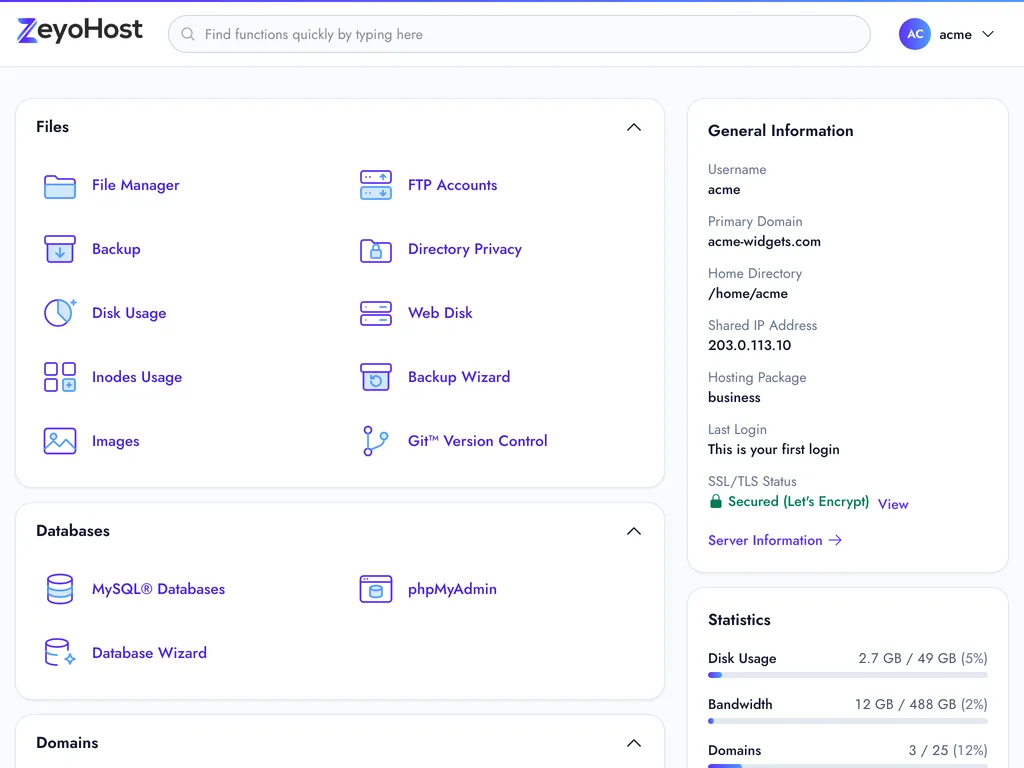
Our panel keeps cPanel’s names and groups, and rebuilds everything around them: faster pages, plain-English errors, light and dark, and one login for every hosting account you own.
Built in
The details that make it calmer to use
-
Find any tool by typing
Press / and type “dns”, “mailbox” or “php”. The home page filters as you type, and every tool knows its common nicknames.
-
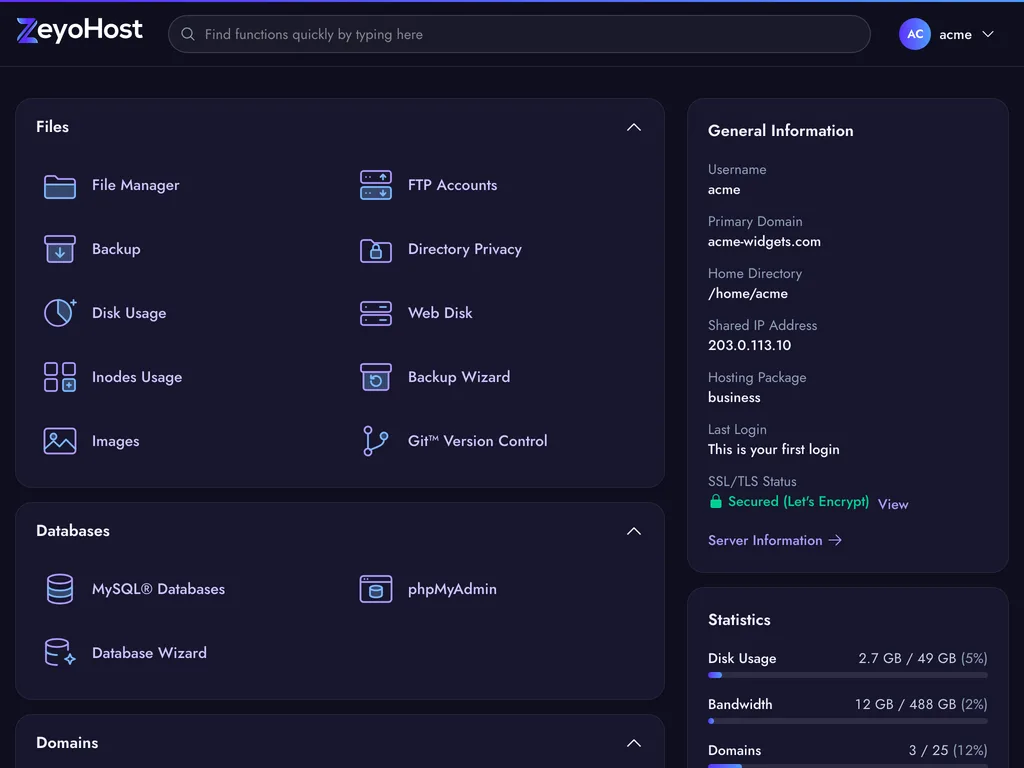
Light and dark
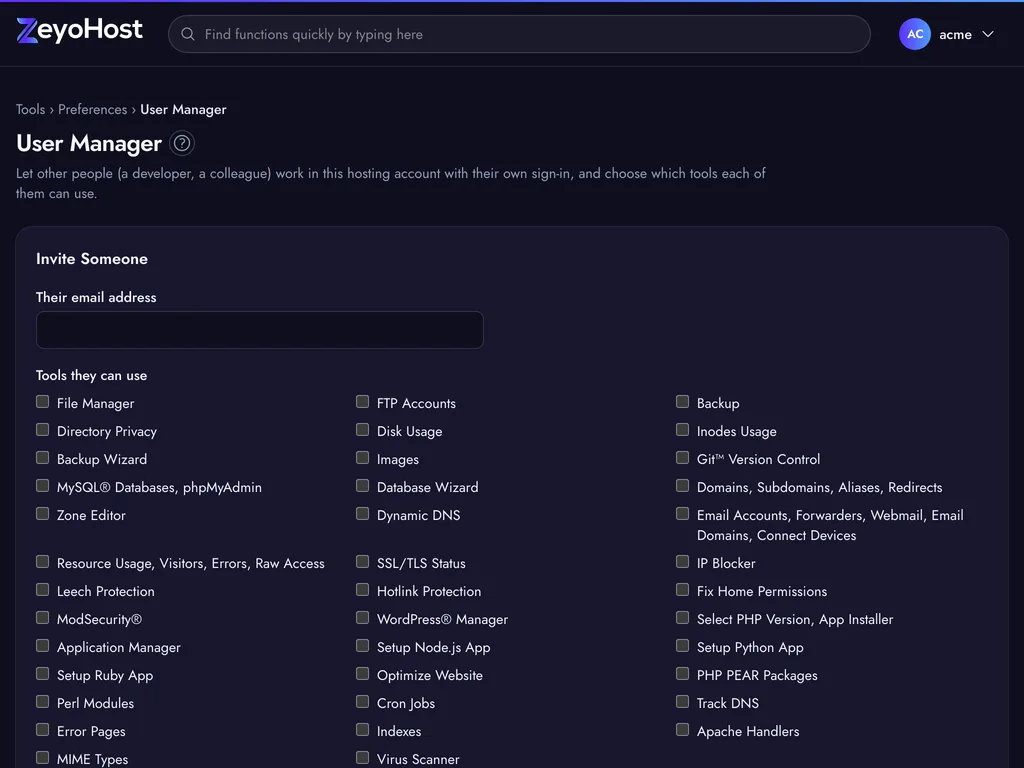
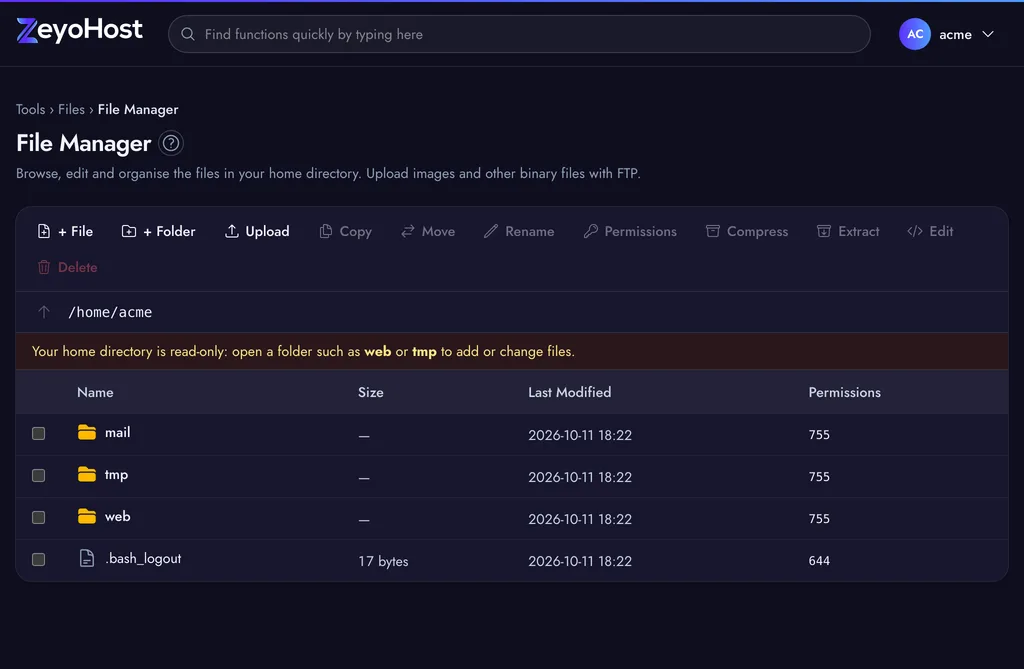
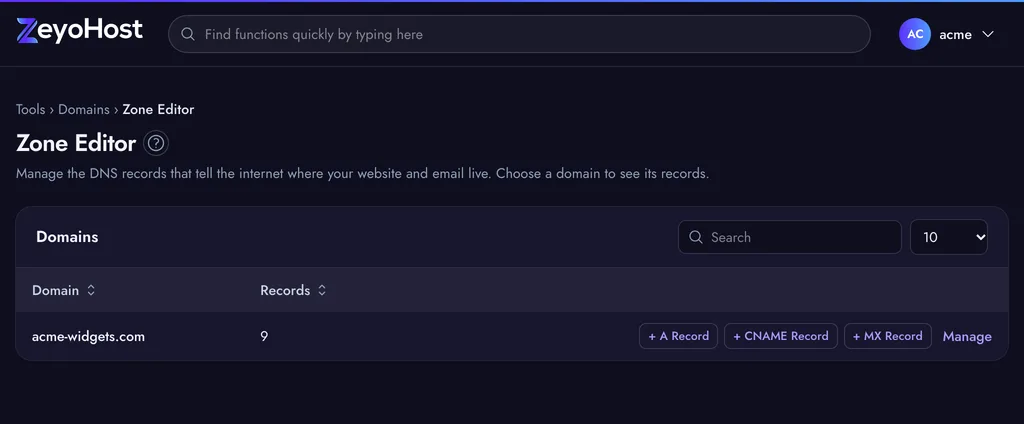
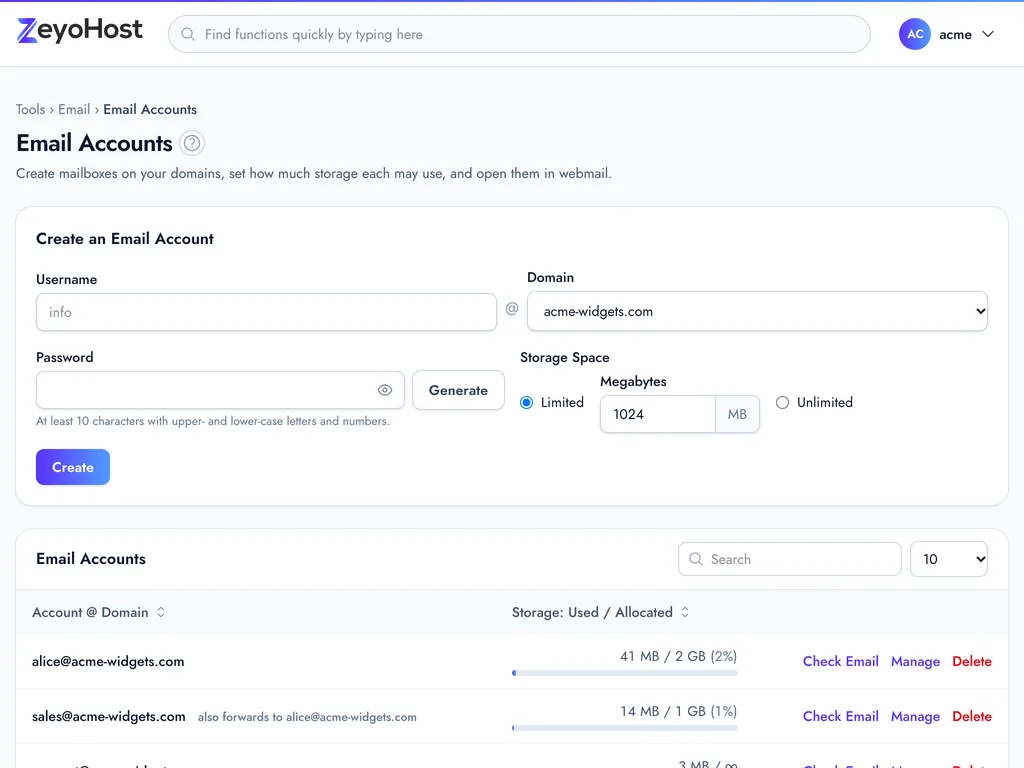
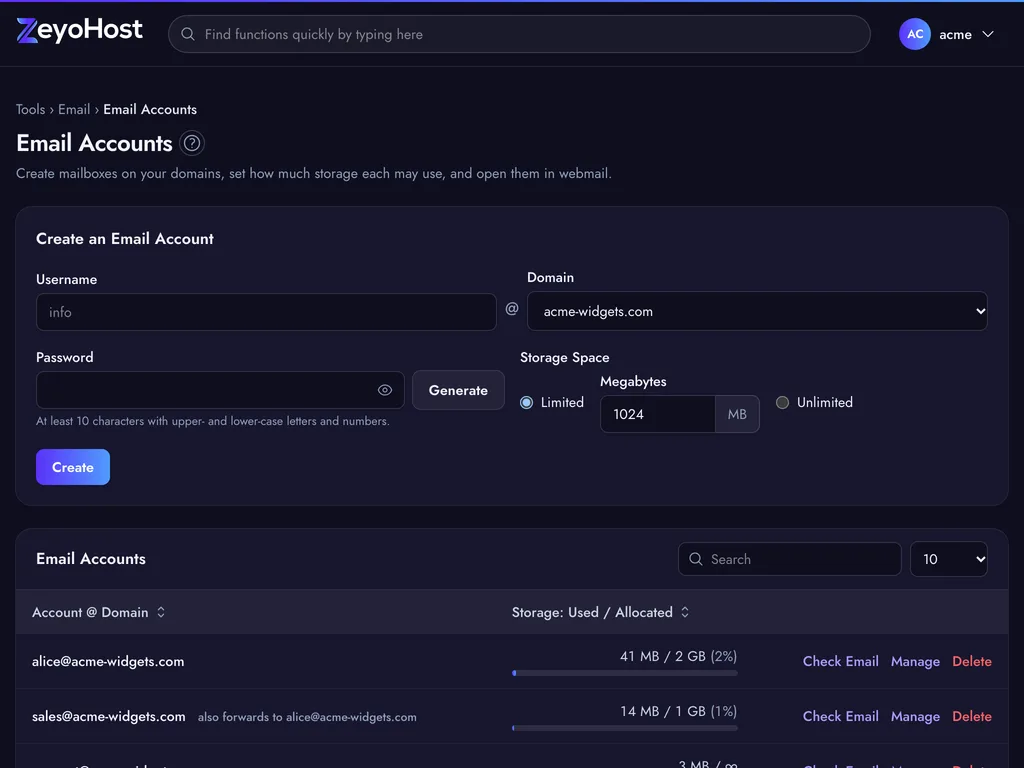
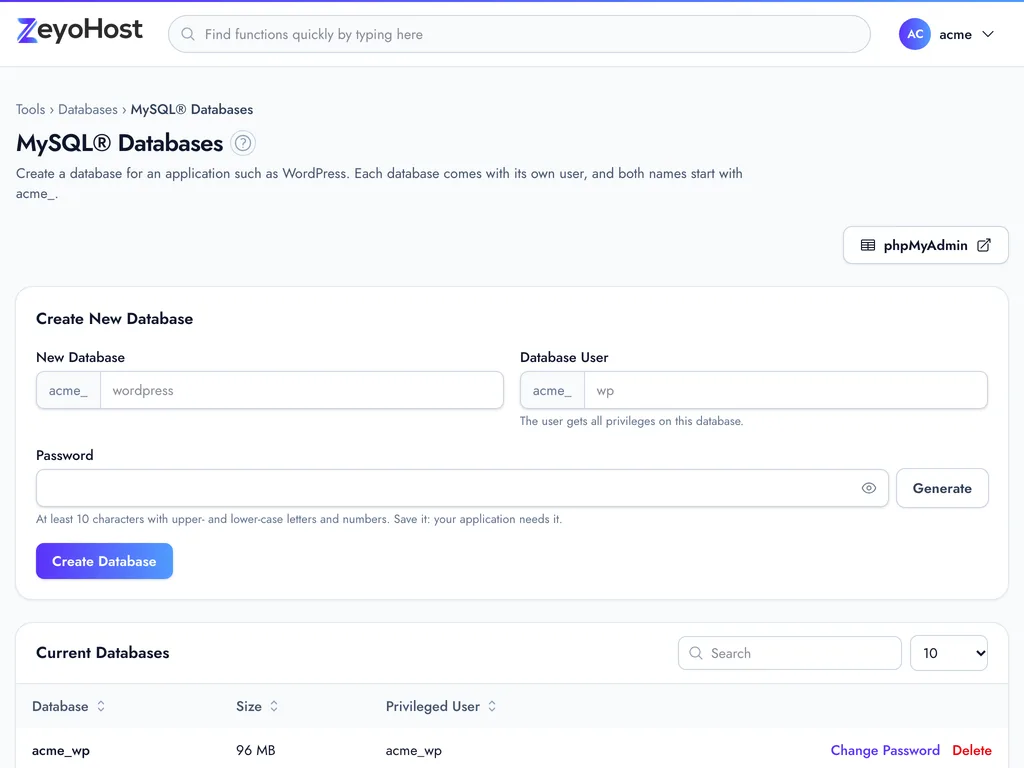
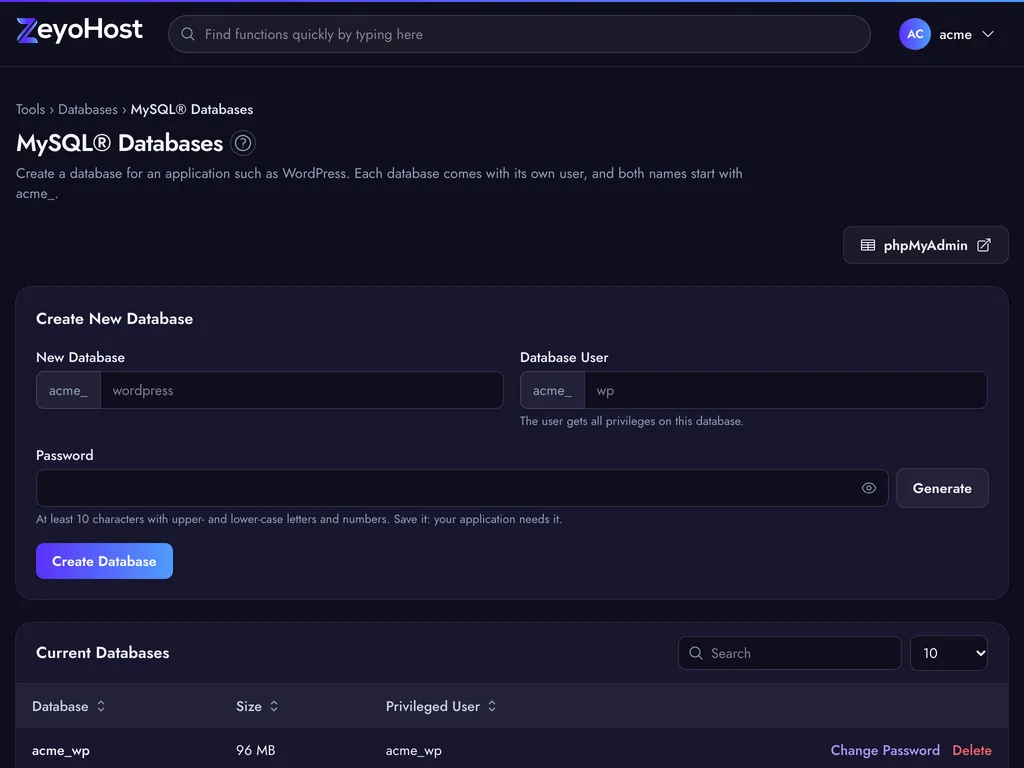
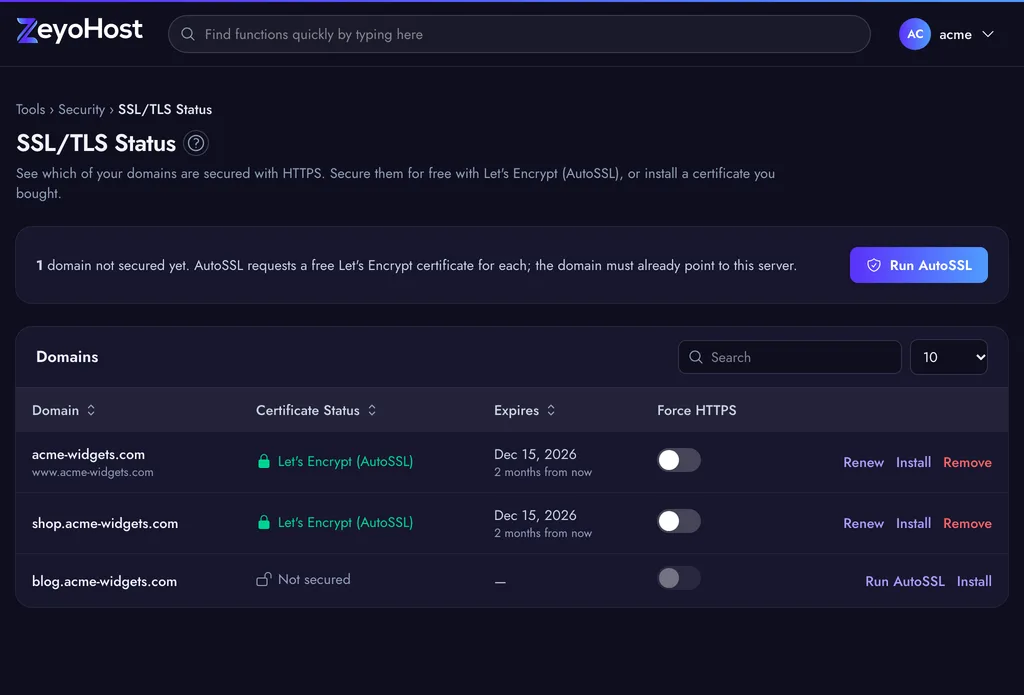
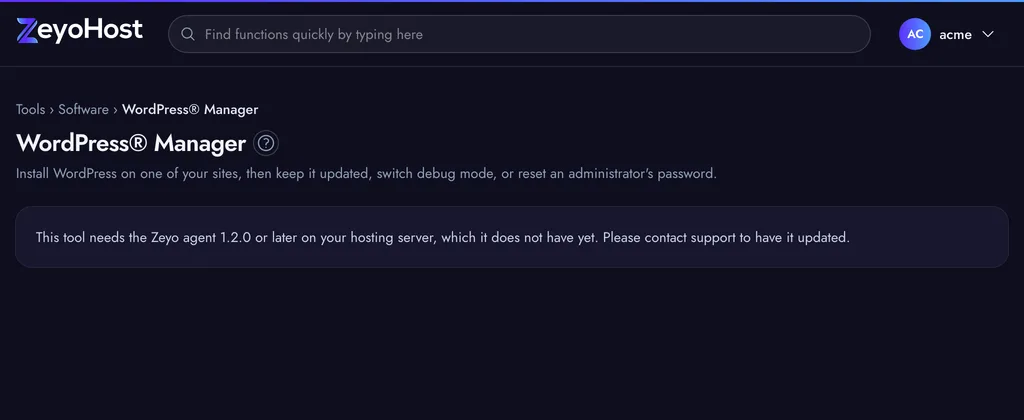
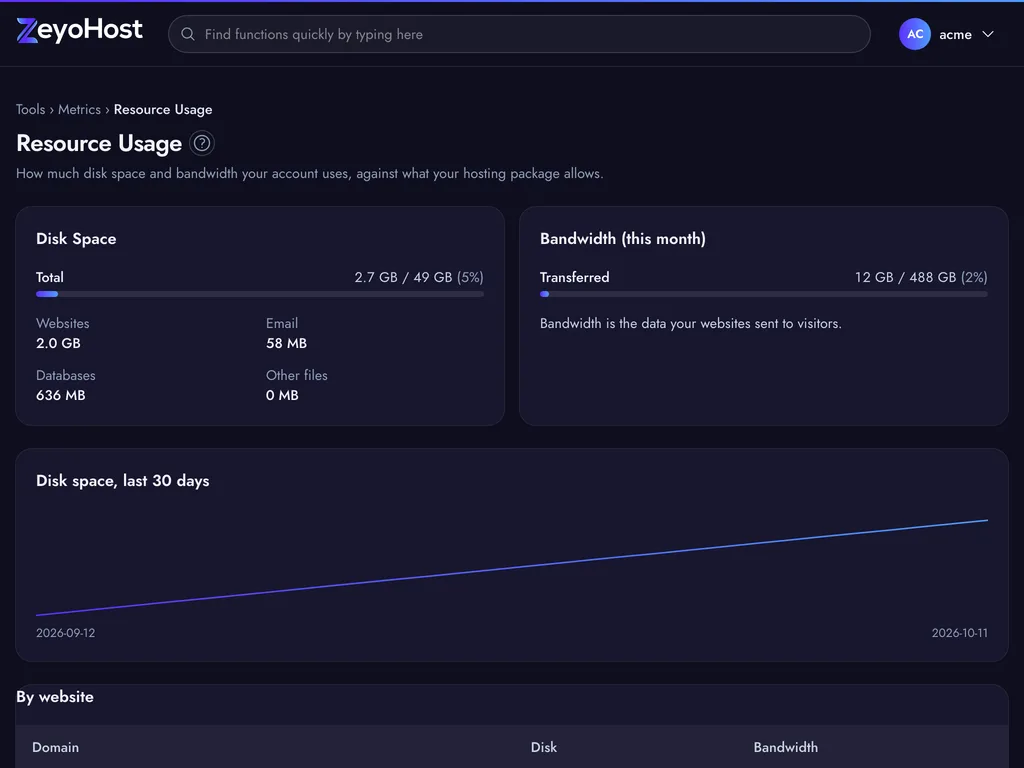
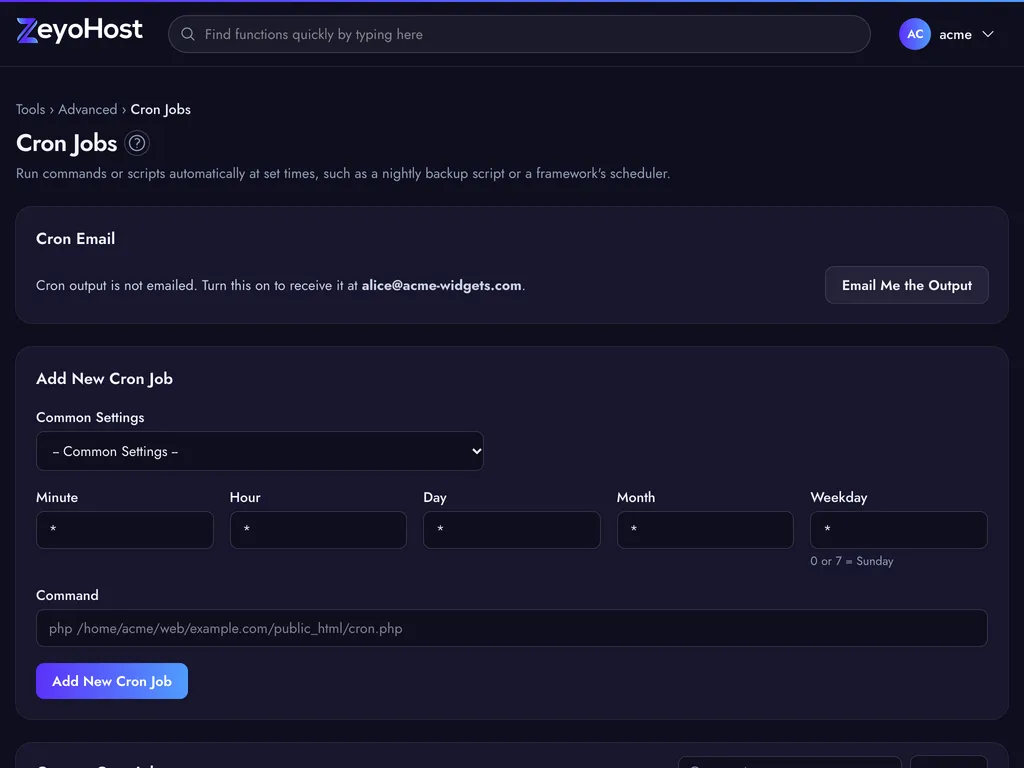
Follows your device, or pick one under Change Style. Every screen in our guides comes in both.
-
Errors in plain English
Instead of a server error code you get what went wrong and what to do, and the help centre explains each one.
-
Long jobs run in the background
Certificates, backups, app installs and unpacking archives keep going while you carry on, with progress shown.
-
Two-factor for everyone
Any authenticator app works. Login History shows sign-ins, so nothing happens behind your back.
-
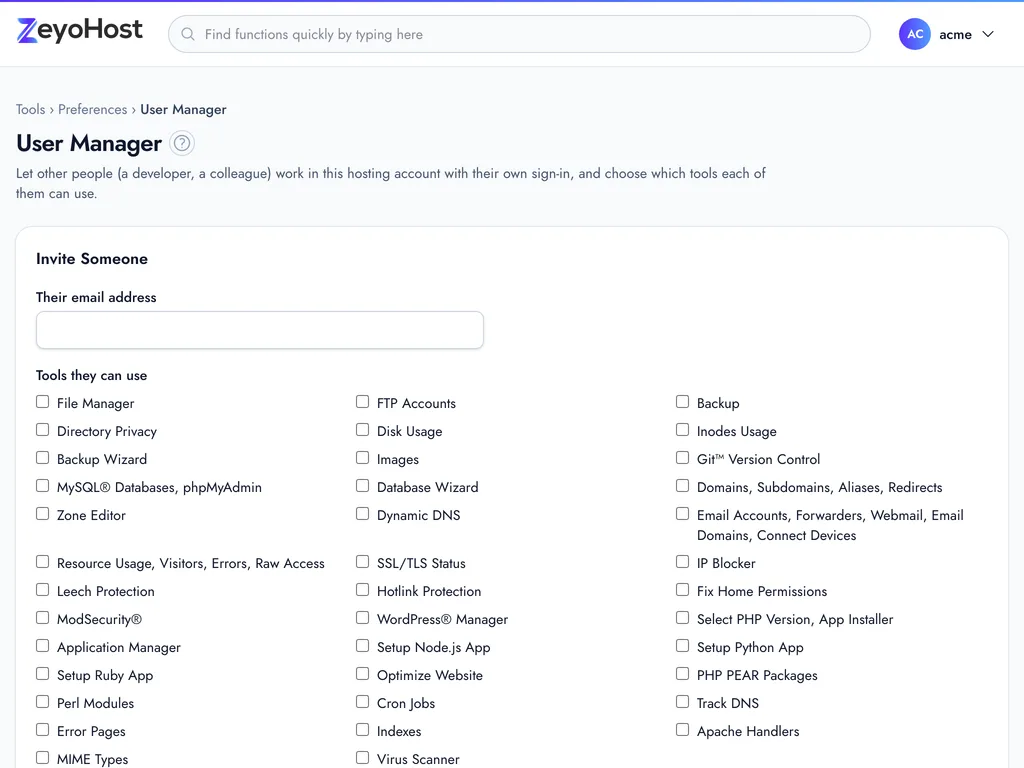
Invite your team, tool by tool
User Manager invites a colleague or developer by email into one hosting account and lets you tick exactly which tools they can open. They sign in with their own Zeyo account, and you can remove them at any time.
10 tools
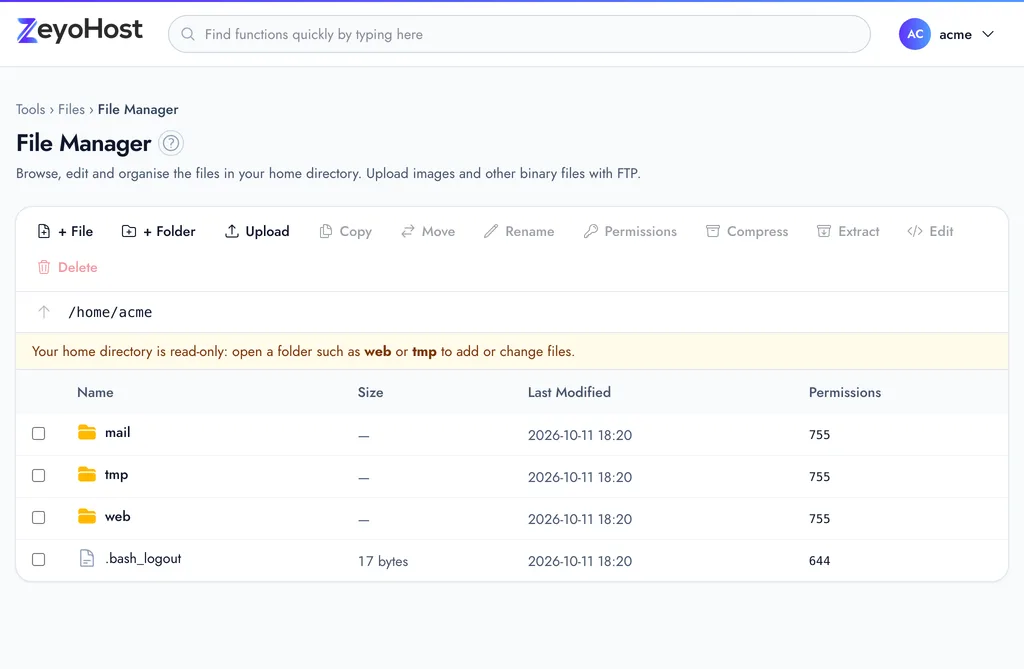
Files
Upload, edit, move and compress files in the browser, connect over FTP or as a drive, deploy from Git, and see what fills your disk.
6 tools
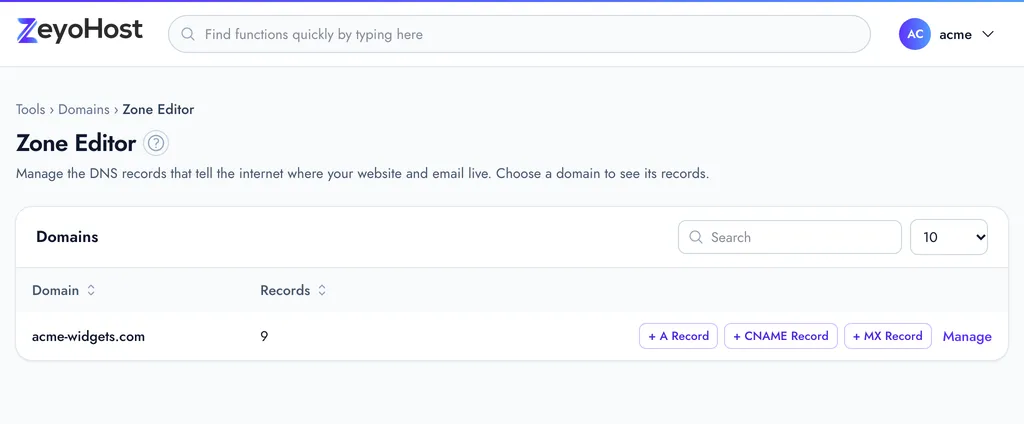
Domains
Add sites, subdomains, aliases and redirects, and edit every DNS record in the Zone Editor, with one-click shortcuts for the common ones.
5 tools
Create mailboxes and forwarders, open webmail, set up phones and Outlook from one page, and add your domain to Zeyo Mail.
3 tools
Databases
Create MySQL® databases and users, grant privileges, and open phpMyAdmin, or let the Database Wizard do it in three steps.
10 tools
Security
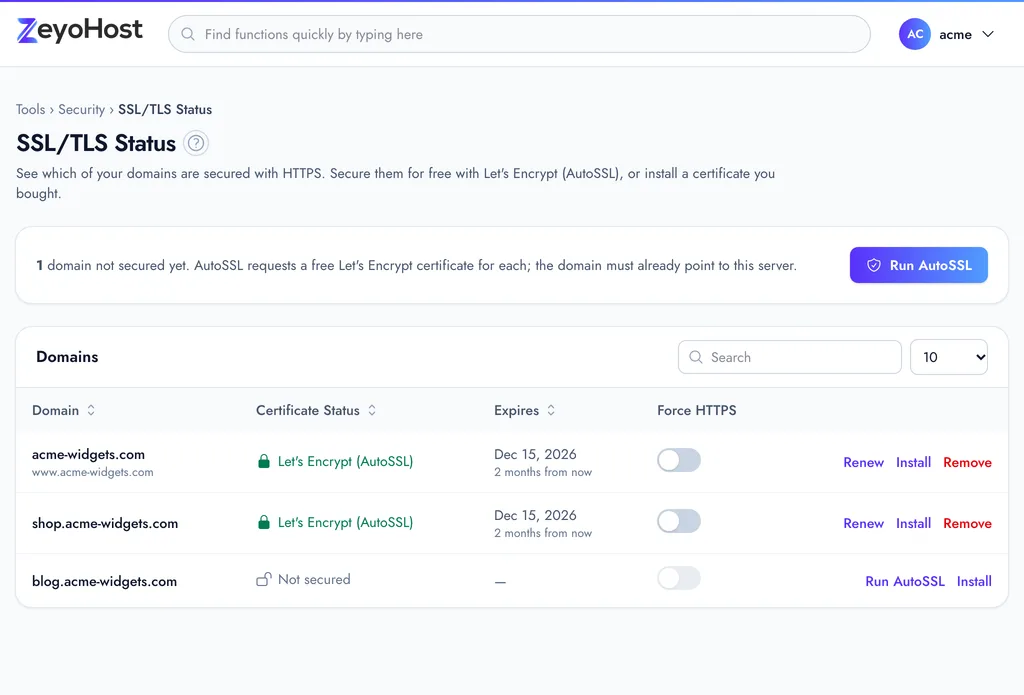
Free SSL with AutoSSL, two-factor sign-in, SSH keys, IP blocking, hotlink and leech protection, ModSecurity® and API tokens.
10 tools
Software
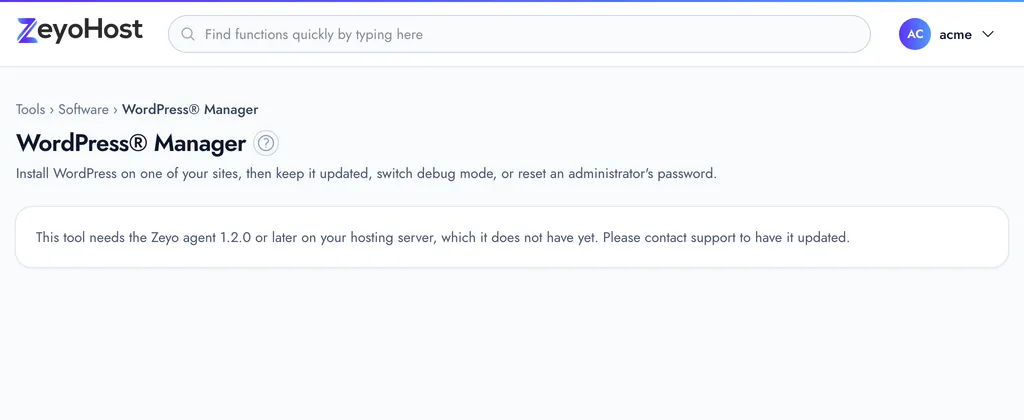
WordPress® Manager, an app installer, PHP versions, page caching, and Node.js, Python and Ruby apps with their own limits.
4 tools
Metrics
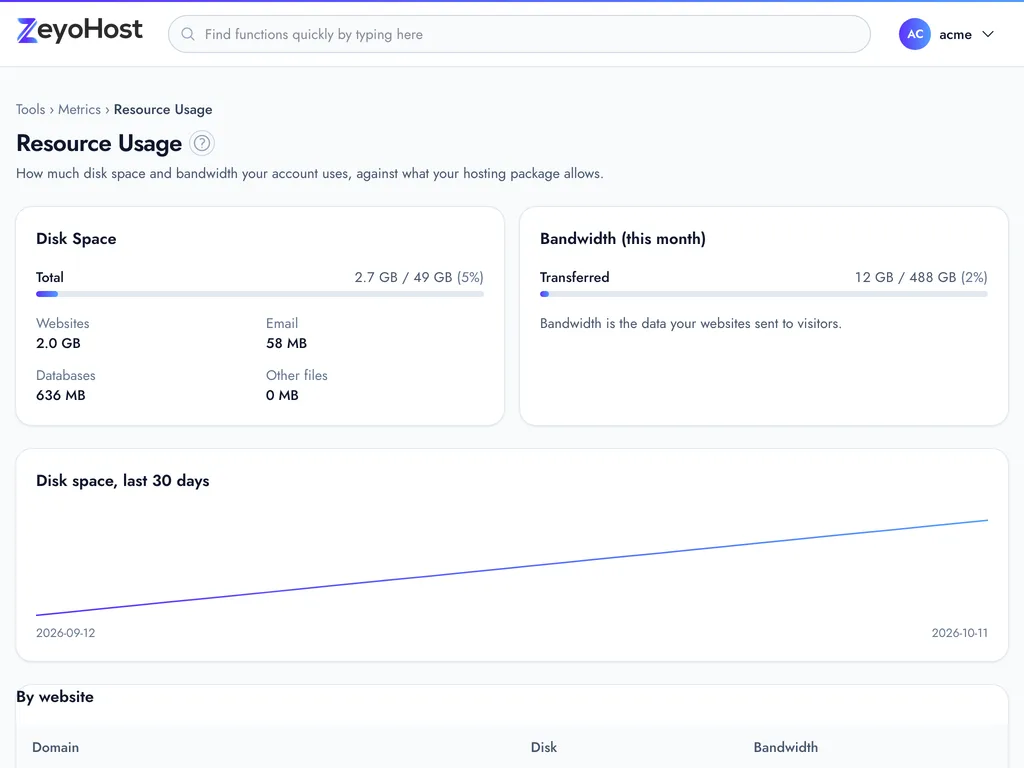
Resource usage against your plan, visitors, error logs and raw access logs, all for the selected hosting account.
8 tools
Advanced
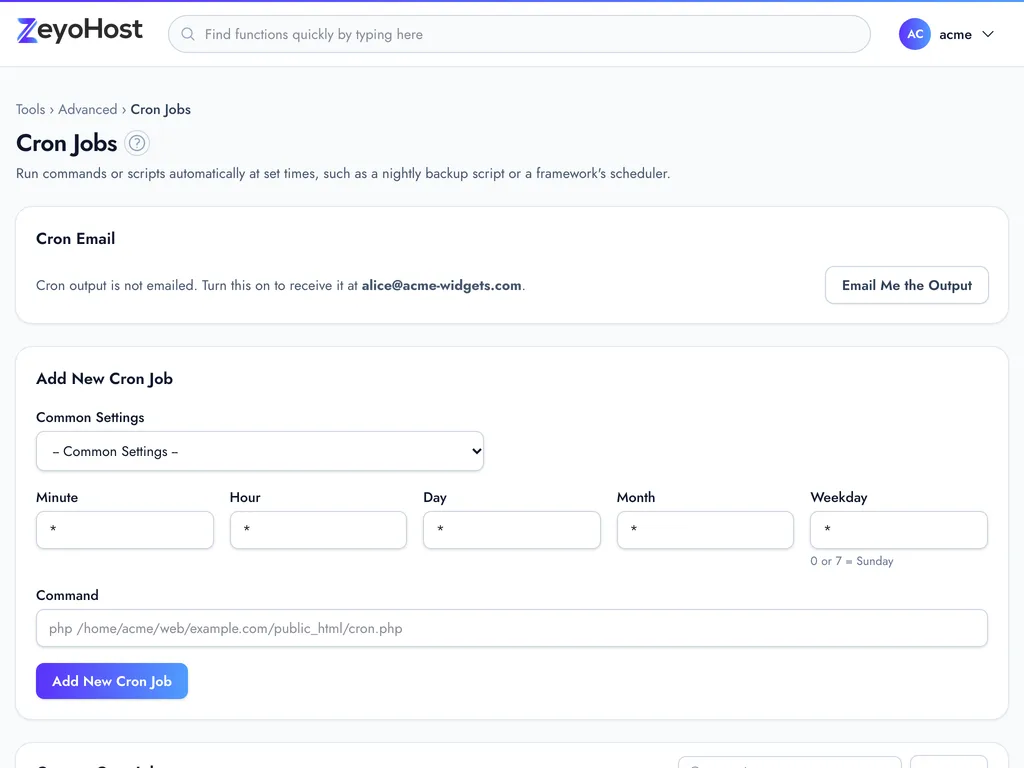
Cron jobs, a browser terminal, error pages, indexes, MIME types, Apache handlers, DNS tracking and a virus scanner.
7 tools
Preferences
Invite team members with only the tools they need, set your contact details, language and theme, and manage billing.
Every tool has a guide.
Step-by-step tutorials with screenshots in light and dark, the panel's error messages explained, and the related tools linked.