

WordPress hosting
WordPress, installed in a click
and looked after from one place.
Install WordPress, keep it updated, switch on debug mode when something breaks, and reset a lost admin password without touching a database.
Why it works
The WordPress chores, handled in the panel
-
Install in a click
Choose the domain and folder; the installer creates the database and the admin user for you.
-
Updates, debug mode, passwords
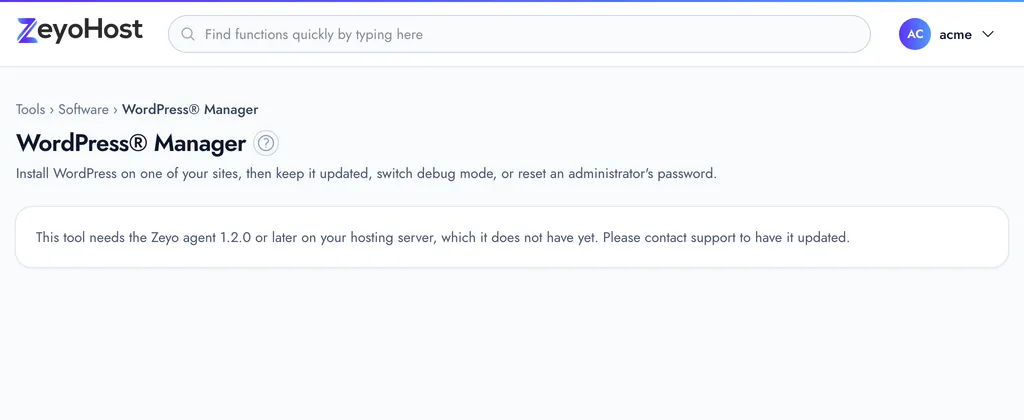
Update WordPress, turn debug mode on or off, and reset an admin password from WordPress Manager.
-
Page caching
Switch on caching under Optimize Website to serve pages faster.
-
HTTPS from day one
AutoSSL issues a free certificate for each domain and renews it, so the padlock does not lapse.
-
Deploy themes from Git
Keep your theme or plugin in GitHub or GitLab and deploy it to your site from Git™ Version Control.
-
Restore what you need
Bring back one site’s files or its database from a backup, step by step, with the Backup Wizard.
These plans are being set up. Ask us in the meantime.
In your panel
The tools you will use most
Can I move my existing WordPress site here?
Yes. Copy the files and the database across and point your domain. The WordPress guide in the help centre walks through it.
Do you update WordPress for me?
You decide. WordPress Manager shows which sites need an update and applies it with one click. WordPress’s own automatic minor updates keep working as usual.
Can I run other apps next to WordPress?
Yes. App Installer offers other popular apps, and every WordPress plan includes the whole panel.
Ready when you are.
Pick a plan and your panel is ready in minutes. Change plans later without moving a single file.