

phpMyAdmin
Open phpMyAdmin from the panel and sign in with a database user to browse tables, run queries, and import or export a database.
phpMyAdmin is a web page for working inside your MySQL databases: looking at tables, changing rows, running SQL, and importing or exporting a whole database. It is not part of the panel itself. The panel opens the phpMyAdmin of the server your hosting account is on, in a new browser tab, and you sign in there with a database user.
Open phpMyAdmin
- In the panel, open Databases → phpMyAdmin. You can also click phpMyAdmin at the top of MySQL® Databases, or Open phpMyAdmin on the last step of the Database Wizard.
- phpMyAdmin opens in a new tab and asks you to sign in.
- Enter the database's user name, with its prefix (for example
acme_wp), and that user's password. - Sign in. The database appears in the list on the left.
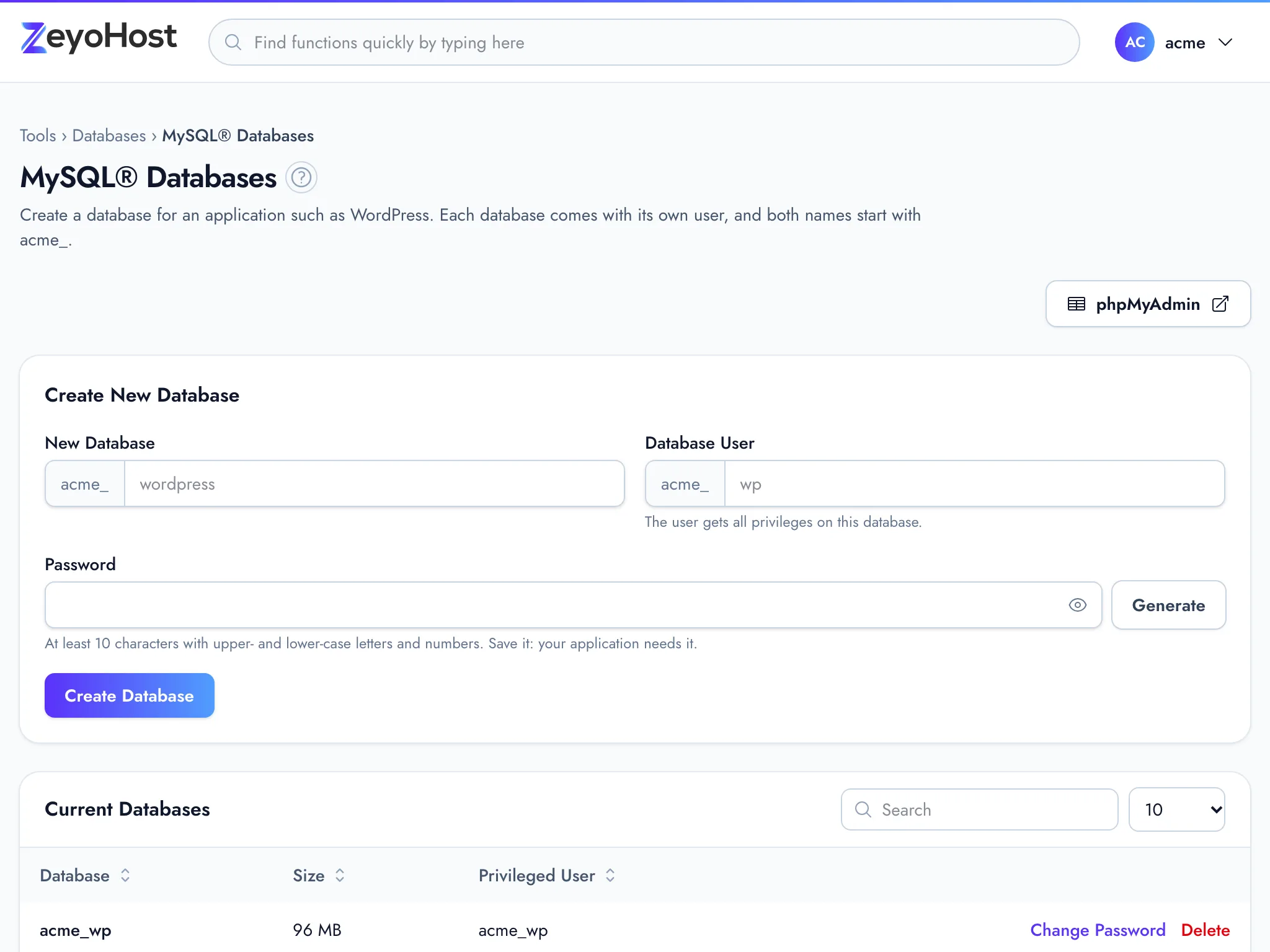
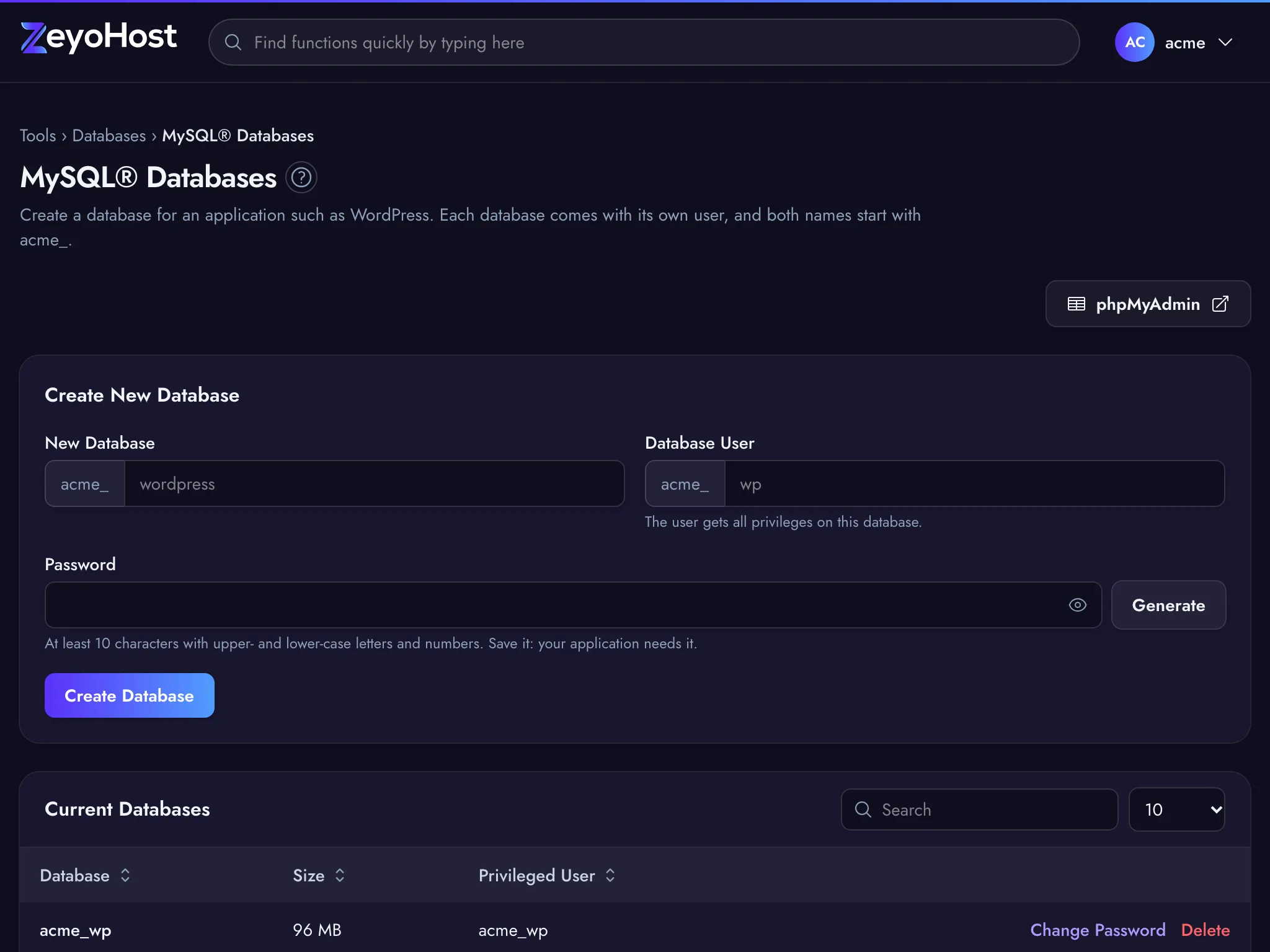
Each database user only sees its own database. To work on another database, sign out and sign in with that database's user.
What you can do there
- Browse and edit: click a table to see its rows, and edit or delete single rows.
- SQL: run your own queries against the database.
- Export: download the database as an
.sqlfile, for example before a big change. - Import: load an
.sqlfile into the database, for example when moving a site to Zeyo Host.
Forgot the password?
phpMyAdmin uses the database user's password, not your panel password. If you do not have it, set a new one with Change Password in MySQL® Databases, then update your application's configuration with it too.
Common errors
| Message | Why | What to do |
|---|---|---|
| … Access denied for user … (shown by phpMyAdmin) | The user name or password is wrong, or the prefix is missing. | Use the full user name from the Privileged User column, and reset the password if needed. |
| This tool is not included in your plan | Your hosting package does not include this tool. | See A tool is not in my plan. |
| This tool is not shared with you | You are a team member, and the owner has not given you this tool. | Ask the owner of the hosting account to share it with you. |
| We can't reach the hosting server | The panel could not ask the hosting server for its phpMyAdmin address. | Try again in a minute or two. Your sites are not affected. |
Related
- MySQL® DatabasesCreate a MySQL database and its user for an application such as WordPress, change the user's password, or delete a database.
- Database WizardCreate a MySQL database and the user your website connects with, one step at a time, and get the connection settings at the end.
- Install WordPressInstall WordPress on your domain with WordPress Manager, then sign in to your new site.
- BackupSee the backups of your hosting account, create a new one, and restore websites, email, databases or files from one.
Was this page helpful?
Sent without cookies; we do not store your IP address.
Still stuck? Contact the team; tell us the page and what you see.