

Change Language
Choose the language for notices and emails sent from your hosting account.
Change Language sets the language for notices and emails sent from your hosting account. The list shows the languages the server offers, with English first.
Change the language
- In the panel, open Preferences → Change Language.
- Under Language, choose a Language. Each is shown in its own name, for example Deutsch or Español.
- Click Change.
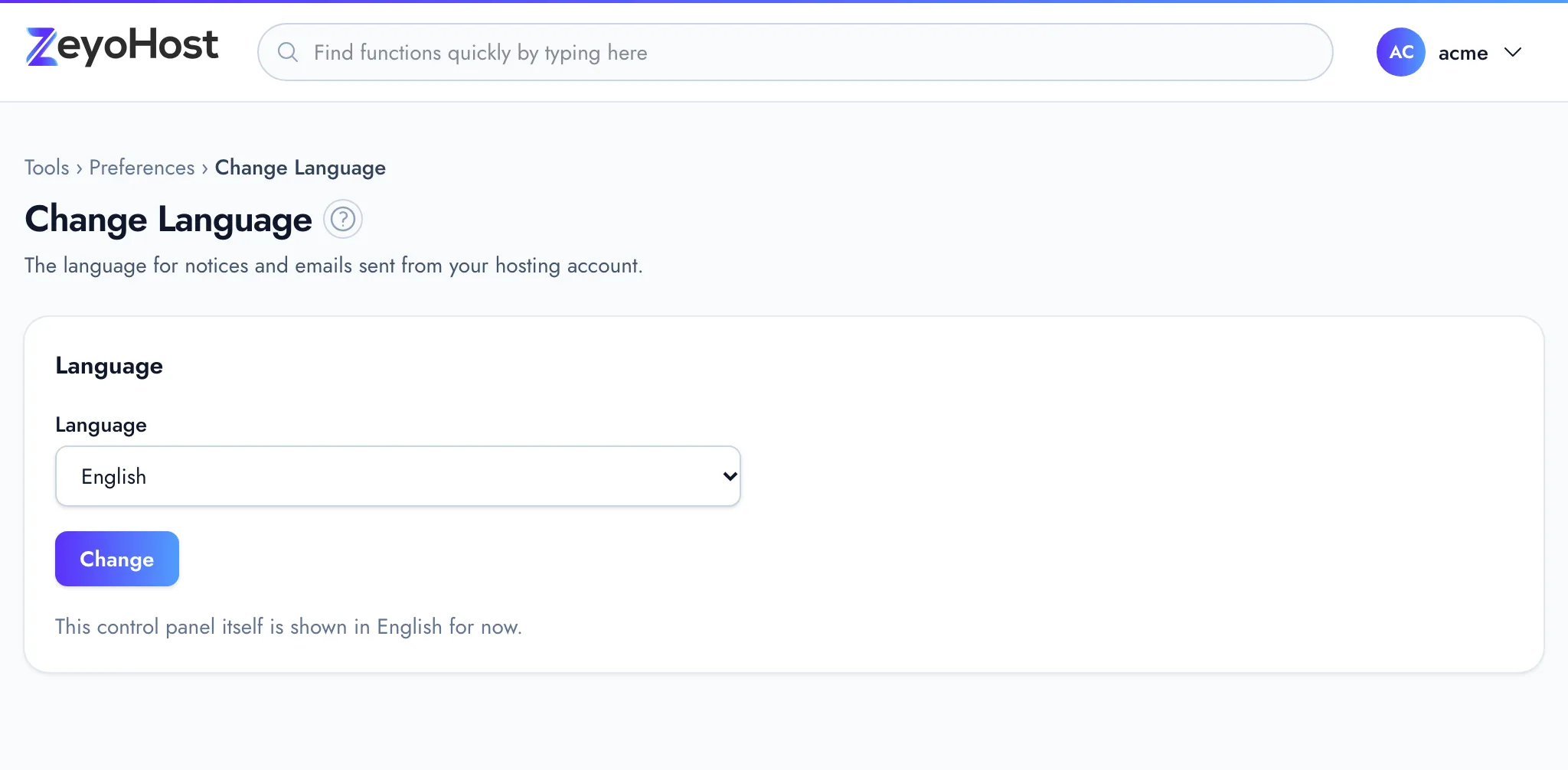
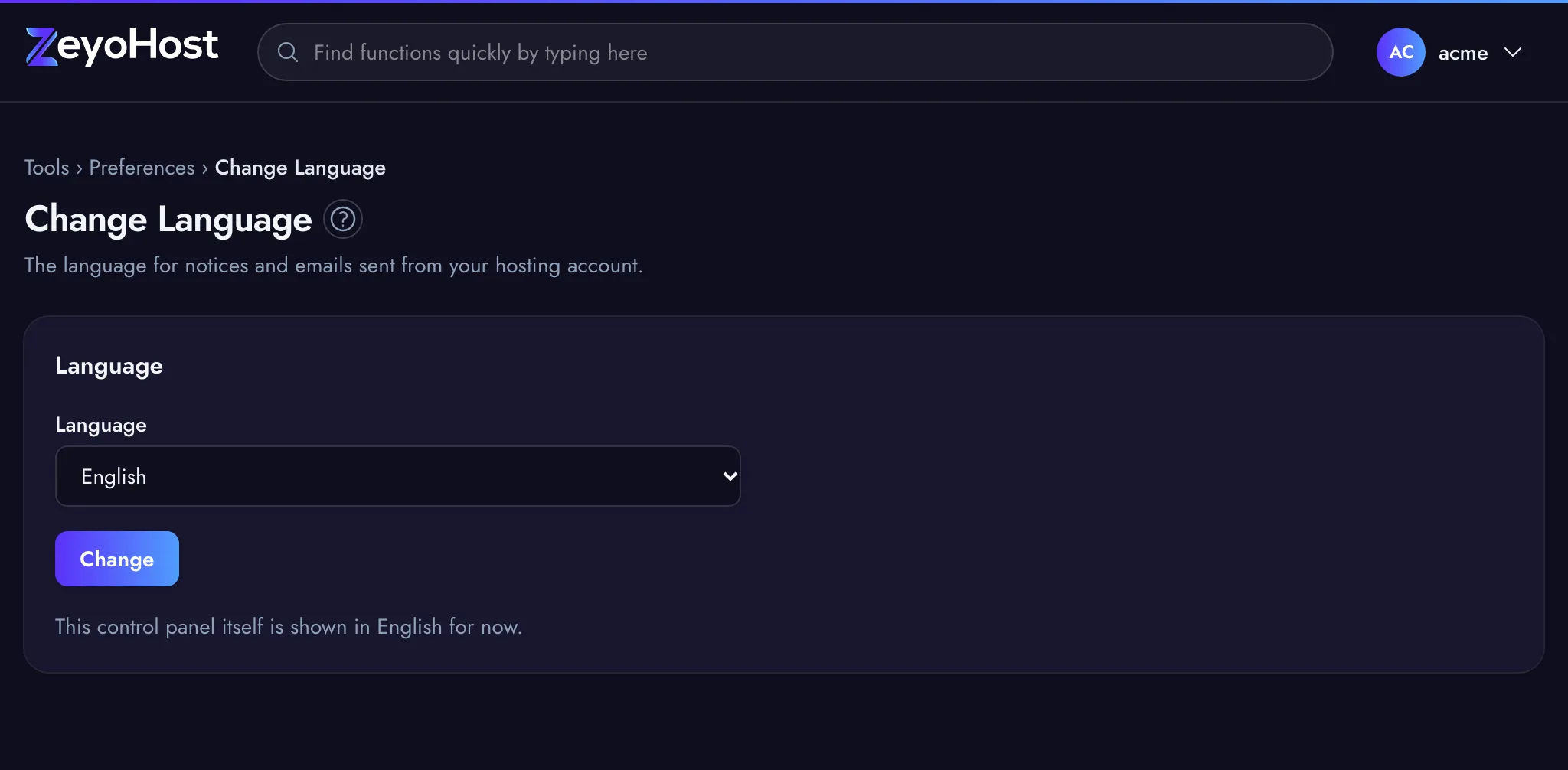
The panel confirms with "Your language was set to" and the language's name.
Notices are sent to the address in Contact Information.
Common errors
| Message | Why | What to do |
|---|---|---|
| The selected language is invalid. | The language is no longer offered by the server. | Reload the page and choose another language. |
Related
- Account PreferencesSee your hosting account's details at a glance and reach every setting that belongs to you from one page.
- Contact InformationChoose the email address where notices about your hosting account are sent, such as quota warnings and cron output.
- Change StyleChoose whether the control panel is light, dark or follows your device's setting.
Was this page helpful?
Sent without cookies; we do not store your IP address.
Still stuck? Contact the team; tell us the page and what you see.