

IP Blocker
Stop an IP address, or a whole range, from opening one of your websites.
IP Blocker stops an IP address, or a whole range of addresses, from opening one of your websites. A blocked visitor gets "Forbidden" for every page and file of that site, images and other static files included. Use it for an address that keeps attacking a login form, scraping your pages or sending spam through a contact form.
Blocks apply to one website at a time. To block the same address on two sites, add it on each.
Block an address
- In the panel, open Security → IP Blocker.
- If you have more than one website, choose it under Website.
- Under Block an Address, enter the address in
IP address or range: a single address such as
203.0.113.7, a range such as203.0.113.0/24, or an IPv6 address or range such as2001:db8::/32. - Click Block.
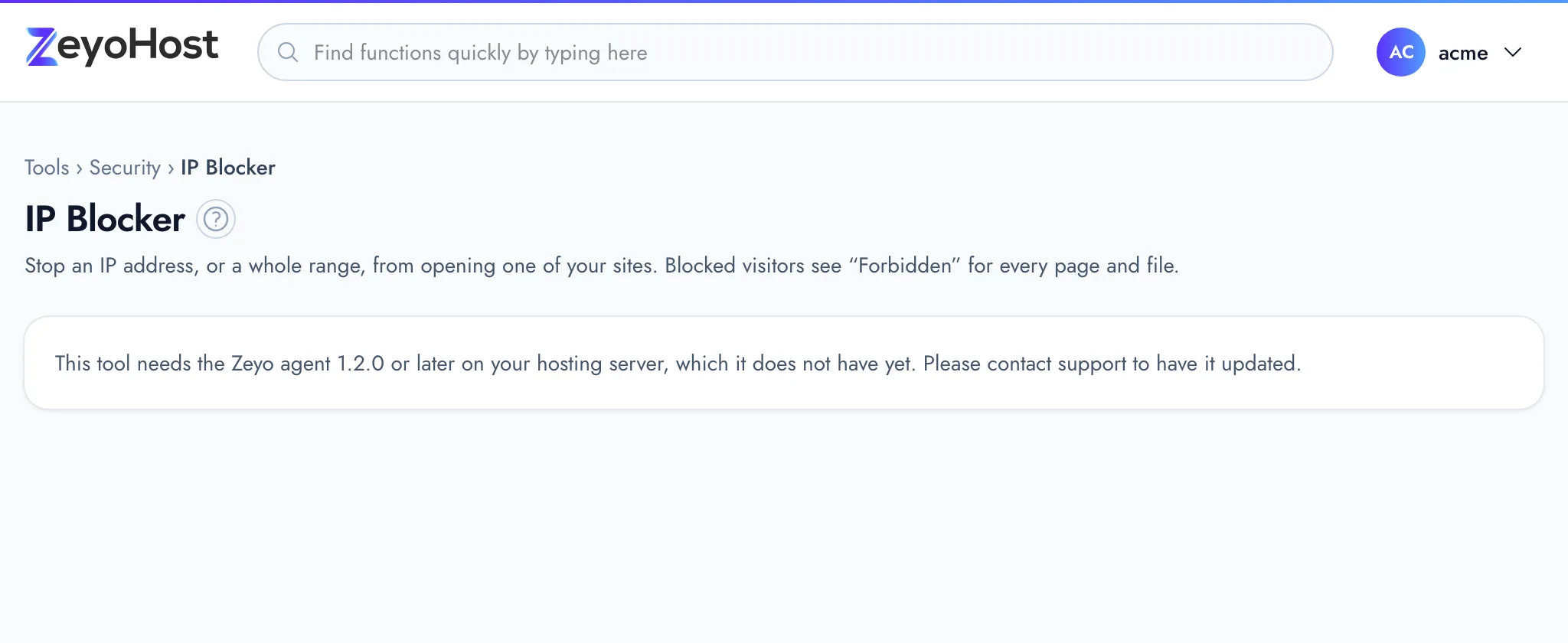
The page shows your own address right now under the form. Do not block it, or you lock yourself out of your own site. The panel itself stays reachable.
Each website can have up to 500 blocked addresses or ranges. If you need more, block a range instead of many single addresses.
Writing a range
| You enter | It blocks |
|---|---|
203.0.113.7 |
That one address |
203.0.113.0/24 |
203.0.113.0 to 203.0.113.255 (256 addresses) |
2001:db8::/32 |
An IPv6 range |
Unblock an address
- Choose the website if you have more than one.
- Find the address in the Blocked on example.com list.
- Click Unblock.
The address can open the site again straight away.
To find addresses worth blocking, look at your site's visitors in Raw Access.
Common errors
| Message | Why | What to do |
|---|---|---|
| Enter an IP address such as 203.0.113.7, or a range such as 203.0.113.0/24. | The text is not an IPv4 or IPv6 address or range. | Remove anything other than the address and, for a range, the / and number. |
| That item already exists. | The address is already blocked on this website. | Nothing to do; it is in the list. |
| A website can block at most 500 addresses or ranges. Remove some, or block a whole range (such as 203.0.113.0/24) instead. | This website already has 500 blocked addresses or ranges. This is IP Blocker's own cap, not a limit of your plan. | Unblock addresses you no longer need, or replace several with one range. |
| That is not one of your sites. | The website is no longer on your hosting account. | Reload the page and choose a listed website. |
| That item does not exist. | The address was already unblocked, for example in another tab. | Reload the page. |
| Blocking addresses is not available on this hosting server yet: it needs nginx. | The hosting server does not run the web server this tool needs. | Contact support. |
| This tool needs the Zeyo agent 1.2.0 or later on your hosting server, which it does not have yet. Please contact support to have it updated. | The hosting server has not been updated for this tool yet. | Contact support. |
Related
- Raw AccessRead the most recent requests to a website, newest first, to see who asked for which page and what the server answered.
- ModSecurity®See whether the web application firewall protects each website, and turn it off for a site it blocks by mistake.
- Hotlink ProtectionStop other websites from showing your images, video and audio on their pages and using your bandwidth.
- Login HistorySee recent sign-ins to your hosting account, with the result, the IP address and the browser used.
Was this page helpful?
Sent without cookies; we do not store your IP address.
Still stuck? Contact the team; tell us the page and what you see.