

Hotlink Protection
Stop other websites from showing your images, video and audio on their pages and using your bandwidth.
Hotlinking is when another website shows your images, video or audio on its pages by linking straight to the files on your site, so your hosting serves them and your bandwidth pays for them. Hotlink Protection refuses those requests for the file types you choose. Your own site, its aliases and the sites you allow can still show the files.
Turn it on
- In the panel, open Security → Hotlink Protection.
- If you have more than one website, choose it under Website.
- In File types to protect, check the list. It starts with common image, video and audio types; add or remove extensions, separated by commas.
- Optional: in Send hotlinkers to (optional), enter an address to send blocked requests
to instead, such as
https://example.com/no-hotlinking. - Optional: in Other sites allowed to embed them, enter sites that may show your files,
one per line, such as
partner.com. - Leave Allow requests that do not say where they come from ticked unless you have a reason not to.
- Click Turn On.
The box then shows On and which file types other sites cannot embed.
The options
| Option | What it does |
|---|---|
| File types to protect | Extensions such as jpg, png, gif, webp, mp4, without dots. Up to 40. The starting list is jpg, jpeg, png, gif, webp, avif, svg, bmp, mp4, webm and mp3. |
| Send hotlinkers to (optional) | Where blocked requests are sent. Leave it empty to refuse them with "Forbidden". It must be a plain http:// or https:// address without a query string. It cannot be a protected file type on this site (such as an image), because that request would be refused too and loop: use a page such as /no-hotlinking.html, or a file on another site. |
| Other sites allowed to embed them | Up to 50 sites, one per line. Each site's subdomains are allowed too. Your website and its aliases are always allowed. |
| Allow requests that do not say where they come from | Recommended. Direct visits, apps and privacy tools send no referrer; untick it and they are refused too. |
Change or turn it off
- Open Security → Hotlink Protection and choose the website.
- Change the options and click Save.
- To stop protecting the files, click Turn off. Any site can then embed them again.
Common errors
| Message | Why | What to do |
|---|---|---|
| List file types such as jpg, png, gif, mp4 (letters and numbers, up to 40). | The list is empty, has more than 40 types, or a type has other characters. | Enter extensions separated by commas, without dots or spaces inside. |
| "…" is not a site name such as partner.com. | An allowed site is not a valid domain name. | Enter just the domain, such as partner.com. Addresses starting with https:// are fine. |
| At most 50 sites can be allowed. | The allowed list has more than 50 sites. | Remove sites you no longer need; subdomains are covered by their main domain. |
| Use a plain address such as https://example.com/no-hotlinking (no query string). | The redirect address has a ? part, spaces or other characters. |
Enter a simple address, or leave the field empty. |
| That file is protected too, so hotlinkers would be sent round in a loop. Point to a page (such as /no-hotlinking.html) or a file on another site. | The redirect address is a file of a protected type on this website or one of its aliases. | Send them to a page, such as https://example.com/no-hotlinking.html, or to a file on another site. |
| That is not one of your sites. | The website is no longer on your hosting account. | Reload the page and choose a listed website. |
| Hotlink Protection is not available on this hosting server yet: it needs nginx. | The hosting server does not run the web server this tool needs. | Contact support. |
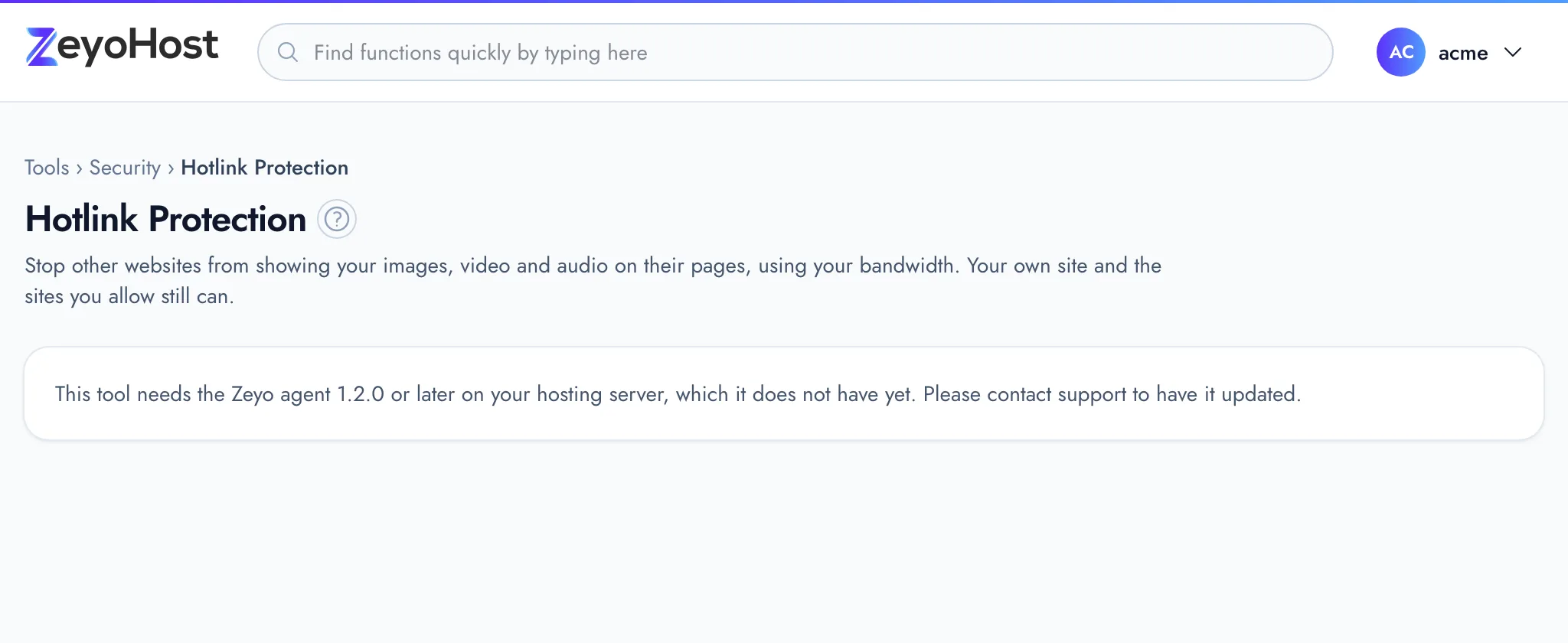
| This tool needs the Zeyo agent 1.2.0 or later on your hosting server, which it does not have yet. Please contact support to have it updated. | The hosting server has not been updated for this tool yet. | Contact support. |
Related
- IP BlockerStop an IP address, or a whole range, from opening one of your websites.
- ImagesMake images smaller, convert them to another type such as WebP, or make thumbnails of every image in a folder.
- Resource UsageSee how much disk space and bandwidth your hosting account uses against your plan, broken down by type and by website.
- AliasesShow the same website under another name, such as a second domain or the www. version of your domain.
Was this page helpful?
Sent without cookies; we do not store your IP address.
Still stuck? Contact the team; tell us the page and what you see.