

Errors
Read the most recent errors a website logged, newest first, to find broken pages, missing files and failing scripts.
Errors shows the last lines of a website's error log, newest first. The web server writes a line there when something goes wrong: a file that is missing, a page it may not open, or a script that fails. Look here first when a page shows an error or a blank screen.
Read a website's error log
- In the panel, open Metrics → Errors.
- Choose the website in Domain. The log for that domain loads straight away.
- Read from the top: the newest line comes first.
- To narrow it down, type part of a line in Filter, for example
404,faviconor the name of a file. Only matching lines stay.
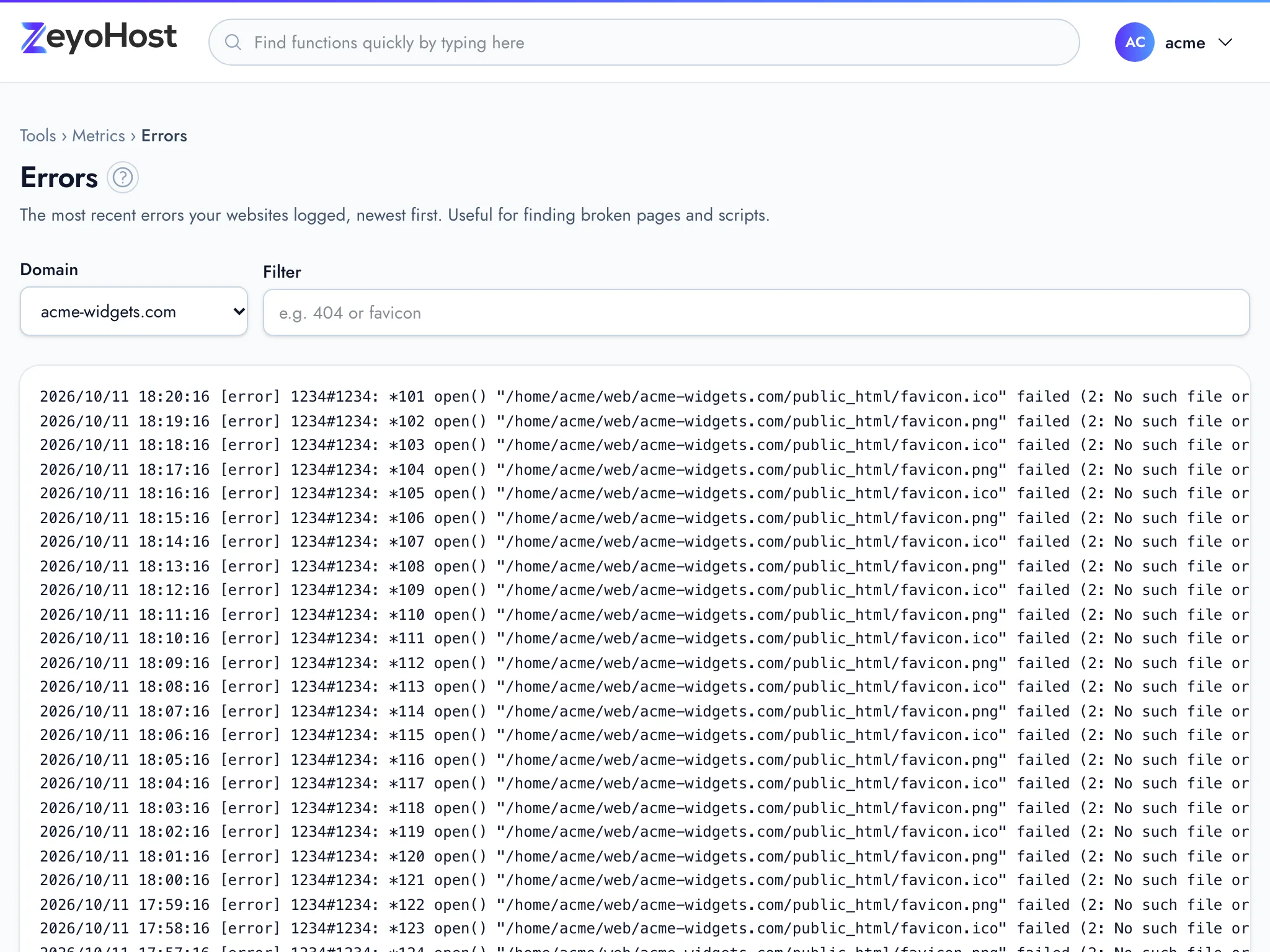
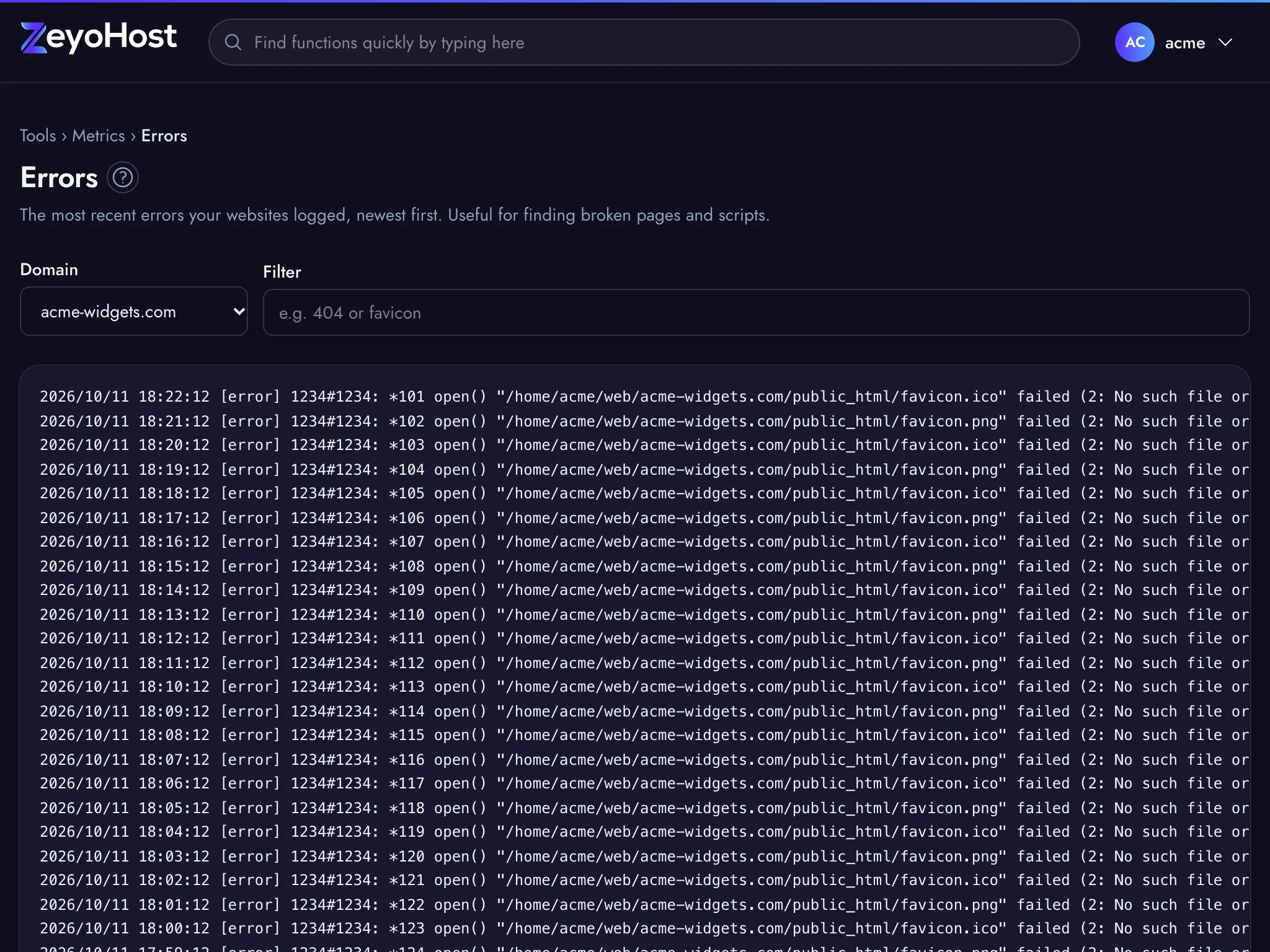
The page shows up to the last 200 lines. Each line starts with the date and time, then says what failed, and often
names the visitor's address (client) and the page that was asked for (request).
The address in your browser keeps the chosen domain, so you can bookmark the log of one website.
Find the cause of an error
- Reload the broken page, then reload this log: the newest line at the top is usually the one you are after.
- A missing file (
No such file or directory) means a link or image points to a file that is not there. Check the path in File Manager. - For a site that shows "500" or a blank page, see My site shows a 500 error.
- To show visitors your own page when something goes wrong, use Error Pages.
Messages on the page
| Message | Why | What to do |
|---|---|---|
| The log is empty. | The website has not logged an error recently. | Nothing to fix. If a page still fails, check Raw Access for its requests. |
| No lines match. | No line contains the text in Filter. | Shorten or clear the filter. |
| You have no websites yet. | There is no domain on the hosting account. | Add one in Domains. |
| That item does not exist. | The server has no log for that domain. | Reload the page and choose the domain again. |
Related
- Raw AccessRead the most recent requests to a website, newest first, to see who asked for which page and what the server answered.
- My site shows a 500 errorFind out why your website shows "500 Internal Server Error" and fix the most common causes.
- Error PagesChange the pages visitors see when a page is not found, not allowed, removed, or fails with a server error.
- Select PHP VersionChoose which PHP version each of your websites runs, and which version the php command uses in SSH and cron jobs.
Was this page helpful?
Sent without cookies; we do not store your IP address.
Still stuck? Contact the team; tell us the page and what you see.