

Contact Information
Choose the email address where notices about your hosting account are sent, such as quota warnings and cron output.
Contact Information sets the email address where notices about your hosting account are sent, such as quota warnings and the output of cron jobs. Use an address you read often, and preferably one that is not on the same hosting account, so you still get notices if its email has a problem.
Change the contact address
- In the panel, open Preferences → Contact Information. The current address is already filled in.
- Under Contact Email Address, enter the new Email address.
- Click Save.
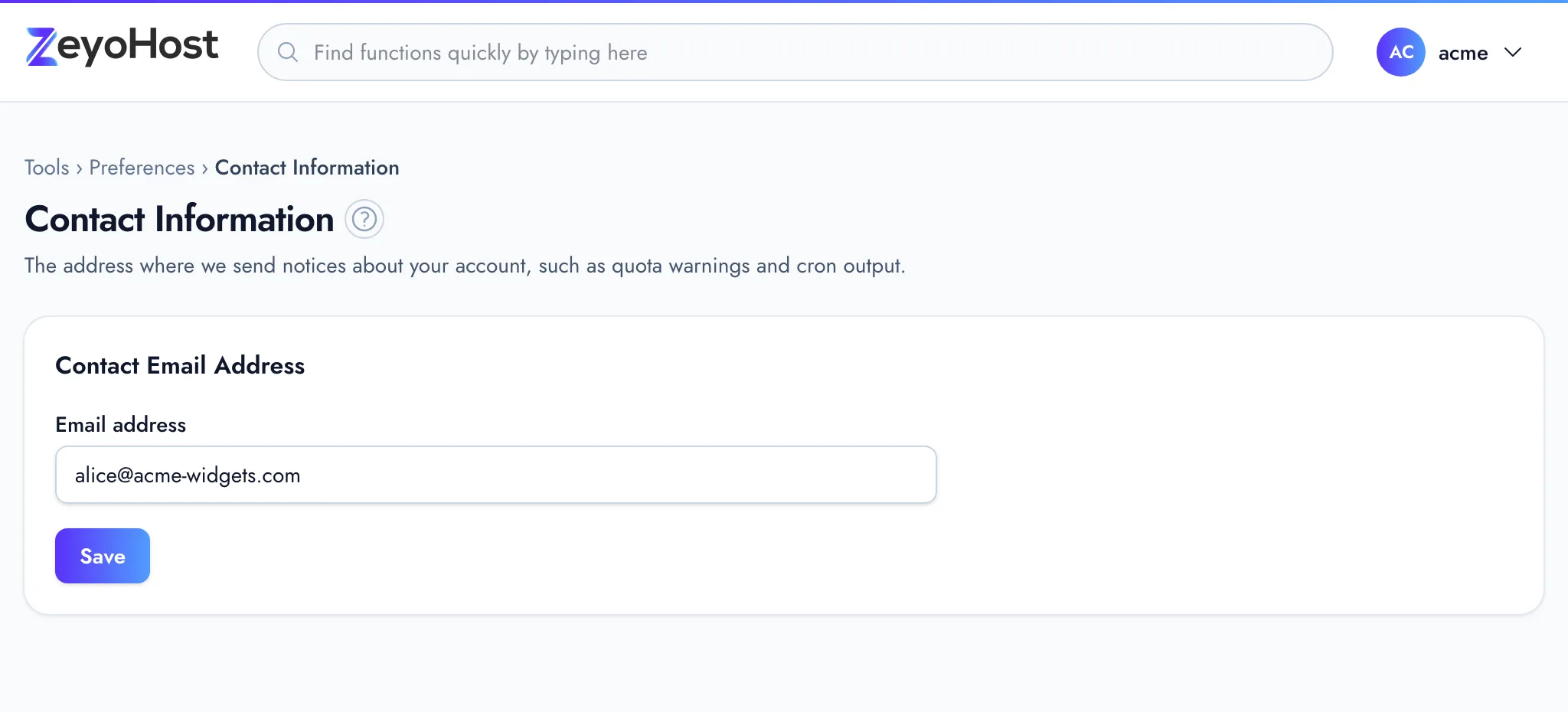
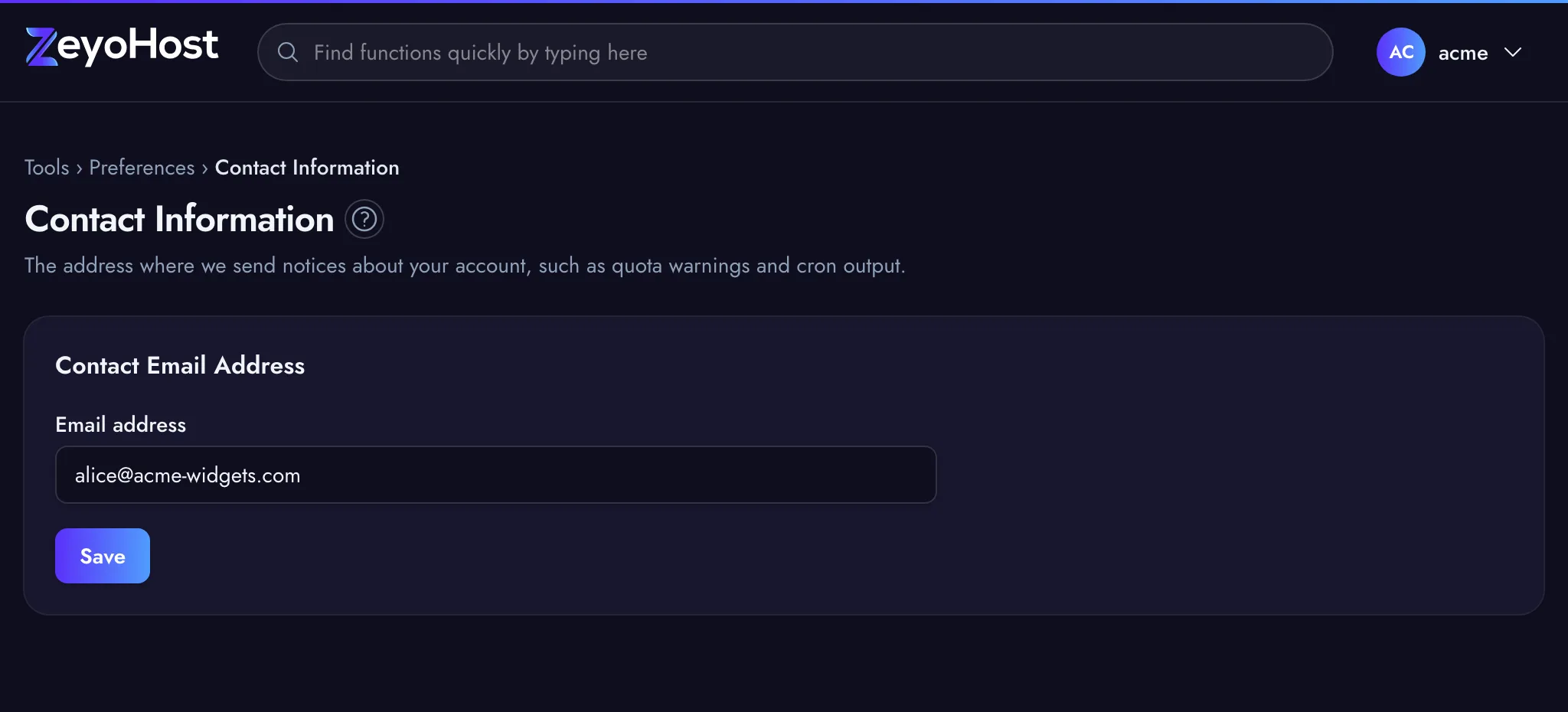
The panel confirms with "Your contact email address was updated." The address also appears as Contact email in Account Preferences.
Common errors
| Message | Why | What to do |
|---|---|---|
| The email address field is required. | The field is empty. | Enter an address. |
| The email address field must be a valid email address. | The address is incomplete or mistyped. | Enter a full address, such as [email protected]. |
| The email address field format is invalid. | The address has characters the panel does not accept, such as accented letters. | Use an address with plain letters, numbers, ., _, %, + and - only. |
Related
- Account PreferencesSee your hosting account's details at a glance and reach every setting that belongs to you from one page.
- Password & SecurityChange your hosting account's password, the one for FTP, SFTP and SSH, which is separate from your panel sign-in.
- Cron JobsRun a command or script automatically at set times, and choose whether its output is emailed to you.
- My disk space or inodes are fullThe Disk Usage bar is red, or you were told your account has too many files. Find what is taking the space and free it.
Was this page helpful?
Sent without cookies; we do not store your IP address.
Still stuck? Contact the team; tell us the page and what you see.