

ModSecurity®
See whether the web application firewall protects each website, and turn it off for a site it blocks by mistake.
ModSecurity is a web application firewall. It blocks common attacks, such as SQL injection, cross-site scripting and known exploits, before they reach your site. On this page you see whether it protects each of your websites, and you can turn it off for one site when it gets in the way, for example when it blocks a page builder by mistake.
ModSecurity checks the requests your site's code answers. Static files that the web server sends directly, such as images, do not pass through it.
Check your websites
- In the panel, open Security → ModSecurity®.
- The Your websites table shows each website with On or Off in the ModSecurity column.
Turn it off for one website
- Click Turn off on the website's row.
- Confirm "Turn off ModSecurity for example.com? The site loses this protection."
Turn it back on
- Click Turn On on the website's row.
- You see "ModSecurity protects example.com again." The site goes back to the server's own ModSecurity setting.
Common errors
| Message | Why | What to do |
|---|---|---|
| That website is not yours. | The website was removed from your hosting account, for example in another tab. | Reload the page. |
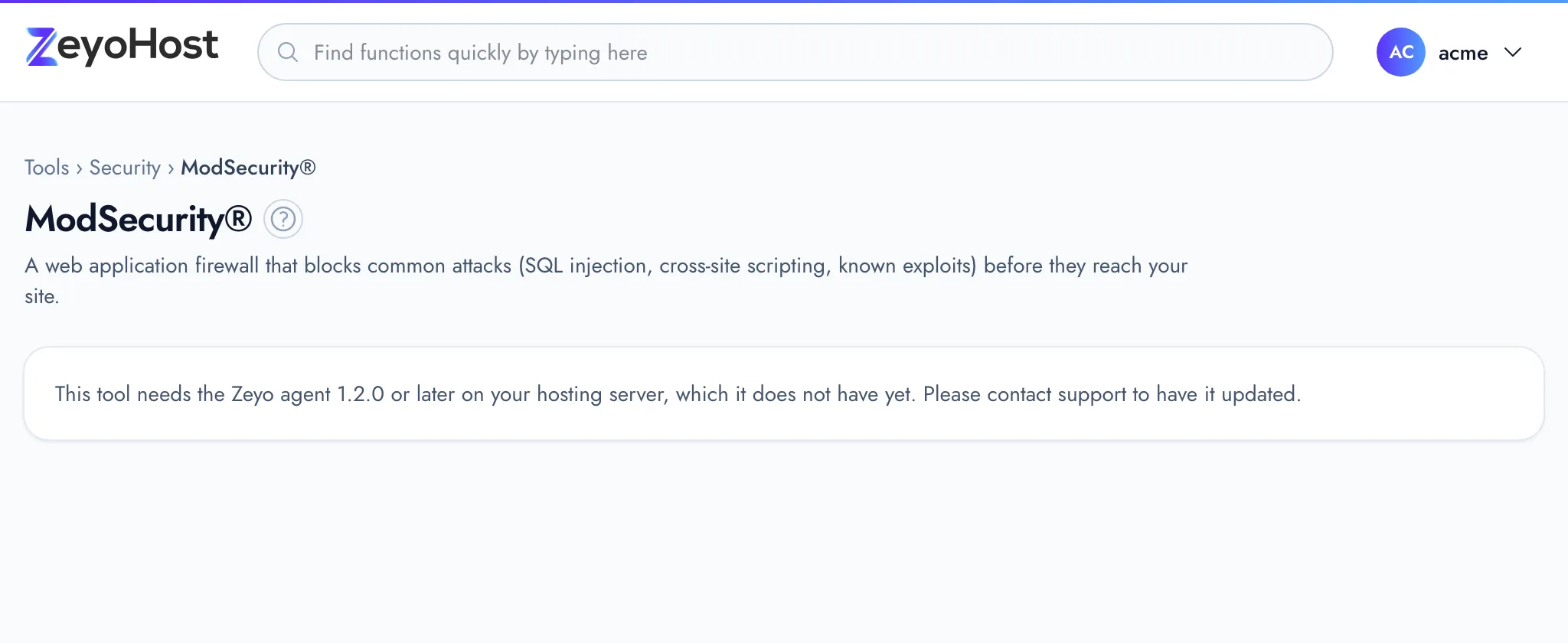
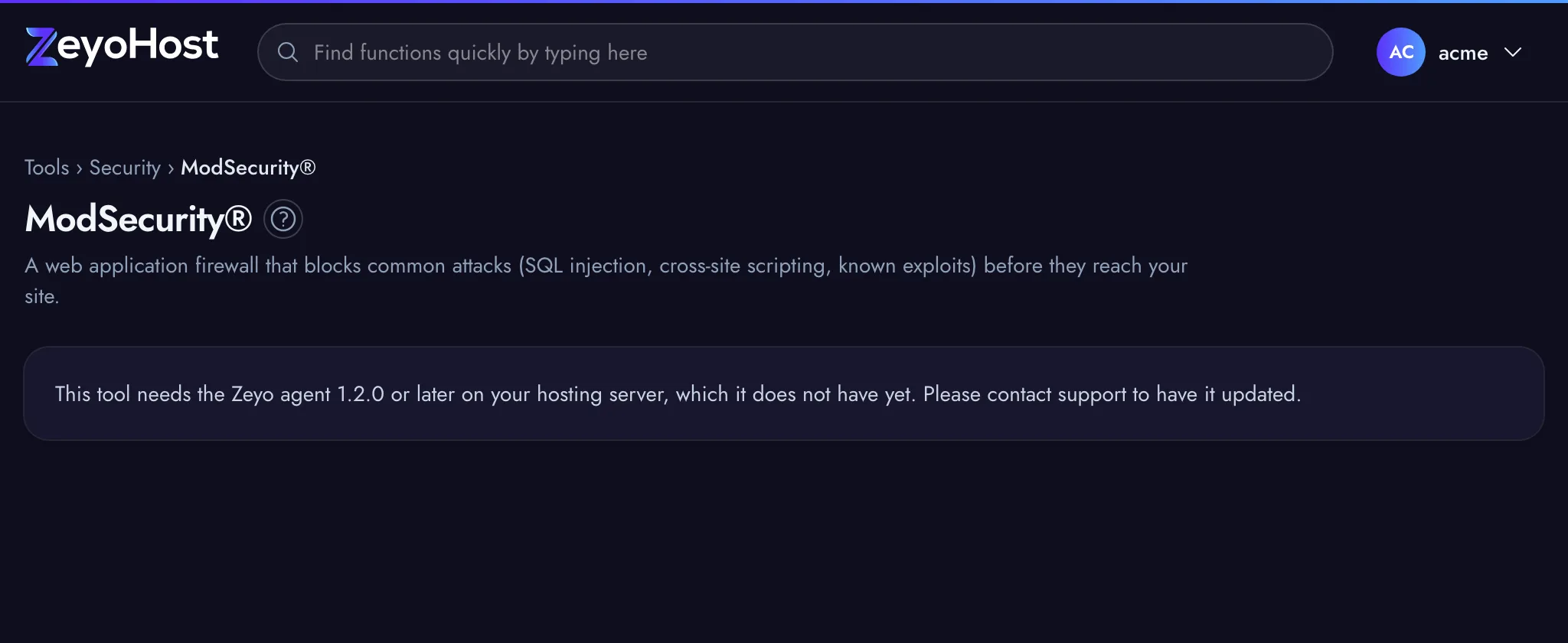
| This tool needs the Zeyo agent 1.2.0 or later on your hosting server, which it does not have yet. Please contact support to have it updated. | The hosting server has not been updated for this tool yet. | Contact support. |
| That feature is turned off on this server. | Your hosting server's web server setup does not support ModSecurity. | Contact support if you need it. |
| The server could not read the data it was given. | The web server refused the change, so nothing was changed. | Try again later. If it keeps happening, contact support. |
Related
- IP BlockerStop an IP address, or a whole range, from opening one of your websites.
- Virus ScannerScan your files for viruses and malicious scripts, then move what is found to quarantine or delete it.
- My site shows a 500 errorFind out why your website shows "500 Internal Server Error" and fix the most common causes.
- WordPress® ManagerInstall WordPress on one of your websites, then keep it updated, switch debug mode and reset a WordPress password.
Was this page helpful?
Sent without cookies; we do not store your IP address.
Still stuck? Contact the team; tell us the page and what you see.