

Zeyo Mail
Email on your own domain,
set up in minutes.
Add your domain, let us add the DNS records (or follow the guide), and create mailboxes for your team. Read mail in the browser or on any phone and desktop app.
Why it works
Business email without the busywork
-
Your domain, guided DNS
When your DNS is with us, the records are added in one click. Elsewhere, we show each record and check it for you.
-
Mailboxes with quotas
Create a mailbox per person and give each one the space it needs.
-
Aliases and forwarders
Send sales@ and hello@ to the right people, or forward mail to an address elsewhere.
-
Webmail
Read and send mail from any browser.
-
Every phone and desktop app
One set of server names for iPhone, Android, Outlook, Apple Mail and Thunderbird, with step-by-step setup.
-
One secure login
Manage mail with the same Zeyo account as your hosting, protected by two-factor sign-in.
These plans are being set up. Ask us in the meantime.
In your panel
The tools you will use most
Do I need a website plan to use Zeyo Mail?
No. Zeyo Mail is its own plan. If you already host a website with us, every shared plan also includes mailboxes on your domain.
What settings do I use on my phone?
Connect Devices in your panel shows them for your domain. For Zeyo Mail: incoming mail imap.zeyohost.email, port 993, SSL; outgoing mail smtp.zeyohost.email, port 465 with SSL (or 587 with STARTTLS); your username is your full email address.
Will my mail reach inboxes?
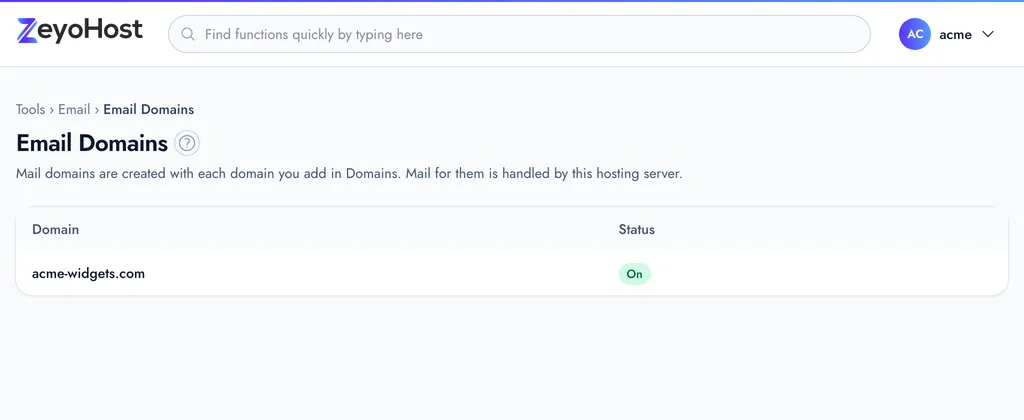
Zeyo Mail sets up SPF, DKIM and DMARC records for your domain and checks them, which is what inbox providers look for. Email Domains shows whether each record is in place.
Ready when you are.
Pick a plan and your panel is ready in minutes. Change plans later without moving a single file.