

Forwarders
Send incoming mail for one of your addresses on to another address, with or without a mailbox of its own.
A forwarder sends incoming mail for one address on your domain, such as [email protected], to another address,
such as a personal inbox. The address does not need its own mailbox. One address can forward to several
destinations: add one forwarder for each.
Add a forwarder
- In the panel, open Email → Forwarders.
- Under Add Forwarder, enter the Address to Forward: the part before the
@, such assales. - Choose the Domain.
- Enter the Forward to Email Address: the full address that should receive the mail, such as
[email protected]. - Click Add Forwarder.
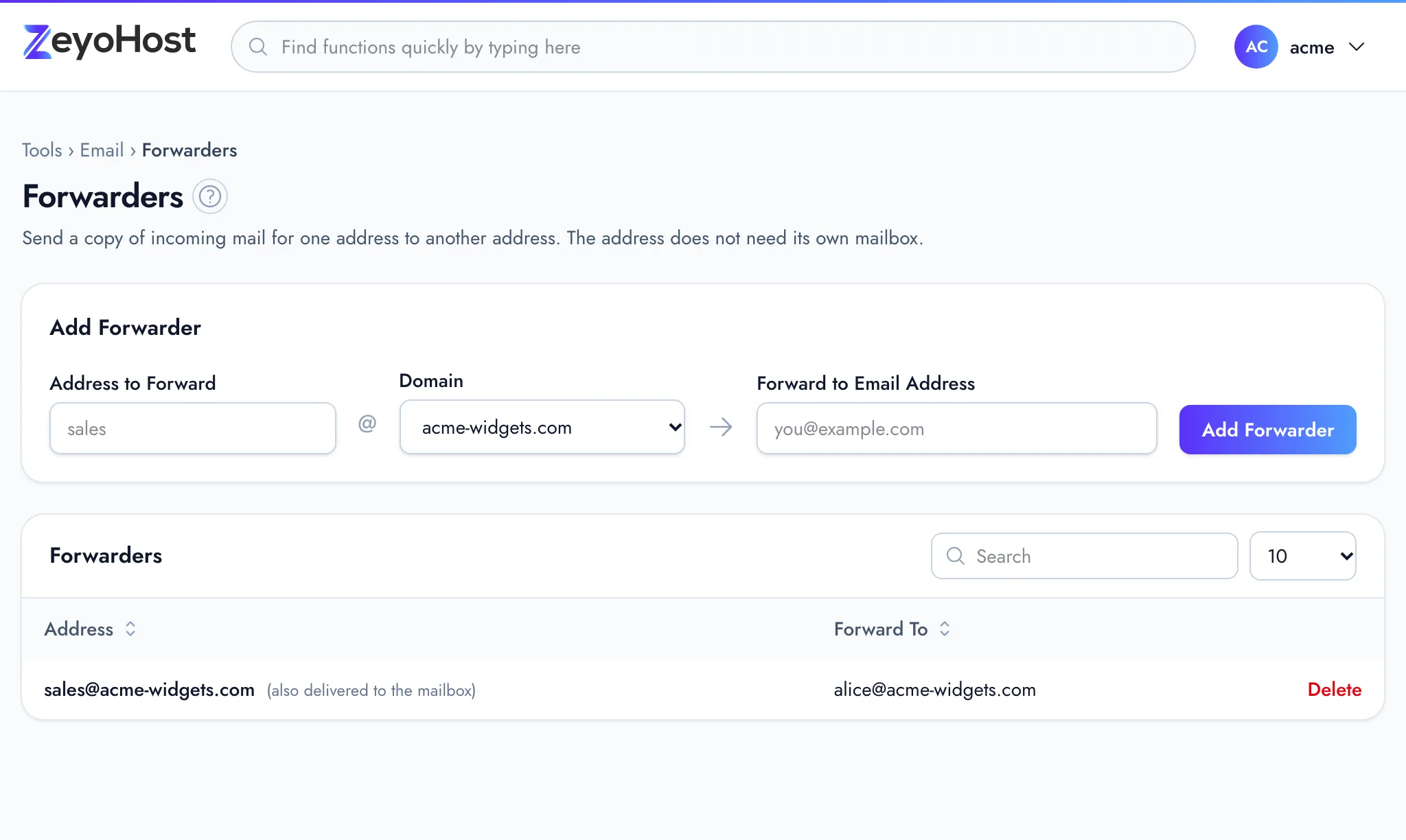
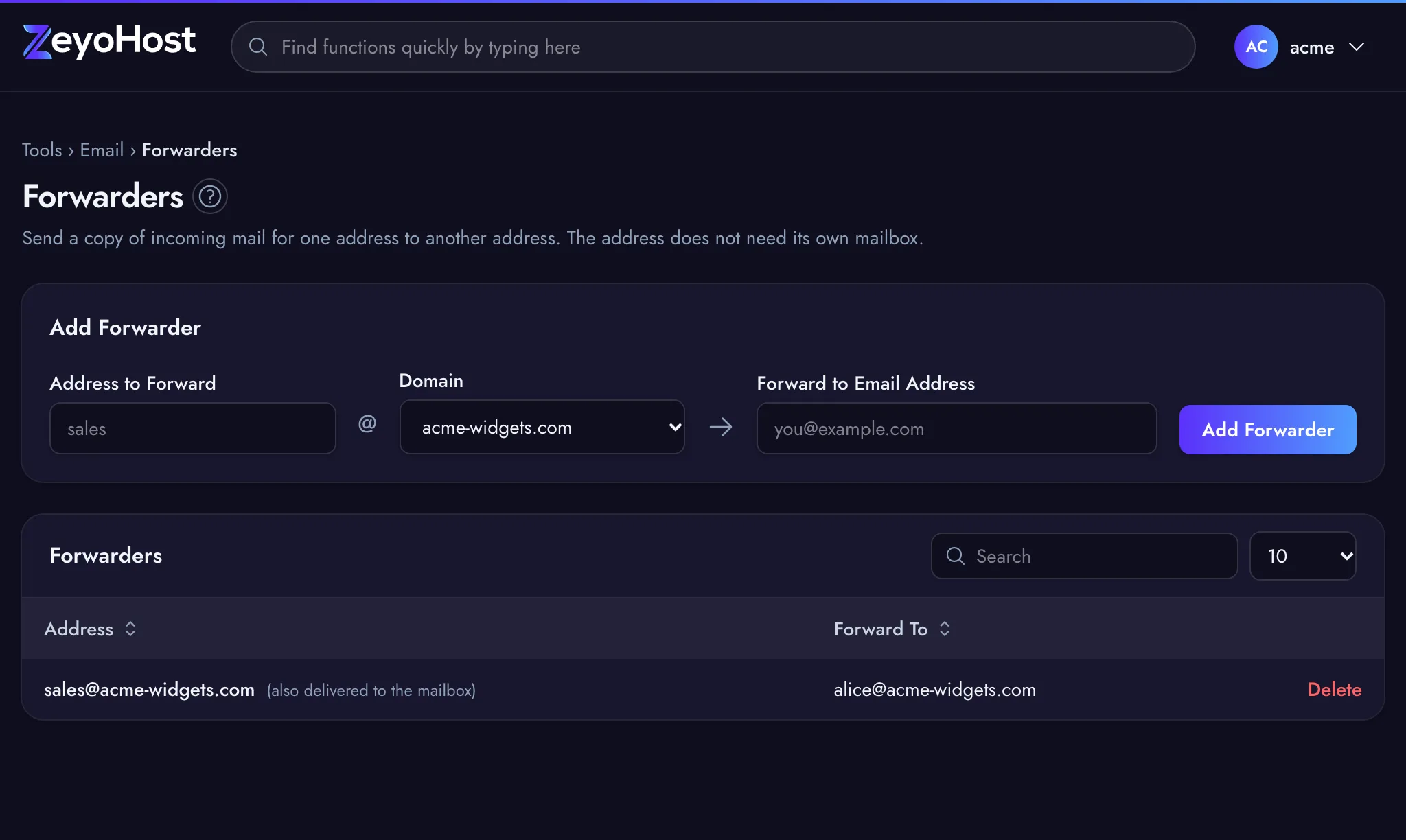
The table shows each Address and where it forwards to. When the address is also a mailbox, it reads "(also delivered to the mailbox)": the mail is kept in the mailbox and a copy is forwarded.
Delete a forwarder
- Find the address and destination in the table.
- Click Delete and confirm.
Common errors
| Message | Why | What to do |
|---|---|---|
| Use letters, numbers, dots, dashes or underscores. | The address to forward has spaces or other characters. | Enter only the part before the @, using letters, numbers, ., - and _. |
| The destination field must be a valid email address. | The destination is not a complete email address. | Enter the full address, such as [email protected]. |
| An address cannot forward to itself. | The destination is the same address you are forwarding. | Choose a different destination. |
| That item already exists. | The address already forwards to that destination. | Nothing to do; the forwarder is already there. |
| … already forwards to … | Your email is on Zeyo Host Mail and that forwarder already exists. | Nothing to do; the forwarder is already there. |
| You have reached the limit of your plan. Remove something first, or move to a bigger plan in Billing. | Your plan's limit is reached. On this hosting server, a forwarder for an address without a mailbox is a forward-only email account. | Remove forwarders or mailboxes you no longer need, or change your plan. |
| That item does not exist. | The forwarder was already removed, for example in another browser tab. | Reload the page. |
| You need a domain before you can add forwarders. | There is no domain to forward from yet. | Add a domain in Domains. |
| Forwarders need an email domain that is set up and verified. Add one in Email Domains first. | Your email is on Zeyo Host Mail and no domain is verified yet. | Add the domain and its DNS records in Email Domains. |
Related
- Email AccountsCreate mailboxes on your domains, change their passwords and storage space, and delete the ones you no longer need.
- Email DomainsSee which domains your email uses, and on Zeyo Host Mail add a domain, set up its DNS records and check them.
- Email is not arrivingMessages to your domain's addresses never show up. Check where your domain's mail goes, the mailbox and its storage.
- Set up emailCreate a mailbox on your domain and add it to your phone, tablet or computer.
Was this page helpful?
Sent without cookies; we do not store your IP address.
Still stuck? Contact the team; tell us the page and what you see.