

Leech Protection
Block a login of a password-protected folder when it is used from too many places, so it cannot be shared around.
Leech Protection stops one login of a password-protected folder from being shared by many people. You choose how many different IP addresses one login may use in two hours. If a login goes over that number, it is blocked until you let it in again. Use it for a members area or a download folder where each person should have their own login.
Turn it on for a folder
- In the panel, open Security → Leech Protection.
- If you have more than one website, choose it under Website. Each password-protected folder of that site has its own box.
- In the folder's box, enter a number from 2 to 50 in Addresses per login in 2 hours.
- Click Turn On. The box then shows On: at most the number of addresses you chose.
To change the number later, enter the new one and click Save. To stop checking the folder, click Turn Off.
Choosing the number
The server checks every ten minutes. People on one office or mobile network can share an address, and one person can use several in a day (home, work, phone), so allow a few. Start with 4, the number the page suggests, and raise it if honest visitors get blocked.
Let a blocked login in again
- Open the folder's box. Logins that went over the limit are listed under Blocked logins.
- Click Let in again next to the login.
The login works again straight away. Open Recent blocks to see when each login was blocked and from how many addresses. If the login was shared, also give it a new password: in Directory Privacy, remove the login and add it again with a new password.
Common errors
| Message | Why | What to do |
|---|---|---|
| Allow 2 to 50 addresses. | The number is empty, not a whole number, or outside 2 to 50. | Enter a whole number from 2 to 50. |
| That folder is not password-protected. Protect it in Directory Privacy first. | The folder's protection was removed, for example in another tab. | Protect the folder again in Directory Privacy, or reload the page. |
| … is not blocked. | The login was already let in again. | Reload the page. |
| … has no password-protected folders. Protect one in Directory Privacy first. | The website has no protected folders yet. | Protect a folder in Directory Privacy, then come back. |
| You have no websites with password-protected folders. Protect one in Directory Privacy first. | Your hosting account has no websites yet. | Add a website in Domains, protect a folder in Directory Privacy, then come back. |
| That website is not yours. | The website is no longer on your hosting account. | Reload the page and choose a listed website. |
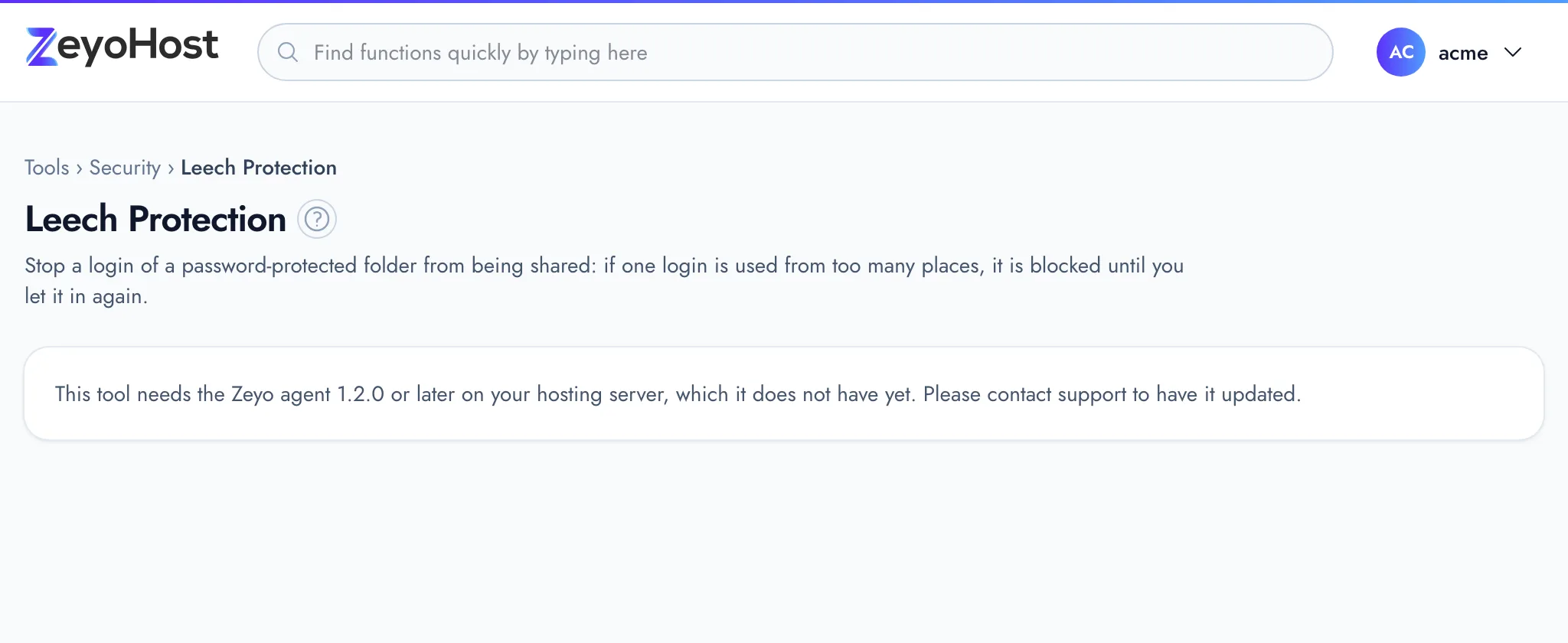
| This tool needs the Zeyo agent 1.2.0 or later on your hosting server, which it does not have yet. Please contact support to have it updated. | The hosting server has not been updated for this tool yet. | Contact support. |
Related
- Directory PrivacyAsk visitors for a user name and password before a folder of your website, or the whole site, opens.
- IP BlockerStop an IP address, or a whole range, from opening one of your websites.
- Raw AccessRead the most recent requests to a website, newest first, to see who asked for which page and what the server answered.
Was this page helpful?
Sent without cookies; we do not store your IP address.
Still stuck? Contact the team; tell us the page and what you see.