

Change your plan
Upgrade straight away, or move to a smaller plan or another billing period at your next renewal.
You change plan from Billing. When the change happens depends on what you move to:
| Change | When it starts | What you pay |
|---|---|---|
| A bigger plan on the same billing period (upgrade) | Now | The difference for the rest of the current period, then the new price from your next renewal. |
| A smaller plan | At your next renewal | The new price from that renewal. You keep your current plan until then. |
| Monthly to yearly, or yearly to monthly | At your next renewal | The new price from that renewal. |
When the new plan applies, your hosting account switches to its package within a few minutes, and the tools on your home page follow the new plan.
Change your plan
- In the panel, open Preferences → Billing.
- On your subscription, click Change plan.
- In New plan, choose the plan and billing period.
- Read the summary under it. It says when the new plan starts and, for an upgrade, how much you pay now.
- Click Upgrade and pay (for an upgrade with something to pay) or Change plan.
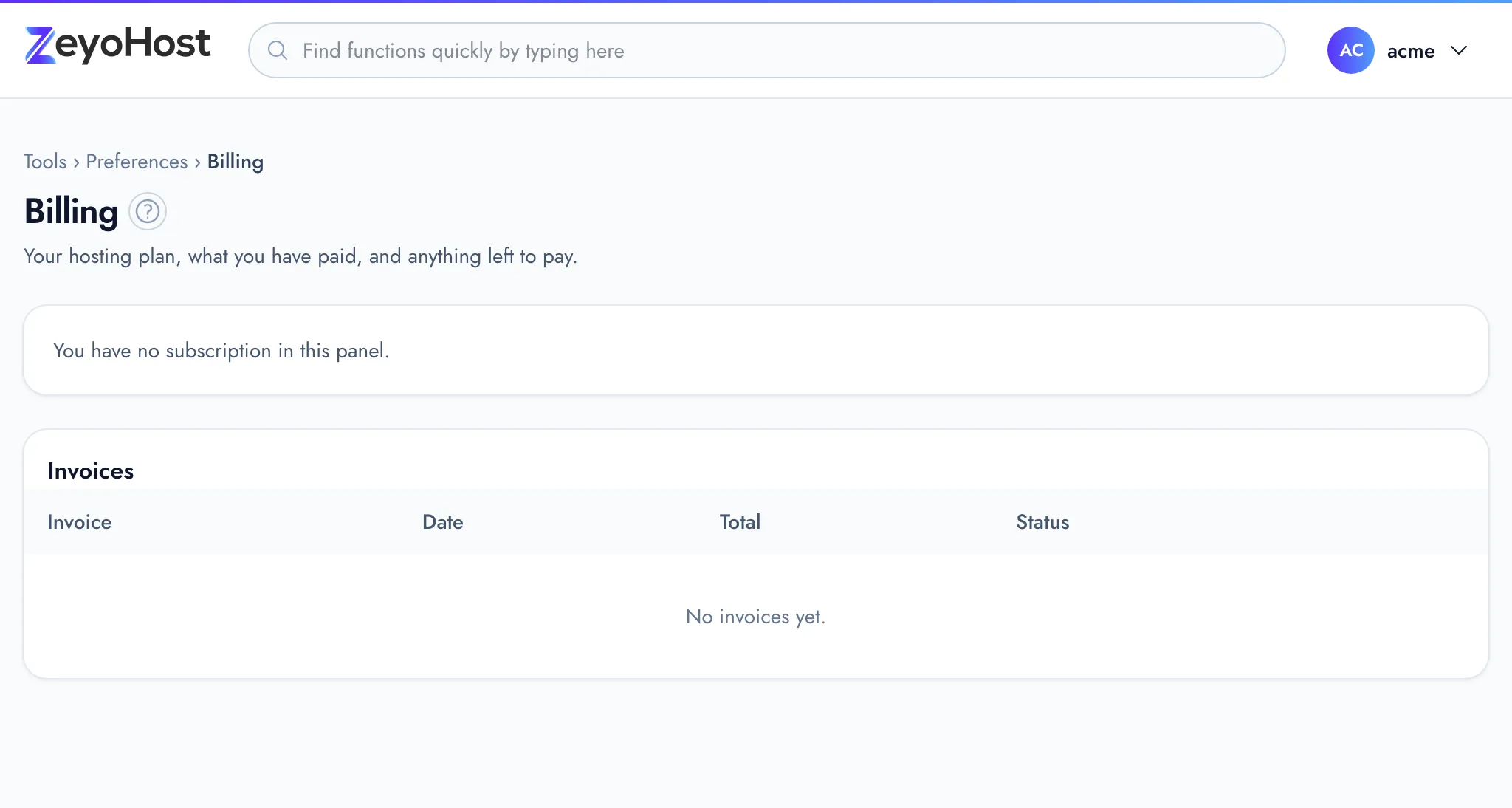
Change plan is shown only for an active subscription whose hosting account is set up and that is not set to end. The list offers only plans in the same currency as your current one.
How an upgrade is paid
The difference is worked out for the time left in your current period. Your renewal date does not change.
- Card (Stripe) or Paddle: the provider charges the difference straight away. The summary says "about" because the provider makes the final calculation. If the card is declined, nothing changes.
- Bank transfer: the panel issues an invoice for the difference. Billing shows "The upgrade to … starts once invoice … is paid", with Pay now. The upgrade starts once that invoice is paid.
- PayPal: PayPal cannot move a subscription between plans, so the change is a new PayPal subscription you approve. Billing shows that the change waits for your approval, with an Approve it link. The new subscription starts billing at the end of your paid period, and the upgrade's difference is charged as a one-off fee on it. Once you approve, the old subscription is cancelled.
An upgrade that is not paid or approved within 14 days expires, and you stay on your current plan. To drop it sooner, click Cancel the change.
Take back a change before your renewal
A downgrade or billing-period change waits for your renewal date. Until then, Billing shows "Moves to … on …". Click Keep my current plan to stay where you are.
If you pay with PayPal, you approve these changes on PayPal's site too, using the Approve it link on Billing.
If your account uses more than the new plan allows
A smaller plan must fit what your hosting account already uses: websites, DNS zones, mail domains, databases, cron jobs and disk space. If it does not, the summary says "Your account uses more than … allows" and lists what is over, and the button stays greyed out. Remove what the new plan does not include, then try again.
Common errors
| Message | Why | What to do |
|---|---|---|
| Pay the open invoice first, then change plan. | You have an unpaid invoice, or the subscription is past due. | Pay it under Invoices, then change plan. |
| This subscription ends on …. Keep it first, then change plan. | You cancelled the subscription. | Click Keep my subscription, then change plan. |
| Finish or take back the plan change already started. | An upgrade is waiting for payment or approval. | Pay or approve it, or click Cancel the change. |
| The hosting account is not set up yet. | Your order is still being set up. | Wait for the "Your hosting is ready" email. |
| Choose a price in …. | The chosen price is in another currency. | Choose a price in your current currency. |
| The account uses more than … allows: …. Remove some of it first. | Your account does not fit the new plan. | Remove what is listed, then try again. |
| There is no other plan to change to. | No other plan is offered in your currency. | Write to [email protected] if you need a different plan. |
Related
- Plans and pricesWhat a plan includes, how billing periods, setup fees and taxes work, and where to see your own plan.
- BillingSee your plan and when it renews, pay and print invoices, change your payment method or plan, and cancel or keep your subscription.
- Invoices and receiptsFind your invoices, pay an open one, and print an invoice or receipt.
- A tool is not in my planThe panel says "This tool is not included in your plan" or "This tool is not shared with you", or a tool is missing from the home page.
- My disk space or inodes are fullThe Disk Usage bar is red, or you were told your account has too many files. Find what is taking the space and free it.
Was this page helpful?
Sent without cookies; we do not store your IP address.
Still stuck? Contact the team; tell us the page and what you see.