

Login History
See recent sign-ins to your hosting account, with the result, the IP address and the browser used.
Login History lists recent sign-ins to your hosting account (FTP, SSH and the hosting account's own login), newest first, from the hosting server's log. Use it to check that every sign-in was you, for example after you shared a password or got an alert you did not expect.
Review recent sign-ins
- In the panel, open Security → Login History.
- Read each row:
- When: the date and time of the attempt.
- Result: Signed in for a successful sign-in, or the reason it failed.
- IP Address: the address the attempt came from.
- Browser: what the browser or app reported about itself.
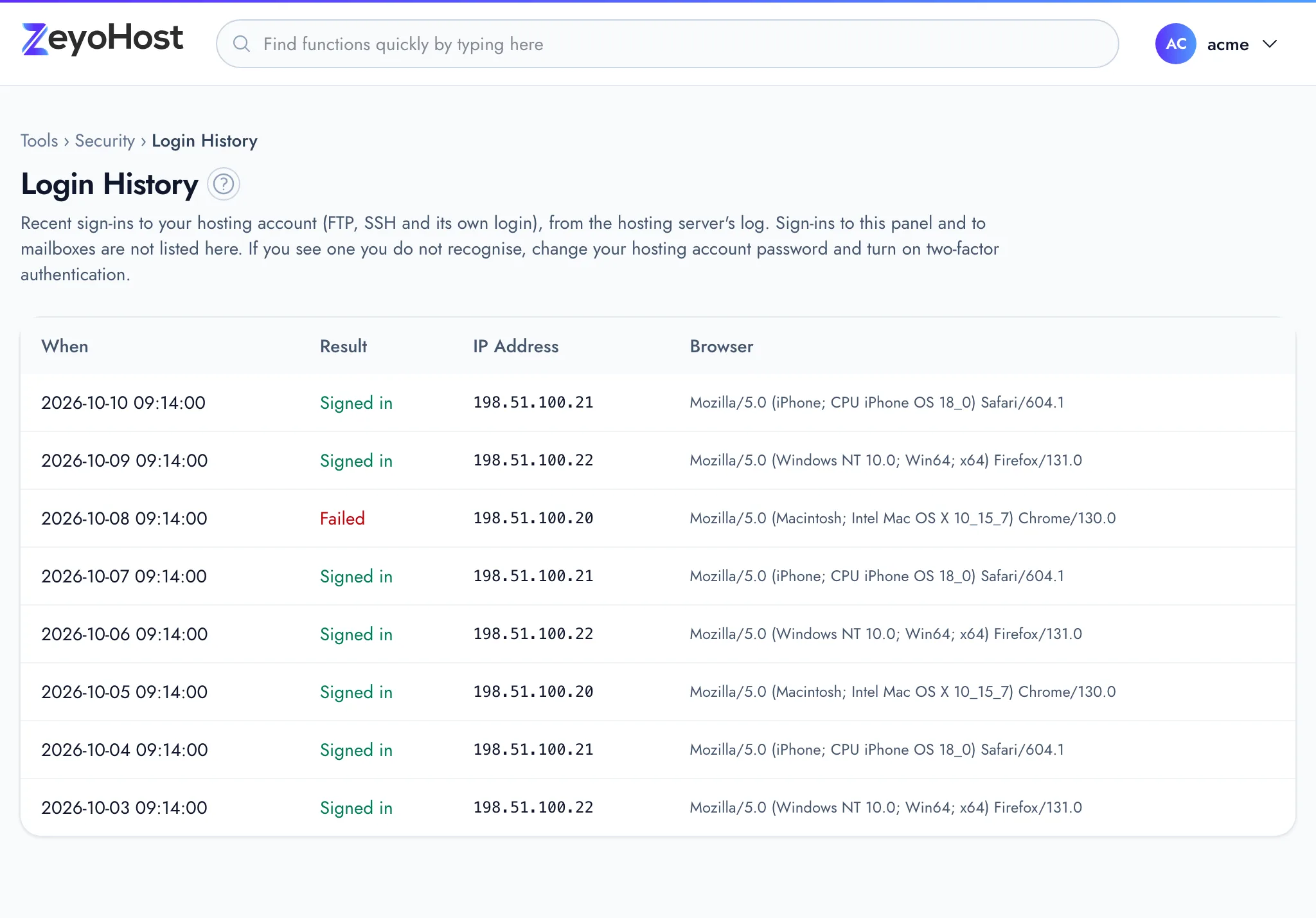
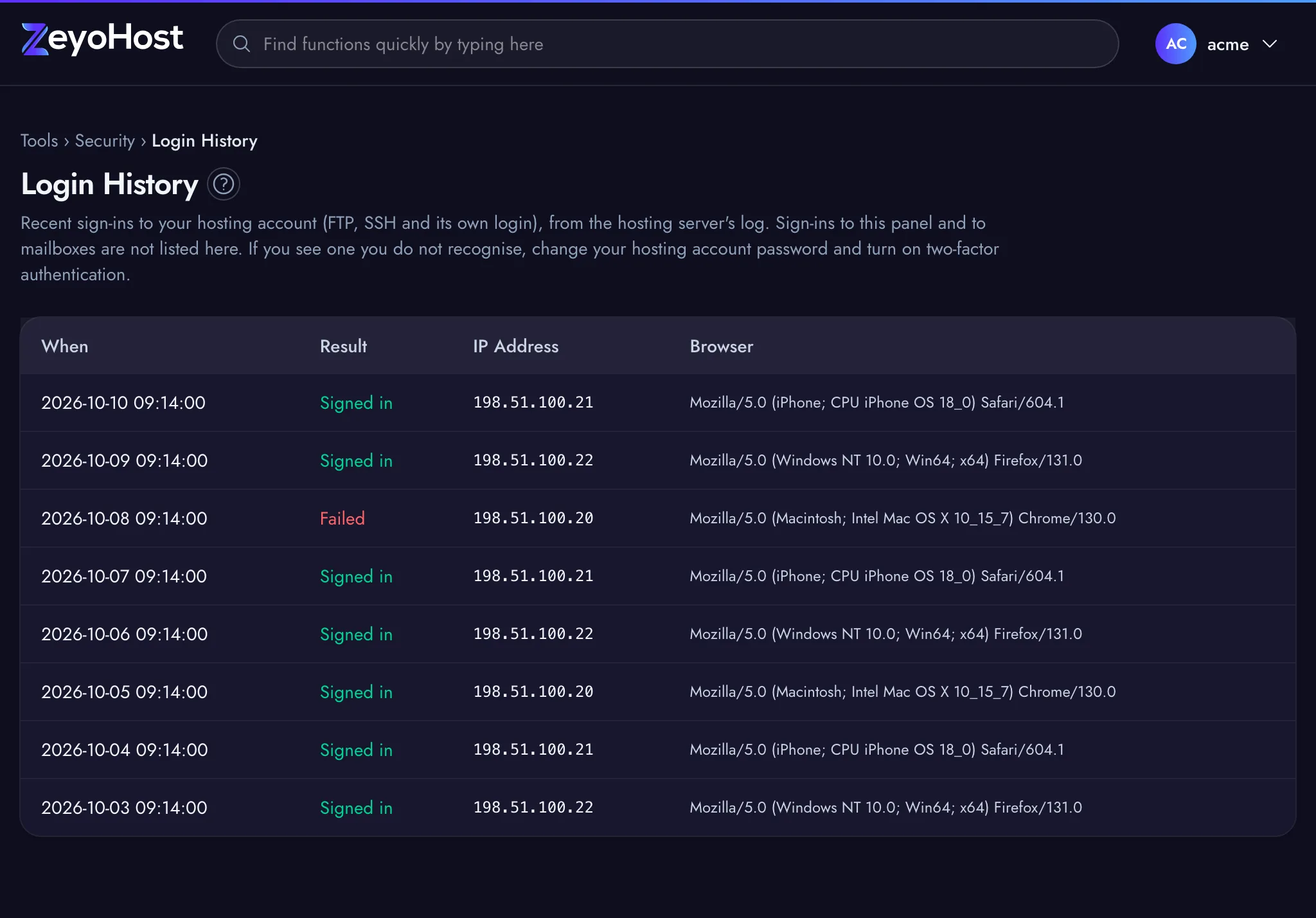
If the table says "No sign-ins recorded.", the hosting server has no sign-ins on record for this hosting account.
If you see a sign-in you do not recognise
- Change the hosting account's password in Password & Security. That is the password for FTP, SFTP and SSH.
- Turn on Two-Factor Authentication, and two-factor authentication for your Zeyo account under Sign-in & Security in your user menu.
- If the address keeps coming back to your website, block it in IP Blocker.
A failed attempt from an address you do not know is not a break-in on its own: anyone can try a wrong password. A Signed in row you cannot explain is the one to act on.
Common errors
This page only reads the list, so it has no messages of its own.
| Message | Why | What to do |
|---|---|---|
| We can't reach the hosting server | The panel is up, but the hosting server did not answer. | Your sites and email are not affected. Try again in a minute. |
Related
- Two-Factor AuthenticationTurn on a 6-digit code from an authenticator app for sign-ins with your hosting account's username and password.
- Password & SecurityChange your hosting account's password, the one for FTP, SFTP and SSH, which is separate from your panel sign-in.
- I cannot sign inYour password is refused, you are told to wait, or you lost the phone with your two-factor codes.
- Accounts, hosting accounts and team membersHow your Zeyo account, your hosting accounts and the people you invite fit together, and which password is for what.
Was this page helpful?
Sent without cookies; we do not store your IP address.
Still stuck? Contact the team; tell us the page and what you see.