

Billing
See your plan and when it renews, pay and print invoices, change your payment method or plan, and cancel or keep your subscription.
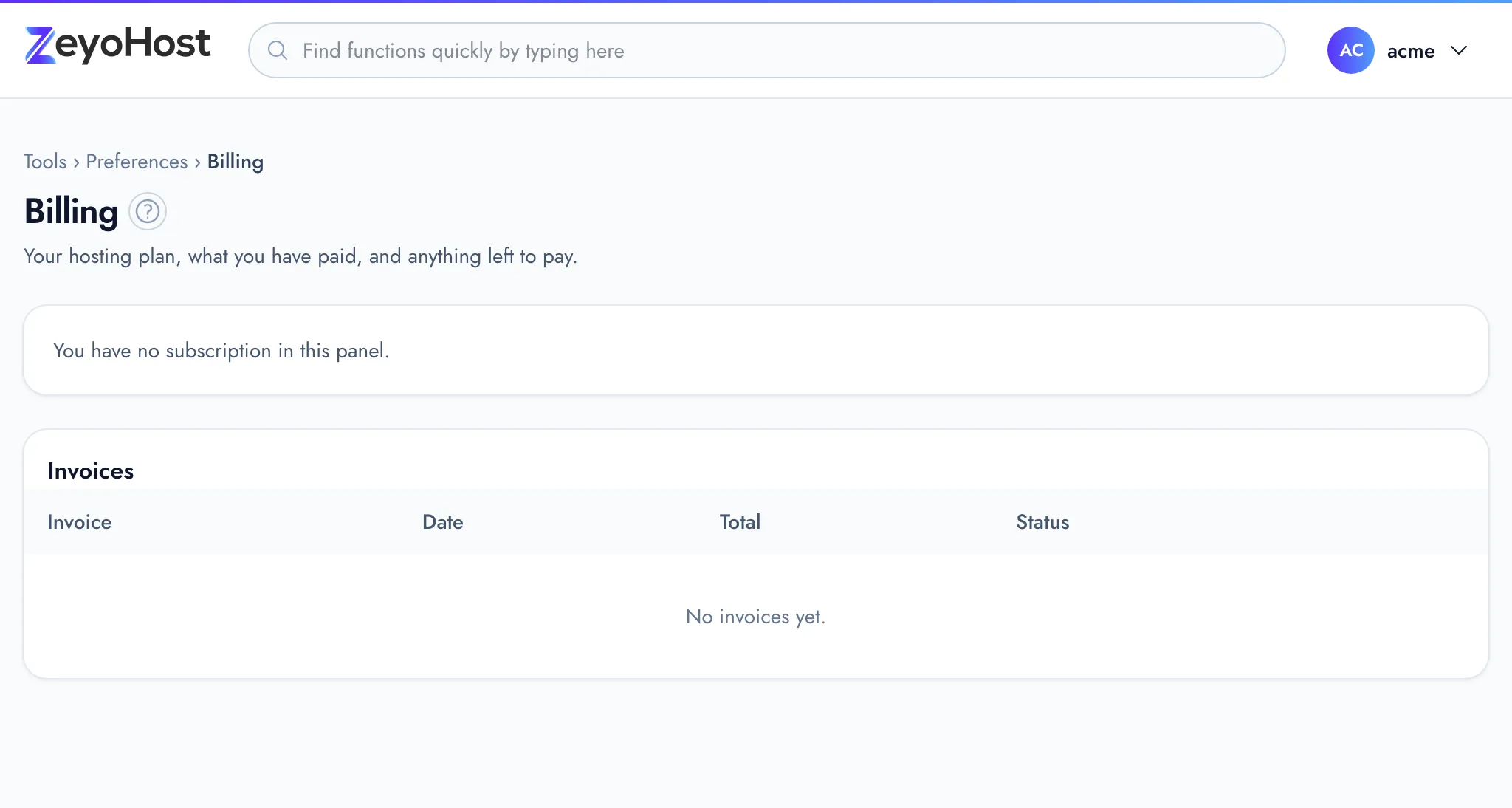
Billing shows your hosting plans, what you have paid, and anything left to pay. It belongs to your Zeyo account, so it lists the subscriptions for every hosting account you own, whichever one is selected. Team members never see this page.
See your subscription
- In the panel, open Preferences → Billing.
- Each subscription has its own box, titled with the plan and price.
| Field | What it shows |
|---|---|
| Status | Active, Past due (a payment failed or an invoice is overdue), Suspended (billing) or Cancelled. |
| Hosting account | The hosting account the plan is for, or "Being set up" while it is created. |
| Renews / Ends | The date of the next renewal, or the date it ends if you cancelled. |
| Paid with | The payment provider the subscription uses. |
Pay or print an invoice
The Invoices table lists each invoice with its date, total and status. An unpaid invoice reads "Unpaid" and its due date.
- Click Pay now next to an unpaid invoice. You go to the page where you pay it.
- To see or keep an invoice or receipt, click View. It opens in a new tab; click Print to print it or save it as a PDF.
More about invoices.
Change your payment method
Click Change payment method. You go to your payment provider's page, where you can update your card. The button only appears when your payment provider allows this online. More about payment methods.
Change your plan
- Click Change plan on the subscription.
- Choose the New plan. The box below it says when the new plan starts and what you pay.
- Click Upgrade and pay when there is something to pay now, or Change plan otherwise.
- A bigger plan on the same billing cycle starts now. You pay the difference for the rest of the current period.
- A smaller plan, or a switch between monthly and yearly, starts at your next renewal. Until then the subscription reads "Moves to" the new plan, with Keep my current plan to take it back.
- With some payment providers, such as PayPal, you approve the change on their site. Until you do, the subscription shows Approve it and Cancel the change.
The Change plan button only appears on an active subscription that is not set to end. More about changing your plan.
Cancel your subscription
- Click Cancel subscription.
- Read the date it ends and click Cancel at period end.
Your hosting stays on until the end of the period you paid for. A plan change still to come is dropped. Until that date you can click Keep my subscription to undo the cancellation.
Common errors
| Message | Why | What to do |
|---|---|---|
| Payment could not be started: … | The payment provider refused to start the payment. | Try again in a moment; if it keeps happening, send the full message to support. |
| Your payment method cannot be changed online for this subscription. Please contact us. | The payment provider has no page for changing the card. | Contact Zeyo Host support. |
| Choose a plan. | You clicked the button without choosing a plan. | Choose a New plan first. |
| Pay the open invoice first, then change plan. | An invoice is unpaid. | Pay it with Pay now, then change plan. |
| Finish or take back the plan change already started. | A plan change is waiting for payment or approval. | Complete it, or click Cancel the change. |
| The account uses more than … allows: … Remove some of it first. | Your hosting account uses more than the new plan includes, for example more databases. | Remove what is listed, then try again. |
| There is no other plan to change to. | No other plan is offered in your currency. | Keep your current plan, or contact support. |
| The cancellation could not be sent: … | The payment provider did not accept the cancellation. | Try again in a moment. |
Related
- Invoices and receiptsFind your invoices, pay an open one, and print an invoice or receipt.
- Change your planUpgrade straight away, or move to a smaller plan or another billing period at your next renewal.
- Payment methodsThe ways you can pay for hosting, how each one works, and how to update the card or account you pay with.
- Cancel and refundsStop your subscription from renewing, take a cancellation back, and ask for a refund.
- Failed payments and suspensionWhat happens when a payment fails or an invoice is not paid, and how to get a suspended account back.
Was this page helpful?
Sent without cookies; we do not store your IP address.
Still stuck? Contact the team; tell us the page and what you see.