

Virus Scanner
Scan your files for viruses and malicious scripts, then move what is found to quarantine or delete it.
Virus Scanner checks your files with the server's ClamAV® scanner and lists anything it recognises as a virus or a malicious script. Run it when you think a site has been hacked, after uploading files from somewhere you do not fully trust, or as a regular check. The scan runs as your hosting account, so it reads only your own files.
Run a scan
- In the panel, open Advanced → Virus Scanner.
- Under Start a Scan, choose what to scan: Everything in your home folder, Your websites, Your email or One folder.
- For One folder, enter it in Folder (from your home folder), for
example
web/example.com/public_html. - Click Scan Now.
The scan runs in the background, so you can keep working. A strip at the top of the page says In progress…, and the message "The virus scan finished." appears when it is done. A large hosting account can take several minutes. Files over 25 MB are skipped.
The result appears in a table titled with what was scanned and when, for example Last scan of Your websites · 5 minutes ago. Each row shows a File (its path from your home folder) and what was Found in it. If the table says "Nothing harmful was found.", the scan found nothing. Only the last scan is kept, for one day.
Deal with what it found
For each file in the result, choose one of these.
- Quarantine moves the file to the
.quarantinefolder in your home folder, outside every website, where nobody can open it. Its name gets the date and time in front. The file is listed in the File Manager, which cannot open it either; delete it there once you are sure you do not need it. - Delete removes the file. The panel asks you to confirm first.
You can only quarantine or delete files that the last scan found. If the result is gone, run the scan again.
Common errors
| Message | Why | What to do |
|---|---|---|
| Write a folder inside your home folder, like web/example.com/public_html. | The folder is empty, contains .., or has characters that are not allowed. |
Enter the path from your home folder, such as web/example.com/public_html. |
| That item does not exist. | The folder you chose to scan does not exist, or a file is no longer where the scan found it. | Check the path in the File Manager, then scan again. |
| Scanning for viruses is already in progress. Please wait for it to finish. | A scan is still running for your hosting account. | Wait until it finishes, then start the next one. |
| Only files the last scan found can be moved or deleted here. | The result has expired, or the file was not in it. | Run the scan again. |
| You do not have permission to do that. | Your hosting account cannot move or delete that file. | Contact support and quote the file's path. |
| This took too long and was stopped. Check the result, then try again if needed. | The scan ran for too long. | Scan a smaller part, such as One folder, one website at a time. |
| The ClamAV virus scanner is not installed on your server, so files cannot be scanned here. Support can install it. | Your hosting server has no virus scanner. | Contact support if you need it. |
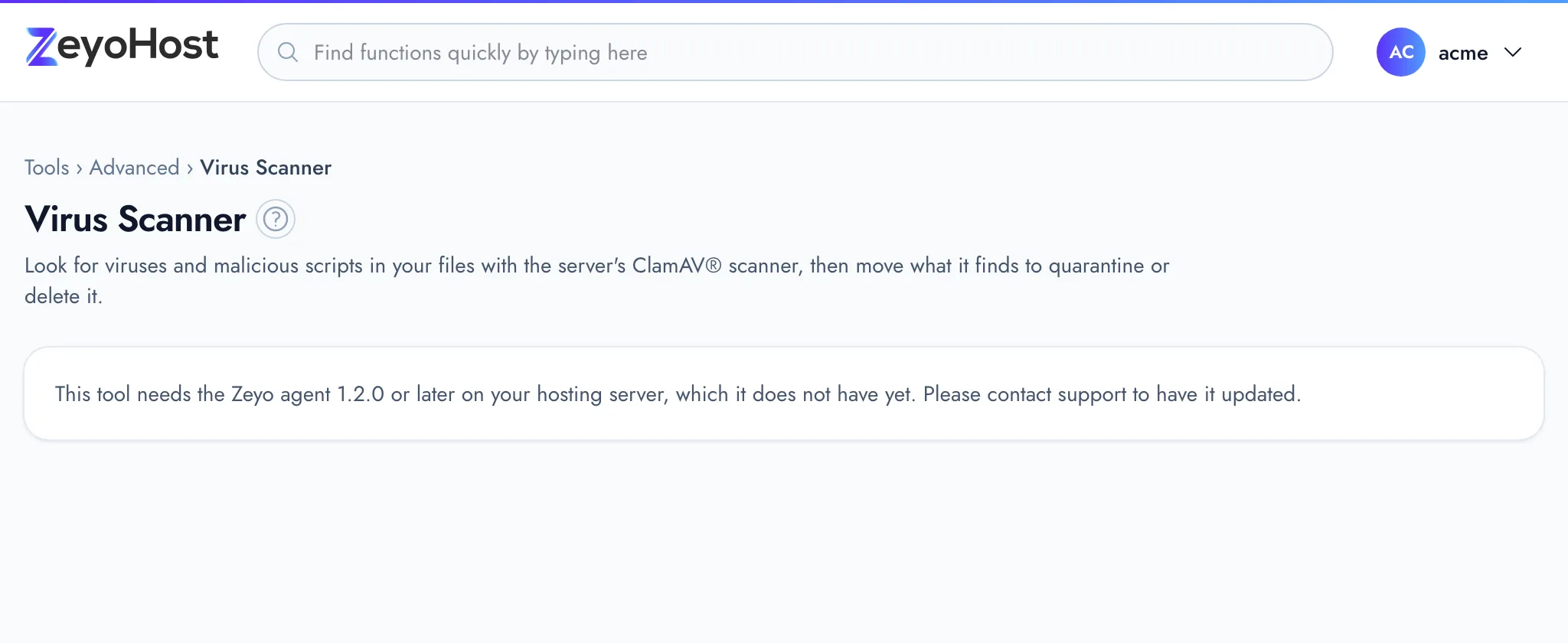
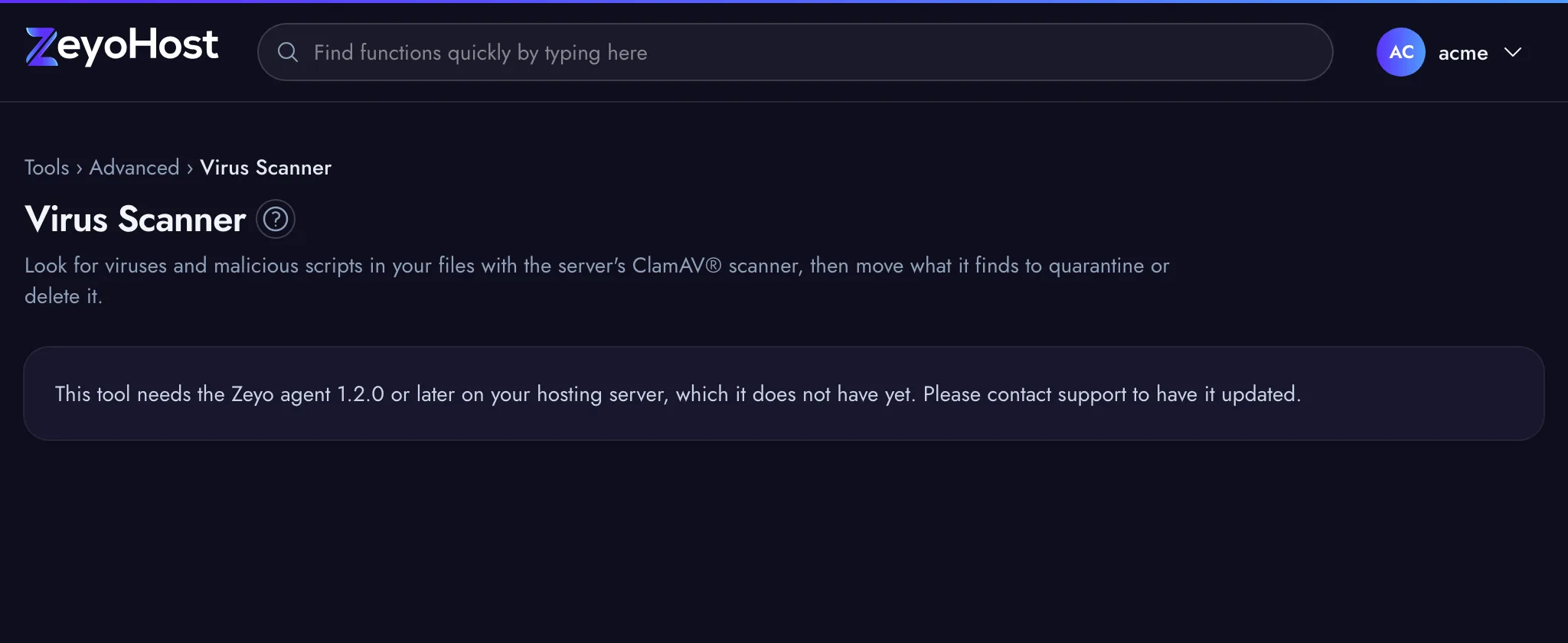
| This tool needs the Zeyo agent 1.2.0 or later on your hosting server, which it does not have yet. Please contact support to have it updated. | Your hosting server is not yet set up for this tool. | Contact support and quote the message. |
Related
- File ManagerBrowse the files of your hosting account, create and edit text files, and copy, move, compress or delete files and folders.
- BackupSee the backups of your hosting account, create a new one, and restore websites, email, databases or files from one.
- Fix Home PermissionsCheck your website folders for wrong ownership and unsafe permissions, and put them back to safe settings.
- ModSecurity®See whether the web application firewall protects each website, and turn it off for a site it blocks by mistake.
- IP BlockerStop an IP address, or a whole range, from opening one of your websites.
Was this page helpful?
Sent without cookies; we do not store your IP address.
Still stuck? Contact the team; tell us the page and what you see.