

Secure your site with HTTPS
Get a free Let's Encrypt certificate with AutoSSL, then send every visitor to the https:// address.
A certificate lets browsers open your site at https:// without a warning. The panel gets free certificates from
Let's Encrypt with AutoSSL. Once a domain has one, you can turn on Force HTTPS so visitors who type
http:// are sent to the secure address.
Get a free certificate
- In the panel, open Security → SSL/TLS Status. The home page's Secure it link opens the same page.
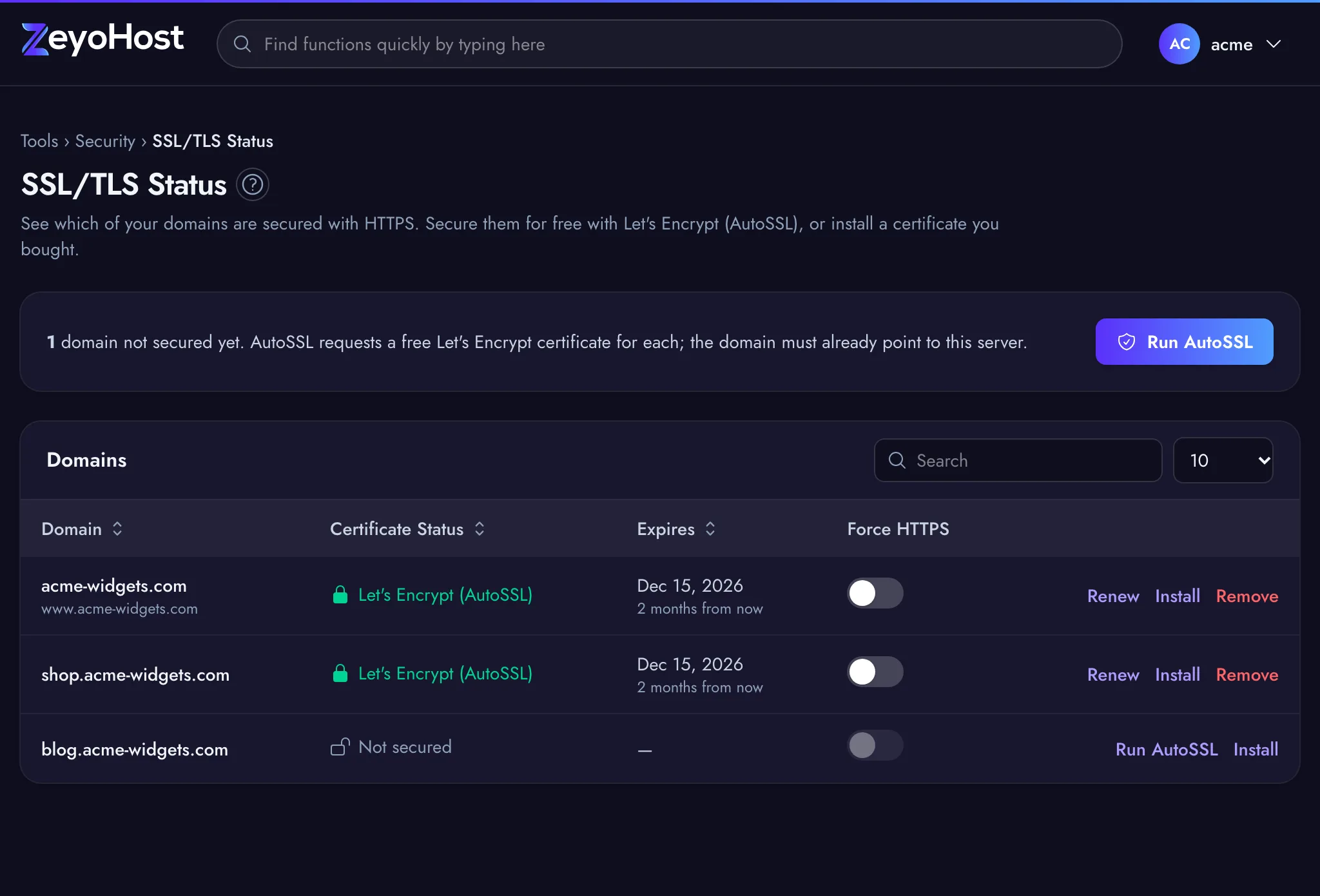
- The Certificate Status column shows Not secured for domains without a certificate.
- Click Run AutoSSL at the top to request certificates for every domain that has none (suspended domains are skipped), or Run AutoSSL on one domain's row.
- Getting a certificate takes a little while. A strip at the top of the page says it is in progress; you can keep working.
- When it is done, the panel says the domain "is now secured", and the status changes to Let's Encrypt (AutoSSL) with an expiry date.
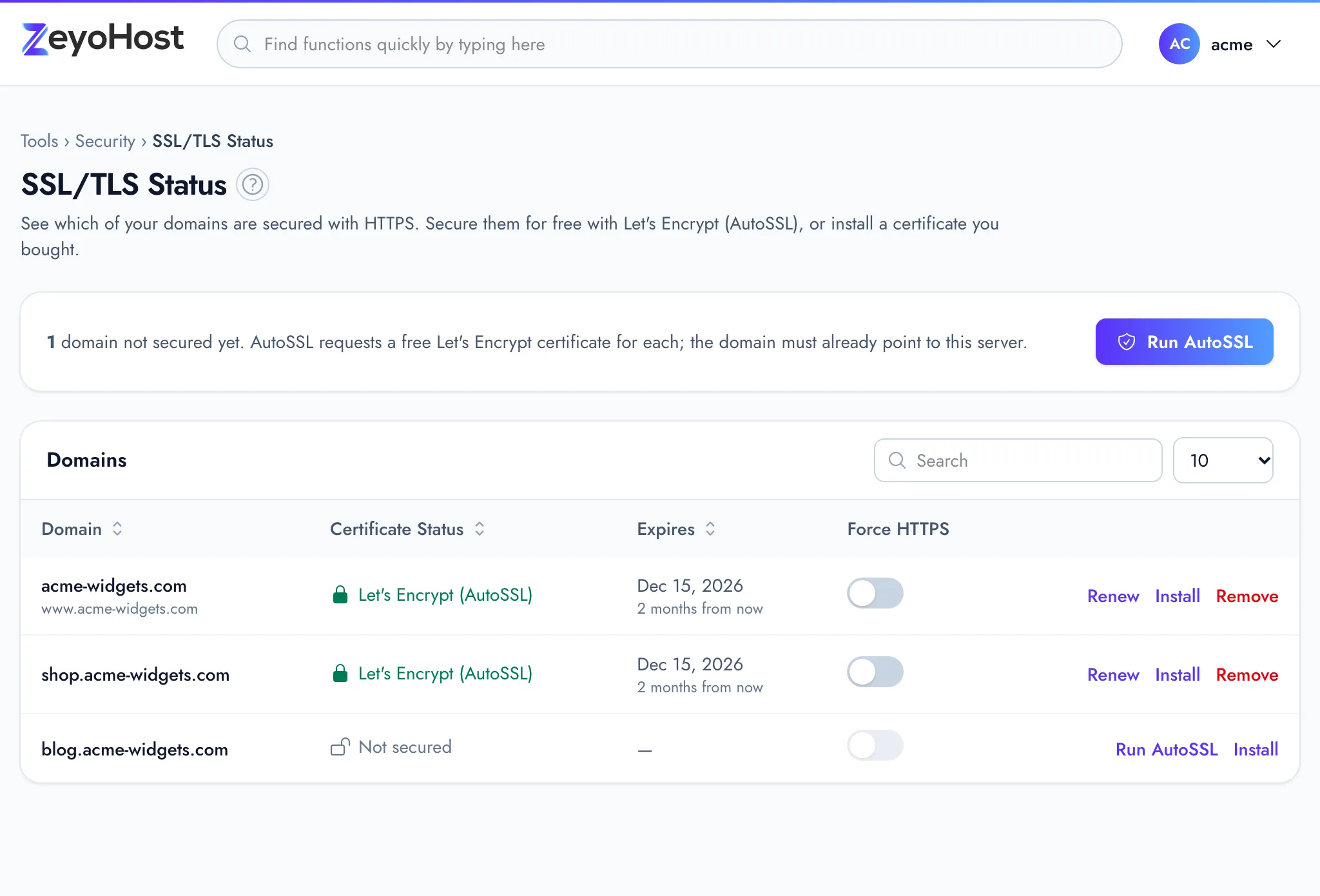
The certificate also covers the domain's aliases, such as www, which are listed under the domain name. Every
alias must point to your server too, or the request fails.
Let's Encrypt certificates are renewed by the server. The Expires column shows the current expiry date; Renew on the row requests a new certificate straight away.
Send every visitor to HTTPS
- On Security → SSL/TLS Status, find the domain.
- Turn on the Force HTTPS switch. It is greyed out until the domain has a certificate.
- The panel confirms that the domain "now always uses HTTPS".
If your site is a WordPress or other application, also make sure its own site address starts with https://.
Use a certificate you bought
If you bought a certificate elsewhere, click Install on the domain's row and paste the Certificate (CRT) and the Private Key (KEY). If your certificate authority gave you intermediate certificates, paste them in Certificate Authority Bundle (CABUNDLE, optional). Then click Install Certificate. Installing your own certificate on a domain that had a Let's Encrypt one stops AutoSSL renewing it. See SSL/TLS Status.
If it does not work
If the strip says the request failed, read the reason, fix it and click Try again. The most common cause is a domain or alias that does not point here yet. See My SSL certificate does not issue.
Related
- SSL/TLS StatusSee which of your domains use HTTPS, secure them with a free Let's Encrypt certificate, or install a certificate you bought.
- Point your domain to Zeyo HostSend your domain's visitors to Zeyo Host, either with our name servers or with A records, and check the change.
- My SSL certificate does not issueAutoSSL fails or the domain stays "Not secured". Check where the domain and its aliases point, then try again.
- DomainsAdd a domain as a new website with its own folder, DNS zone and email, change which folder it serves, or remove it.
Was this page helpful?
Sent without cookies; we do not store your IP address.
Still stuck? Contact the team; tell us the page and what you see.