

Dynamic DNS
Keep a name such as home.example.com pointing at an internet line whose address changes, using a token in your router or a small program.
Dynamic DNS keeps one of your A or AAAA records pointing at an address that changes, such as a home or office internet line. You make the record dynamic in the panel and get a token. Your router, or a small update program on a computer behind that line, then sends the current address to Zeyo Host with the token, and the record is changed to match.
Make a record dynamic
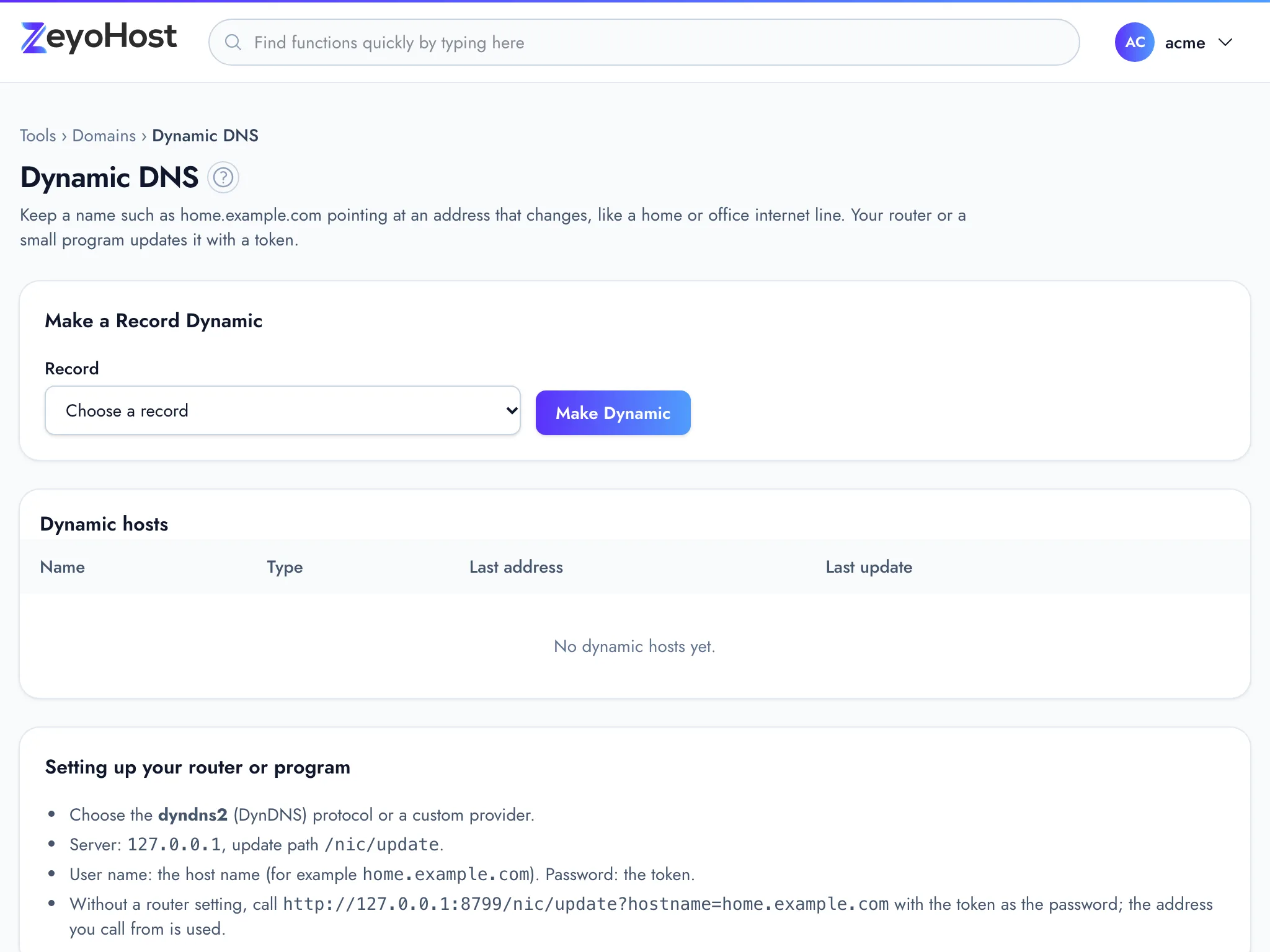
- In the panel, open Domains → Dynamic DNS.
- Under Make a Record Dynamic, choose the record in Record. Each entry shows the name, the type and the address it has now.
- Click Make Dynamic.
- The token appears under Your new token. Click Copy and paste it into your router or update program.
- Click I have saved it.
Set up your router or program
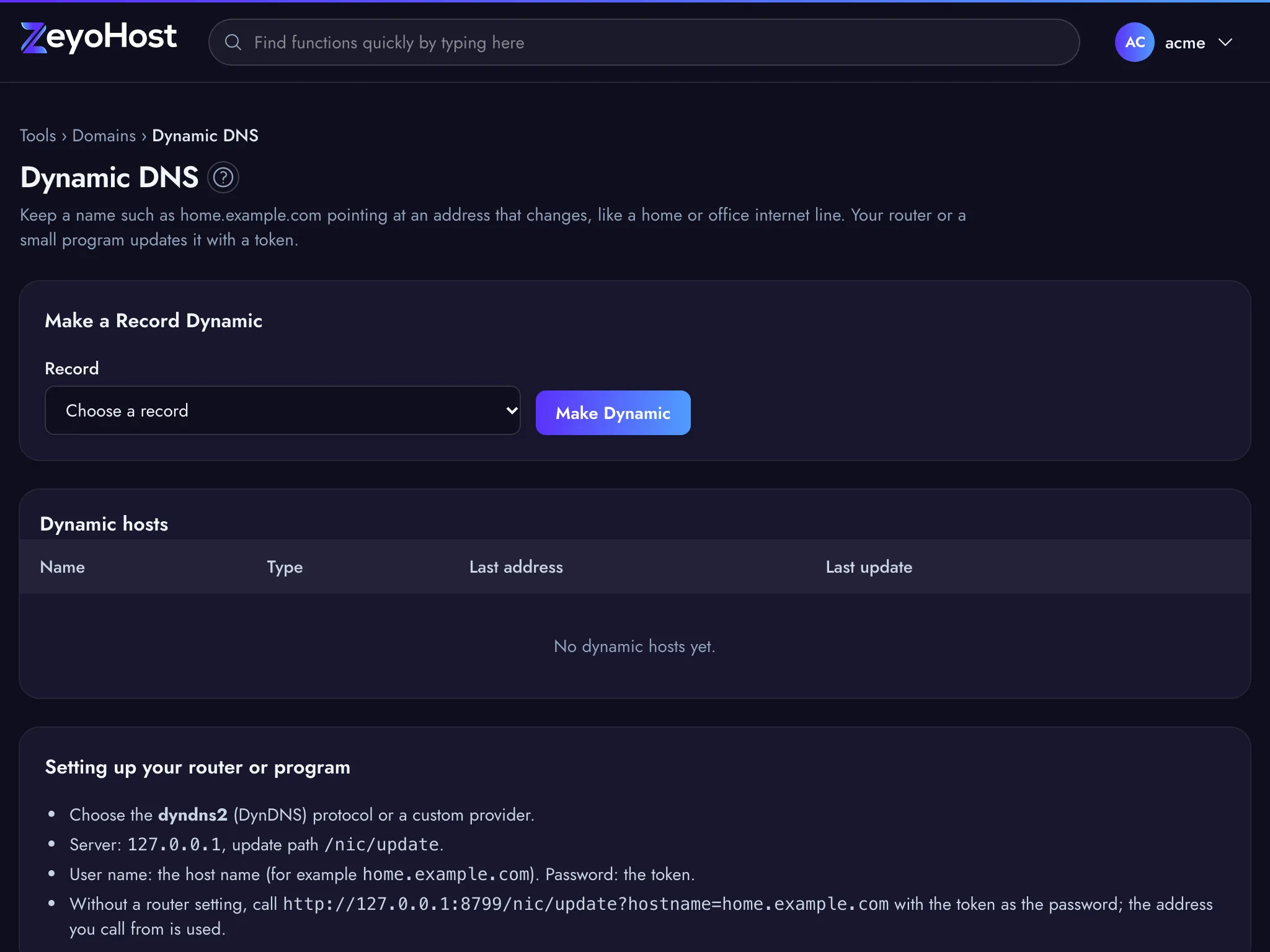
The Setting up your router or program box on the page shows the server and update path to use. In your router's Dynamic DNS settings, or in an update program such as ddclient:
| Setting | What to enter |
|---|---|
| Protocol | dyndns2 (DynDNS), or a custom provider |
| Server | The server shown on the page |
| Update path | /nic/update |
| User name | The full name of the record, such as home.example.com |
| Password | The token |
Without a router setting, call the update address yourself from a computer on that line, adding
?hostname=home.example.com and sending the token as the password. The address you call from is used. A program
can send a different address in myip, and one that cannot send a password can add the token as token= instead.
Read the answers
The update address answers in plain text, in the words routers understand:
| Answer | Meaning |
|---|---|
good and an address |
The record now points at that address. |
nochg and an address |
The record already had that address. Nothing changed. |
badauth |
The token is wrong or was replaced, the host was removed, or your plan no longer includes Dynamic DNS. |
nohost |
The hostname does not match the token's record, or the record was deleted in the Zone Editor. |
notfqdn |
The hostname is not a full name. Send home.example.com, not home. |
badip |
The address is not a public address of the record's type (IPv4 for A, IPv6 for AAAA). |
dnserr |
The record could not be changed. Try again later. |
The Dynamic hosts table shows each host's Last address and Last update (Never until the first call succeeds).
Make a new token
- In Dynamic hosts, click New token on the host.
- Copy the new token and put it in your router or program, then click I have saved it.
Stop updating a record
- Click Remove on the host.
- Click Stop updating to confirm.
Common errors
| Message | Why | What to do |
|---|---|---|
| You have no A or AAAA records yet. | There is no record that can be made dynamic. | Add an A or AAAA record in the Zone Editor. |
| That record is already dynamic. | The record is already in Dynamic hosts. | Use New token on it if you need a token. |
| Choose one of your A or AAAA records. | The chosen record no longer exists. | Reload the page and choose again. |
| The record field is required. | No record is chosen. | Choose a record in Record. |
Related
- Zone EditorAdd, change and remove the DNS records that tell the internet where your website and email live.
- Track DNSLook up a name's DNS records, see which name servers are in charge of a domain, and trace the network route to a server.
- DomainsAdd a domain as a new website with its own folder, DNS zone and email, change which folder it serves, or remove it.
Was this page helpful?
Sent without cookies; we do not store your IP address.
Still stuck? Contact the team; tell us the page and what you see.