

PHP PEAR Packages
Install and remove PEAR packages for your PHP code, in the pear folder of your home folder.
PHP PEAR Packages installs packages from PEAR, the PHP Extension and Application Repository, for your own PHP code.
They go into pear in your home folder and are installed as your hosting account, so they are yours alone and do not
change anything else on the server.
Install a package
- In the panel, open Software → PHP PEAR Packages.
- Under Install a Package, enter the Package name, such as
Mail_Mime. Use the package's name only, not a file, a web address or a version. - Click Install.
Installing runs in the background: a strip at the top of the page says In progress… and you can keep working. Packages it requires are installed with it. When it finishes, the package appears under Installed packages. If it fails, the strip says why and offers Try again.
Use a package in your code
As the page says, add ~/pear/pear/php to PHP's include_path to use your packages. ~ stands for your home
folder.
Remove a package
- Find the package under Installed packages.
- Click Remove and confirm.
Common errors
| Message | Why | What to do |
|---|---|---|
| Write a package name like Mail_Mime. | The name has characters a PEAR package name cannot have, such as spaces, dashes or slashes. | Enter the name exactly as PEAR lists it, with letters, digits and underscores. |
| The server could not read the data it was given. | The package could not be installed, for example because there is no package of that name. | Check the name and try again. |
| Mail_Mime is not installed. | The package was already removed, for example in another tab. | Reload the page. |
| That item does not exist. | The server could not remove the package. | Reload the page. If it is still listed, send the message to support as written. |
| Installing Mail_Mime is already in progress. Please wait for it to finish. | That package is already being installed. | Wait for it to finish. |
| PEAR is not installed on your server, so there is nothing to add packages to. Support can install it. | Your hosting server has no PEAR. | Contact support. |
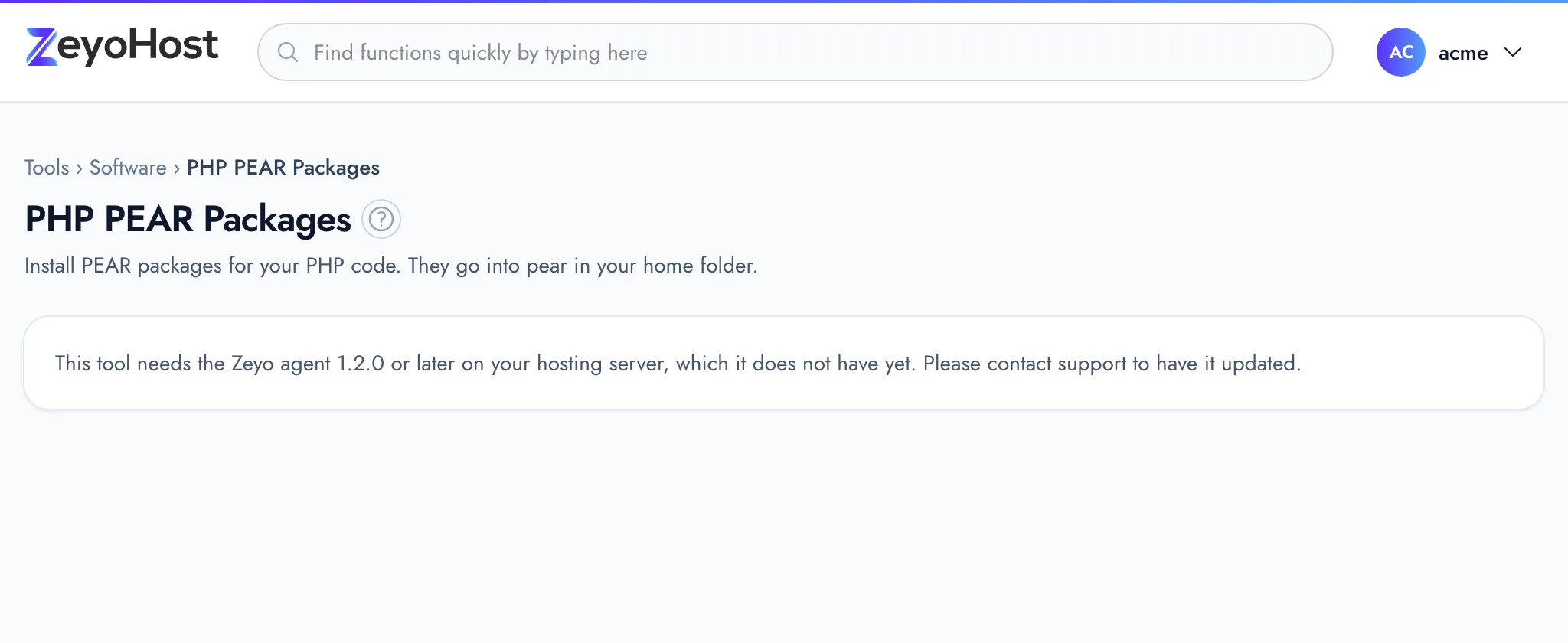
| This tool needs the Zeyo agent 1.2.0 or later on your hosting server, which it does not have yet. Please contact support to have it updated. | Your hosting server is not ready for this tool yet. | Contact support. |
Related
- Select PHP VersionChoose which PHP version each of your websites runs, and which version the php command uses in SSH and cron jobs.
- Perl ModulesInstall and remove CPAN modules for your own Perl scripts, in the perl5 folder of your home folder.
- TerminalOpen a command line for your hosting account in the browser, or connect over SSH from your own computer.
- File ManagerBrowse the files of your hosting account, create and edit text files, and copy, move, compress or delete files and folders.
Was this page helpful?
Sent without cookies; we do not store your IP address.
Still stuck? Contact the team; tell us the page and what you see.