

Fix Home Permissions
Check your website folders for wrong ownership and unsafe permissions, and put them back to safe settings.
Fix Home Permissions puts the files of your websites back to safe settings: owned by your hosting account, not writable by others, and nothing running with special rights. Use it when your site shows "403 Forbidden" or when files will not change.
It looks only at the folders of your websites (public_html, private, document_errors and cgi-bin). It
never makes a file readable or writable by other people, and it leaves email and settings alone.
Check first
- In the panel, open Security → Fix Home Permissions.
- Under Check and Fix, click Check. Nothing is changed.
- Read the Check result. It either says "Everything looks right" with the number of folders checked, or counts what would change (see the table below).
- Open Some of what would change to see example paths.
What it looks for
| Count | Meaning | What Fix does |
|---|---|---|
| Not owned by your account | Files or folders that belong to another owner. | Gives them back to your hosting account. |
| Writable by others | Files or folders that others on the server could change. | Removes write access for anyone but you. |
| Run with special rights (setuid/setgid) | Files set to run with another owner's or group's rights. | Removes those rights. |
| Your account cannot open them | Files you cannot read and write, or folders you cannot open. | Gives your account its access back. |
Fix permissions
- Click Fix Permissions.
- Confirm "Fix ownership and permissions in your website folders now?".
- The fix runs in the background. A strip at the top of the page says Fixing permissions is in progress, and you can keep working.
- When it is done you see "Permissions in your site folders were fixed." The Last fix box shows what was changed, and stays on the page for a week.
Common errors
| Message | Why | What to do |
|---|---|---|
| Fixing permissions is already in progress. Please wait for it to finish. | A fix is still running. | Wait for the strip at the top to finish. |
| Fixing permissions failed: … | The hosting server could not finish the fix. The strip says why. | Read the reason, then click Fix Permissions again. If it keeps failing, contact support with the message. |
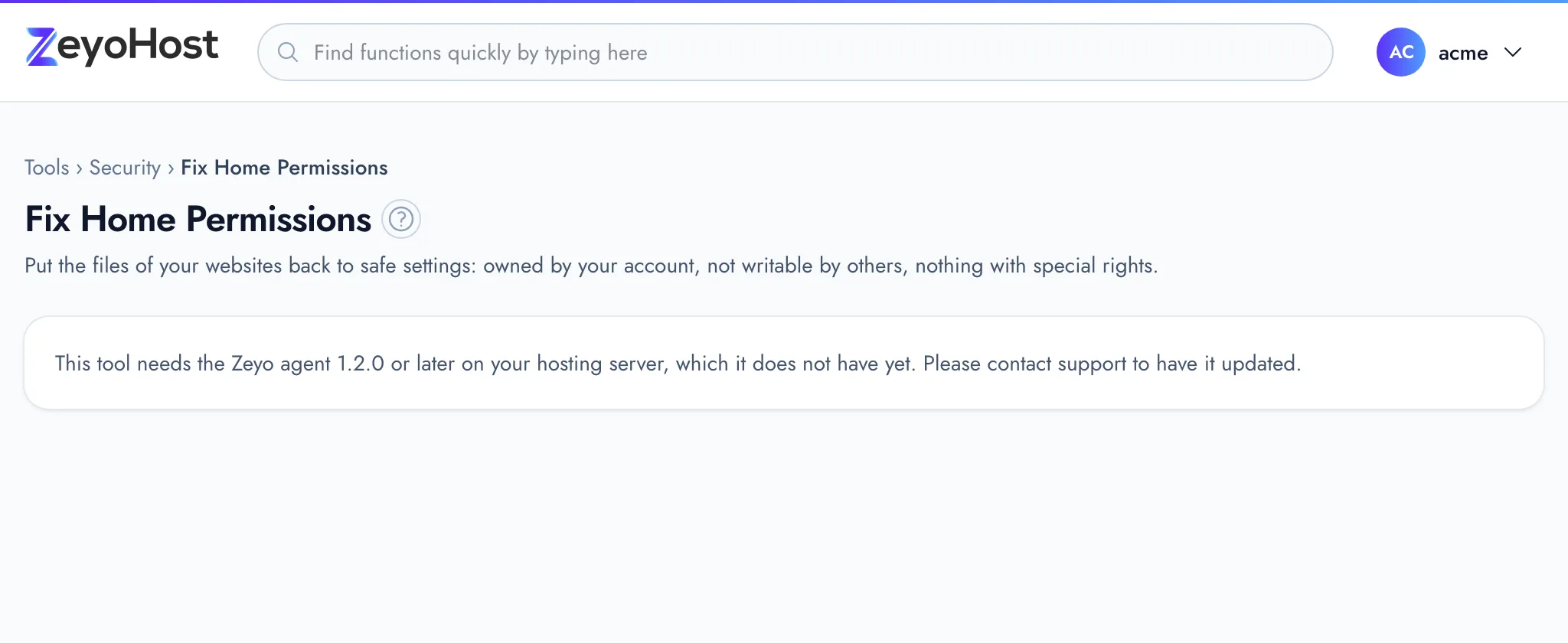
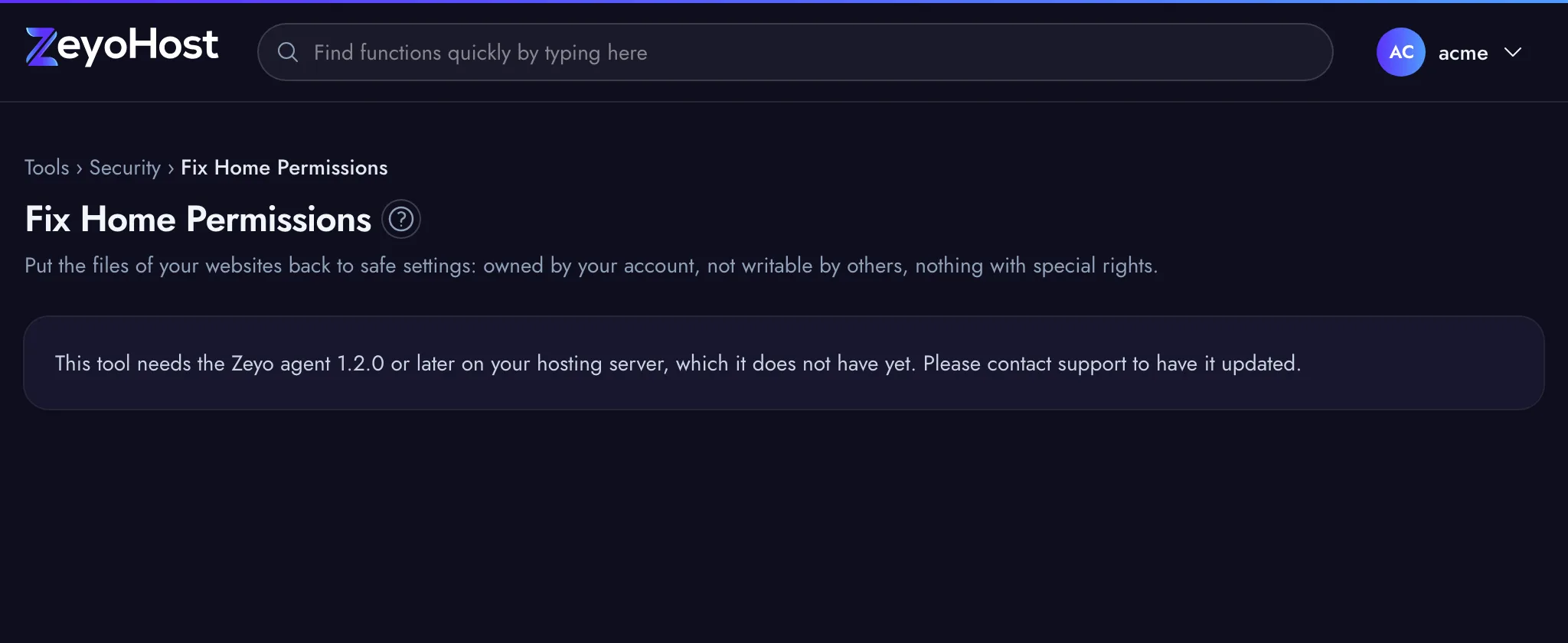
| This tool needs the Zeyo agent 1.2.0 or later on your hosting server, which it does not have yet. Please contact support to have it updated. | The hosting server has not been updated for this tool yet. | Contact support. |
Related
- File ManagerBrowse the files of your hosting account, create and edit text files, and copy, move, compress or delete files and folders.
- FTP AccountsCreate FTP logins that can upload files to one folder of a website, and change their password or folder.
- Virus ScannerScan your files for viruses and malicious scripts, then move what is found to quarantine or delete it.
- My site shows a 500 errorFind out why your website shows "500 Internal Server Error" and fix the most common causes.
Was this page helpful?
Sent without cookies; we do not store your IP address.
Still stuck? Contact the team; tell us the page and what you see.