

App Installer
Install a ready-made application, such as Joomla, on one of your domains in one step.
The App Installer puts a popular application on one of your domains in one step. The files go into the domain's
public_html, and a database can be made for the application at the same time. The list of applications and their
versions comes from your hosting server, so it can differ from one server to another.
Install an application
- In the panel, open Software → App Installer.
- In Install on, choose the domain.
- Each application is shown as a card with its name and version. Click the one you want.
- The form Install application on domain lists the options that application asks for. Fields marked with * are required. Fields with a default value are already filled in; change them if you need to. You can still change the domain at the top of the form.
- Create a database for this app: leave it ticked if the application needs a database, and the installer makes one for it.
- Fill in the passwords the application asks for. Generate makes a strong one.
- Click the Install button with the application's name. Back returns to the list without installing.
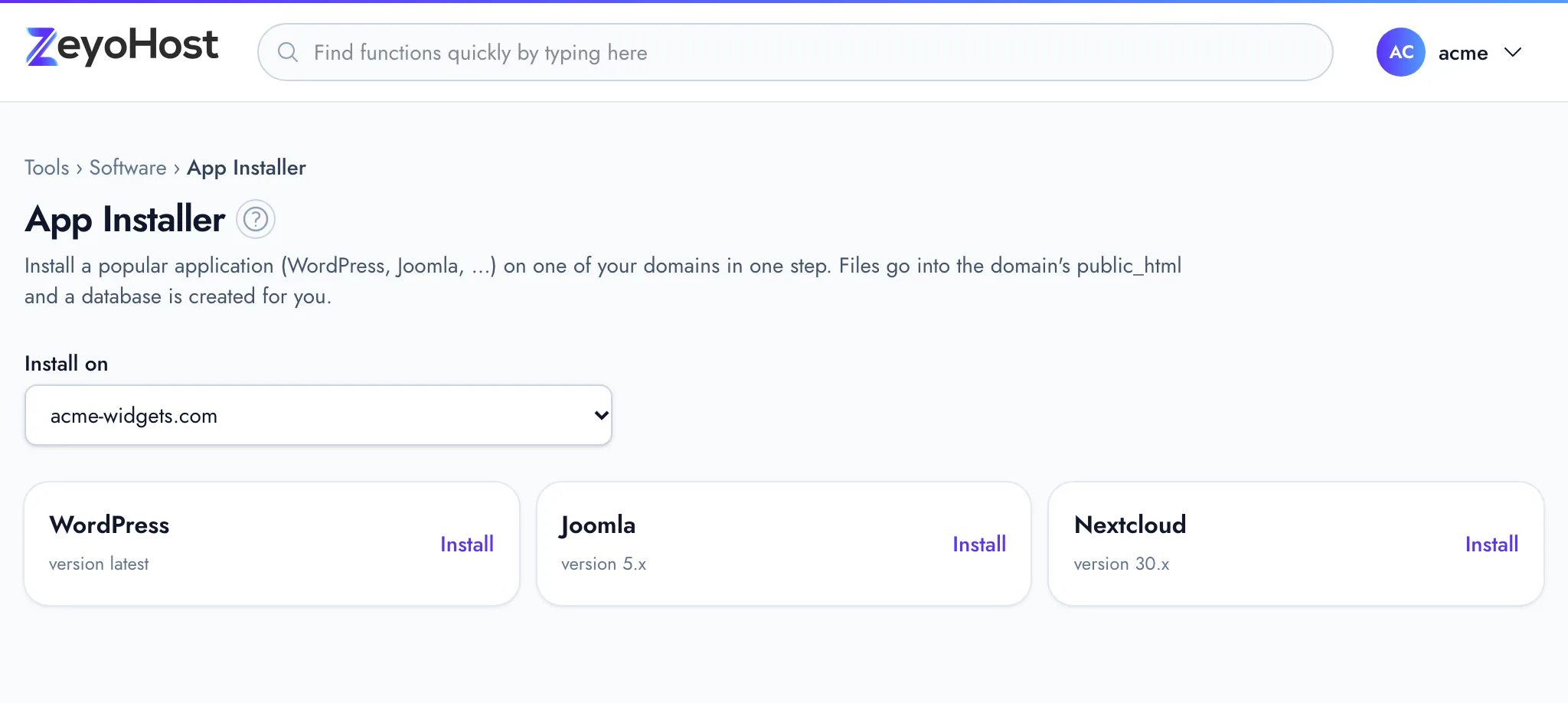
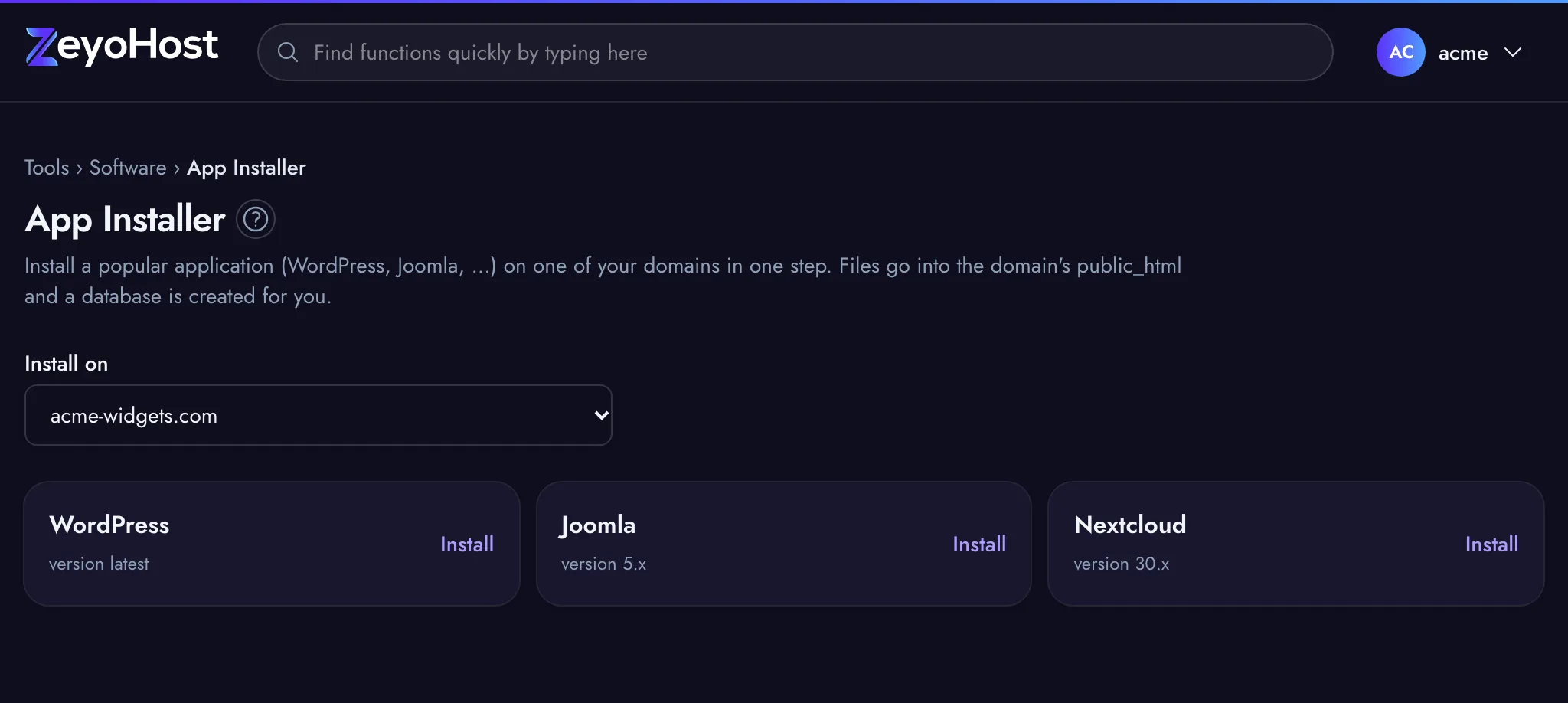
Installing runs in the background: a strip at the top of the page says In progress… and you can keep working. When it finishes, the panel says the application was installed on your domain. If it fails, the strip says why.
Common errors
| Message | Why | What to do |
|---|---|---|
| Create a domain first; apps are installed on one of your domains. | Your hosting account has no domains yet. | Add one in Domains, then come back. |
| This server has no installable apps. | Your hosting server offers no applications to install. | Upload the application with FTP Accounts or the File Manager, or contact support. |
| The app installer is not working on this server: its HestiaCP crashes when asked for the list of apps. … | The software on your hosting server has a fault that stops the list from loading. | Contact support and ask for the server to be updated. Until then, upload the application with FTP or the File Manager. |
| The email field is required. | A field marked with * is empty. The message names the field. | Fill in the field and click Install again. |
| This app has too many options to install in one step. Install it from the command line or contact support. | The installer can take at most nine filled-in options at once. | Clear optional fields you do not need, so fewer options are sent. If that is not enough, contact support. |
| That item does not exist. | The domain or the application is no longer on the list. | Reload the page and choose again. |
| Installing Joomla on example.com is already in progress. Please wait for it to finish. | An install on that domain is already running. | Wait for it to finish before you start another one on the same domain. |
Related
- WordPress® ManagerInstall WordPress on one of your websites, then keep it updated, switch debug mode and reset a WordPress password.
- DomainsAdd a domain as a new website with its own folder, DNS zone and email, change which folder it serves, or remove it.
- MySQL® DatabasesCreate a MySQL database and its user for an application such as WordPress, change the user's password, or delete a database.
- File ManagerBrowse the files of your hosting account, create and edit text files, and copy, move, compress or delete files and folders.
- Select PHP VersionChoose which PHP version each of your websites runs, and which version the php command uses in SSH and cron jobs.
Was this page helpful?
Sent without cookies; we do not store your IP address.
Still stuck? Contact the team; tell us the page and what you see.