

Setup Node.js App
Run a Node.js app, such as an Express site, on one of your websites.
Setup Node.js App runs a Node.js app on one of your websites. The server starts it, restarts it if it stops, and sends the website's visitors to it. The app runs as your hosting account and can write only inside your home folder. Once it is created, you manage it in the Application Manager.
Prepare your app
Upload your app to a folder in your home folder, for example apps/shop, with the
File Manager, FTP or
Git™ Version Control. Your app must listen on the port in the PORT variable, on 127.0.0.1:
const http = require('http');

http.createServer((req, res) => res.end('Hello')).listen(process.env.PORT, '127.0.0.1');
The server also sets NODE_ENV=production for your app. Connections such as WebSockets are passed through to it.
Create the app
- In the panel, open Software → Setup Node.js App, or click New Node.js app in the Application Manager.
- App name: a short name such as
shop, in lower-case letters, digits and dashes, of up to 31 characters. It cannot be changed later. - Website: the website the app serves.
- Script (from your home folder): the path to the file Node.js starts, from your home folder, such as
apps/shop/server.js. The file must already be there. - Arguments (optional): anything your script expects after its name, separated by spaces, such as
--workers=2. - Click Create and Start.
The panel says which port the app runs on and opens the Application Manager.
Install its packages
Put package.json next to the script, then click Install packages on the app's row in the
Application Manager. It runs npm install without development dependencies, in the
background, and restarts the app when it is done.
What the app may use
Under How it runs, the page shows how much memory and what share of a processor core each app may use on your plan. Your plan can also set a maximum number of apps; see Limits.
Common errors
| Message | Why | What to do |
|---|---|---|
| App names use lower-case letters, digits and dashes. | The name has capitals, spaces or other characters, or is longer than 31 characters. | Use a name such as shop or my-api. |
| Give the script as a path from your home folder, like apps/shop/server.js. | The path has spaces or other characters that are not allowed, or contains ... |
Enter the path from your home folder, using letters, digits, dots, dashes and underscores. |
| The argument --mode=fast! has characters apps cannot take. | Arguments can use letters, digits and . _ / = : , @ + % $ - only. |
Remove the other characters, or move the setting to a variable in the Application Manager. |
| That item does not exist. | There is no file at the script's path. | Check the path in the File Manager. Start it from your home folder, not with /home/…. |
| You already have an app called shop. | The app name is in use on your hosting account. | Choose another name, or delete the old app first. |
| example.com already runs an app. A website runs one app; delete it first or choose another website. | The website you chose already runs an app. | Choose another website, or delete its app in the Application Manager first. |
| Apps need a hosting account name of lower-case letters, digits and dashes, and this one has other characters. Please contact support. | Your hosting account's username has characters apps cannot run under. | Contact support. |
| Your plan allows 2 apps. Delete one first, or move to a bigger plan in Billing. | You have as many apps as your plan allows. | Delete an app you no longer need, or move to a bigger plan. |
| Your plan does not include apps. | Your plan allows no apps. | Move to a plan that includes them. |
| You have reached the limit of your plan. Remove something first, or move to a bigger plan in Billing. | Your hosting server counted your apps and found the plan's maximum reached. | Delete an app, or move to a bigger plan. |
| No free port was found. Please try again. | Every port the panel tried was in use. | Click Create and Start again. |
| Node.js is not installed on your server. Support can install it. | Your hosting server has no Node.js. | Contact support. |
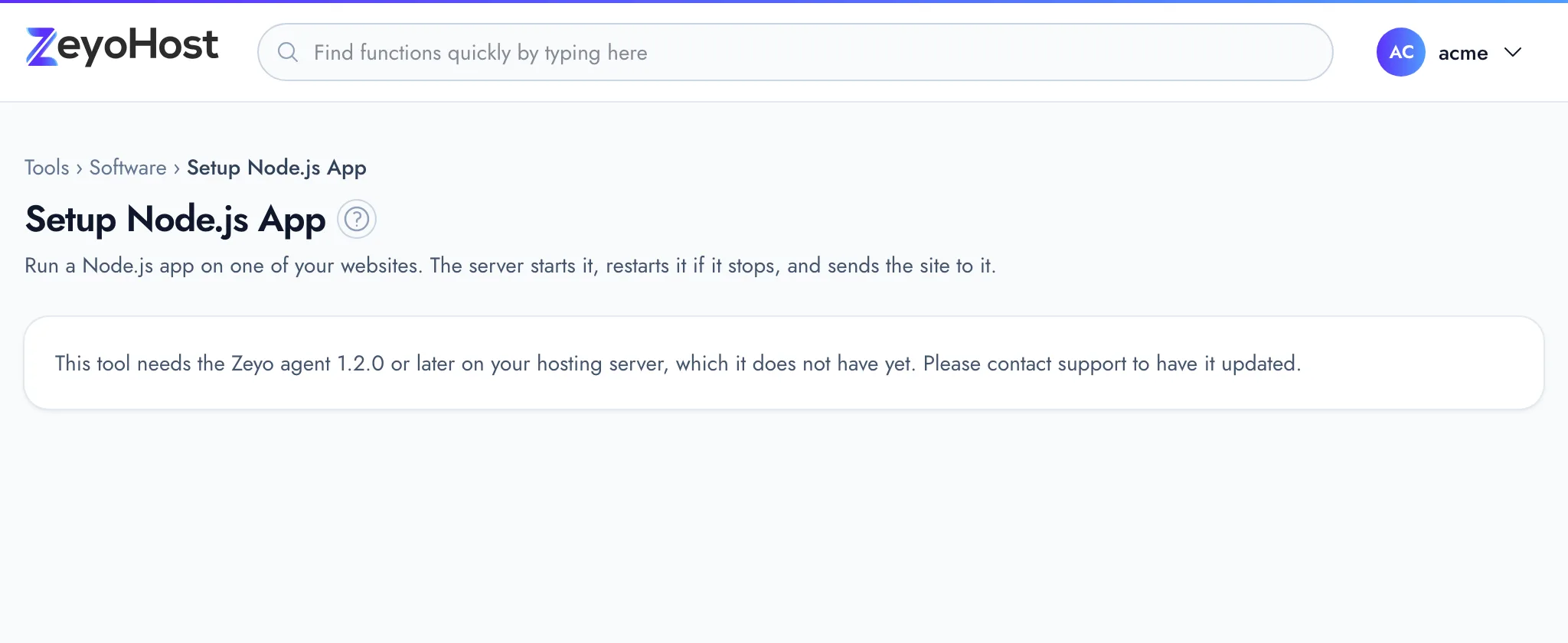
| This tool needs the Zeyo agent 1.2.0 or later on your hosting server, which it does not have yet. Please contact support to have it updated. | Your hosting server is not ready for apps yet. | Contact support. |
Related
- Application ManagerStart, stop and restart your Node.js, Python and Ruby apps, read their logs, set their variables and install their packages.
- Setup Python AppRun a Python app, such as a Flask or Django site, on one of your websites.
- Setup Ruby AppRun a Ruby app, such as a Rack or Sinatra site, on one of your websites.
- File ManagerBrowse the files of your hosting account, create and edit text files, and copy, move, compress or delete files and folders.
- Git™ Version ControlClone a Git repository from GitHub, GitLab or another host, pull new changes, switch branches and deploy the files to a website.
Was this page helpful?
Sent without cookies; we do not store your IP address.
Still stuck? Contact the team; tell us the page and what you see.