

Webmail
Read and send email in your browser, without setting up a mail app.
Webmail lets you read and send email from any browser. What the page shows depends on where your plan keeps email: on this hosting server, it lists your mail domains and their webmail address; on Zeyo Host Mail, it lists your mailboxes and signs you straight in to the one you choose.
Open webmail on this hosting server
- In the panel, open Email → Webmail.
- Find the domain and click its webmail address, for example
webmail.example.com. It opens in a new tab. - Sign in with the full email address, such as
[email protected], and the mailbox password.
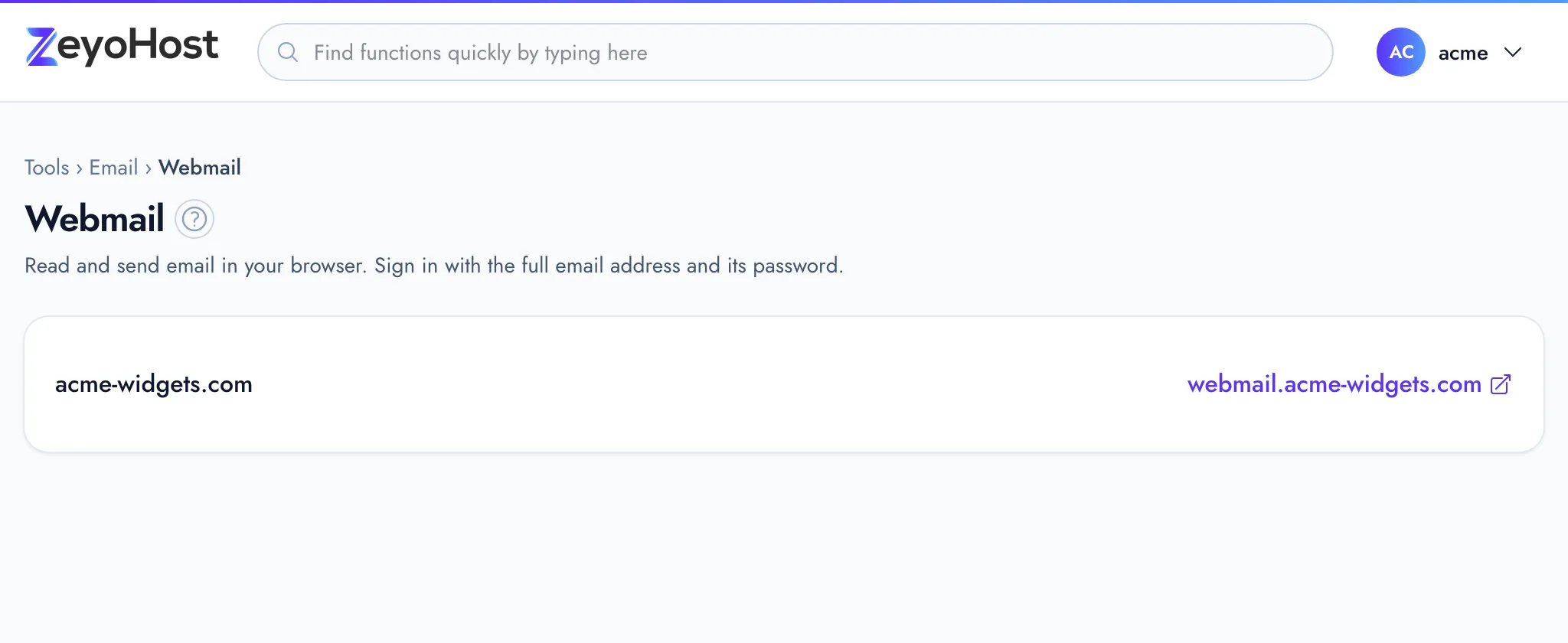
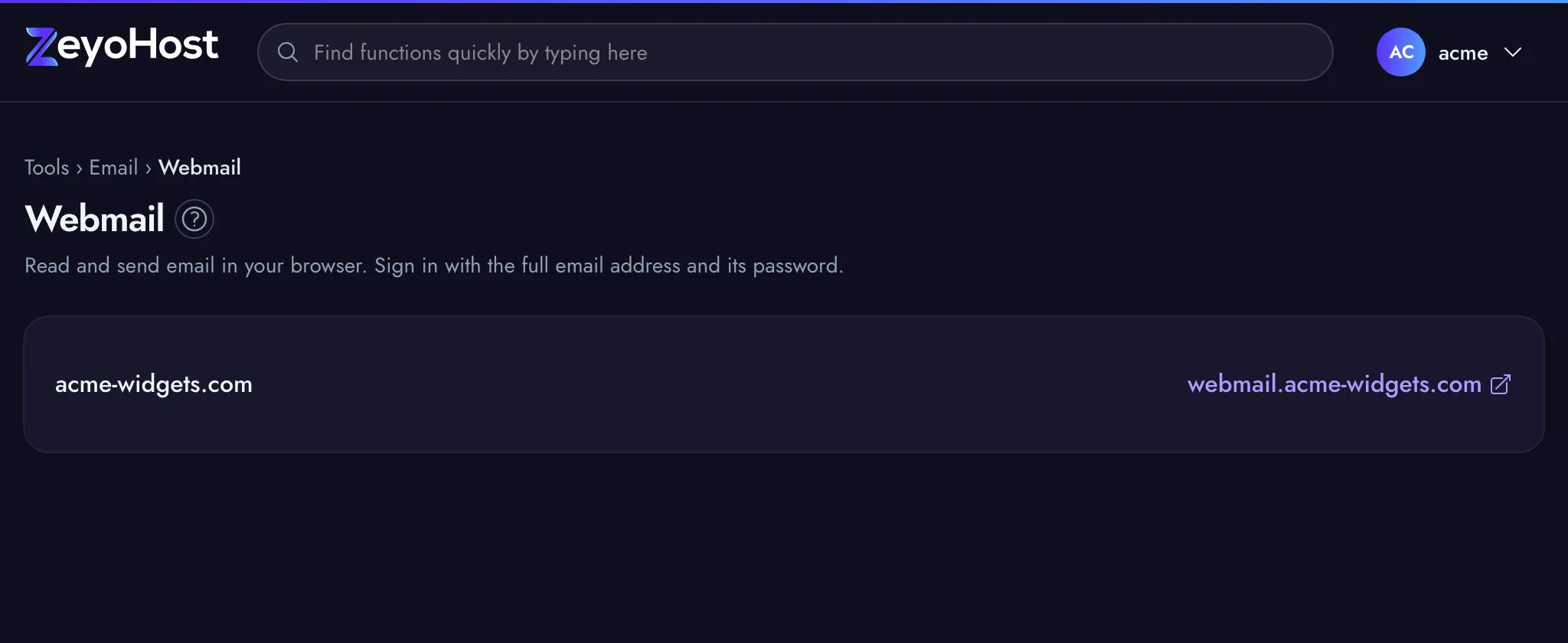
If a domain shows "Webmail is turned off for this domain.", there is no webmail for that domain's mailboxes. You can still read their mail in a mail app; see Connect Devices.
The webmail password is the mailbox's own password, set in Email Accounts. If you have forgotten it, set a new one there with Manage.
Open webmail on Zeyo Host Mail
- In the panel, open Email → Webmail.
- Find the mailbox and click Open webmail. It opens in a new tab, already signed in. No password is needed.
Check Email in Email Accounts does the same for one mailbox.
Common errors
| Message | Why | What to do |
|---|---|---|
| You have no mail domains yet. | Your hosting account has no domain with email yet. | Add a domain in Domains. |
| You have no mailboxes yet. Create one in Email Accounts. | Your email is on Zeyo Host Mail and there is no mailbox yet. | Create one in Email Accounts. |
| Webmail is turned off for this domain. | The domain has no webmail. | Use a mail app instead; see Connect Devices. |
| Zeyo Host Mail could not be reached. Please try again shortly. | The panel could not connect to Zeyo Host Mail. | Wait a minute and try again. |
| That domain is not one of your email domains. | The mailbox's domain is no longer one of your Zeyo Host Mail domains. | Check the domain in Email Domains. |
Related
- Email AccountsCreate mailboxes on your domains, change their passwords and storage space, and delete the ones you no longer need.
- Connect DevicesFind the server names, ports and sign-in details to set up your email on a phone, tablet or computer.
- Email DomainsSee which domains your email uses, and on Zeyo Host Mail add a domain, set up its DNS records and check them.
- Email is not arrivingMessages to your domain's addresses never show up. Check where your domain's mail goes, the mailbox and its storage.
Was this page helpful?
Sent without cookies; we do not store your IP address.
Still stuck? Contact the team; tell us the page and what you see.