

Directory Privacy
Ask visitors for a user name and password before a folder of your website, or the whole site, opens.
Directory Privacy puts a password on a folder of your website, such as example.com/members, or on the whole site.
Visitors see a login box and must enter a user name and password before anything opens. Every file inside is
protected, including images and downloads. Use it for a staging copy of a site, a members' area or files you share
with a few people.
The logins you create here only open the protected folder. They are separate from your Zeyo account, your hosting account's password and your FTP accounts.
Protect a folder or the whole site
- In the panel, open Files → Directory Privacy.
- If you have more than one website, choose it under Website.
- Folder: enter the folder after your domain, for example
membersorfiles/private. Leave it empty to protect the whole site. - Name shown in the login box: the title visitors see when they are asked to sign in. It starts as
Private area. - User name and Password: the first login for the folder. The password needs at least 10 characters with upper- and lower-case letters and numbers; click Generate for a strong one.
- Click Protect.
The table Protected on your domain lists every protected folder with its login box name and logins.
Add or remove a login
- Find the folder in the table and click Add user.
- Enter a User name and a Password, then click Add. A user name that is already listed for that folder is refused.
- To remove a login, click the × next to its name in the Users column and confirm with Remove. It can no longer sign in there.
To give an existing login a new password, remove it and add it again with the new password.
Remove the protection
- Click Unprotect next to the folder.
- Confirm with Remove protection.
Common errors
| Message | Why | What to do |
|---|---|---|
| Use a folder inside your site, such as members or files/private. | The folder has characters that are not allowed, . or .., or starts with a dot or dash. |
Use letters, digits, dots, dashes and underscores, with / between folders. |
| Use letters, numbers, spaces, dots, dashes or underscores. | The login box name has other characters. | Remove quotes, symbols and accented letters. |
| Use letters, numbers, dots, dashes or underscores. | The user name has spaces or other characters. | Choose a user name without spaces or symbols. |
| … can already sign in here. To give them a new password, remove them and add them again. | That user name is already a login for this folder. | Choose another user name, or remove the login and add it again with the new password. |
| The password field must be at least 10 characters. | The password is too short. | Use 10 characters or more, or click Generate. |
| The password field must contain at least one uppercase and one lowercase letter. | The password is all one case. | Mix upper- and lower-case letters. |
| The password field must contain at least one number. | The password has no digit. | Add a number. |
| That is not one of your sites. | The website is no longer on your hosting account. | Reload the page and choose a listed website. |
| Password-protected folders are not available on this hosting server yet: it needs nginx in front of Apache, HestiaCP's usual setup. | Your hosting server is set up in a way this tool does not support. | Contact support and quote the message. |
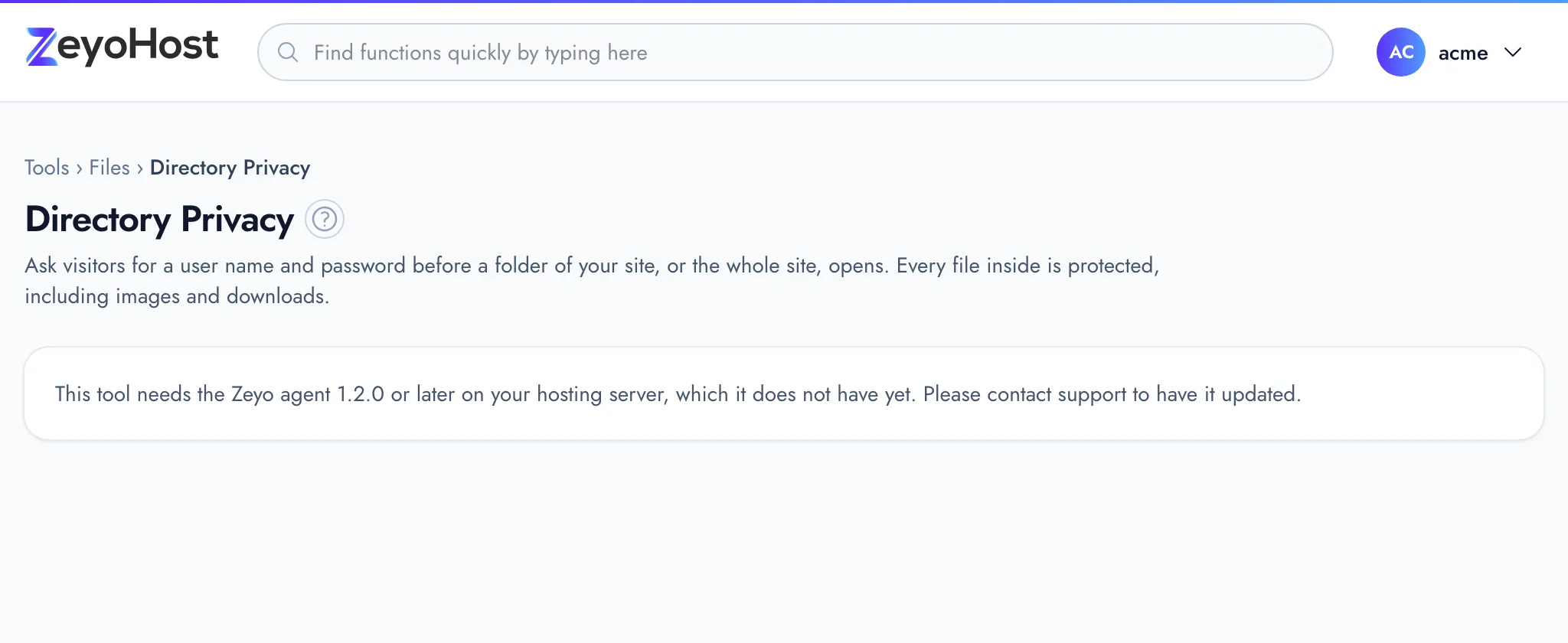
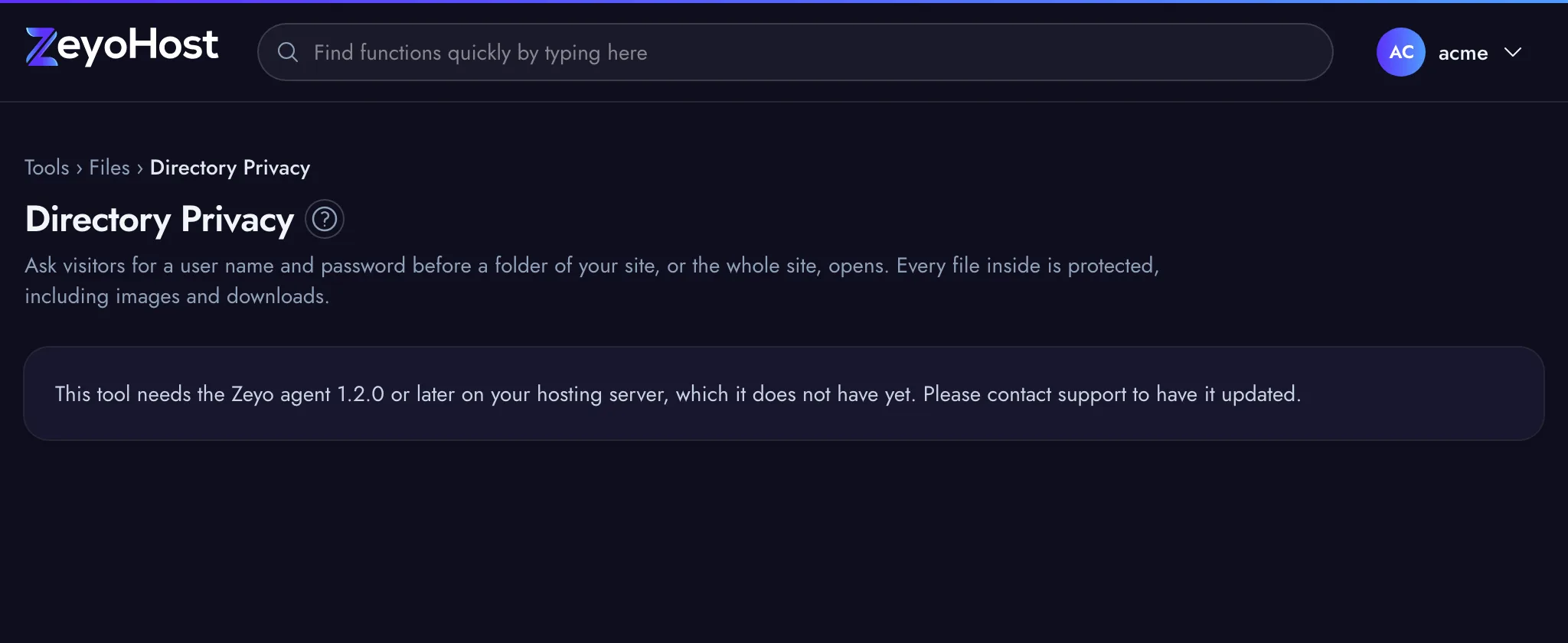
| This tool needs the Zeyo agent 1.2.0 or later on your hosting server, which it does not have yet. Please contact support to have it updated. | Your hosting server needs an update before the tool can run. | Contact support and quote the message. |
Related
- Leech ProtectionBlock a login of a password-protected folder when it is used from too many places, so it cannot be shared around.
- IP BlockerStop an IP address, or a whole range, from opening one of your websites.
- File ManagerBrowse the files of your hosting account, create and edit text files, and copy, move, compress or delete files and folders.
- DomainsAdd a domain as a new website with its own folder, DNS zone and email, change which folder it serves, or remove it.
Was this page helpful?
Sent without cookies; we do not store your IP address.
Still stuck? Contact the team; tell us the page and what you see.